Maximize Your LinkedIn Game with Smart Prioritization
Navigating LinkedIn can feel like wading through a sea of messages, especially when your inbox is buzzing with recruiters, clients, and random connections. That’s where a tool to rank your LinkedIn conversations comes in clutch. It’s not just about staying organized; it’s about making sure you’re spending your energy on the chats that could move the needle for your career or business.
Why Prioritizing LinkedIn Chats Matters
Think about it—how often do you miss a golden opportunity because a key message got buried? Maybe a recruiter reached out about a dream role, or a potential client hinted at a deal, but you didn’t see it in time. By using a system to sort and highlight important discussions, you’re taking control of your professional network. It’s a small step that can lead to big wins, whether you’re job hunting or building partnerships.
Focus on What Counts
LinkedIn is a powerful platform, but only if you use it strategically. Don’t let endless scrolling or outdated threads slow you down. Instead, zero in on the conversations that deserve your attention and watch your networking efforts pay off.
FAQs
How does the LinkedIn Conversation Priority Checker determine priority?
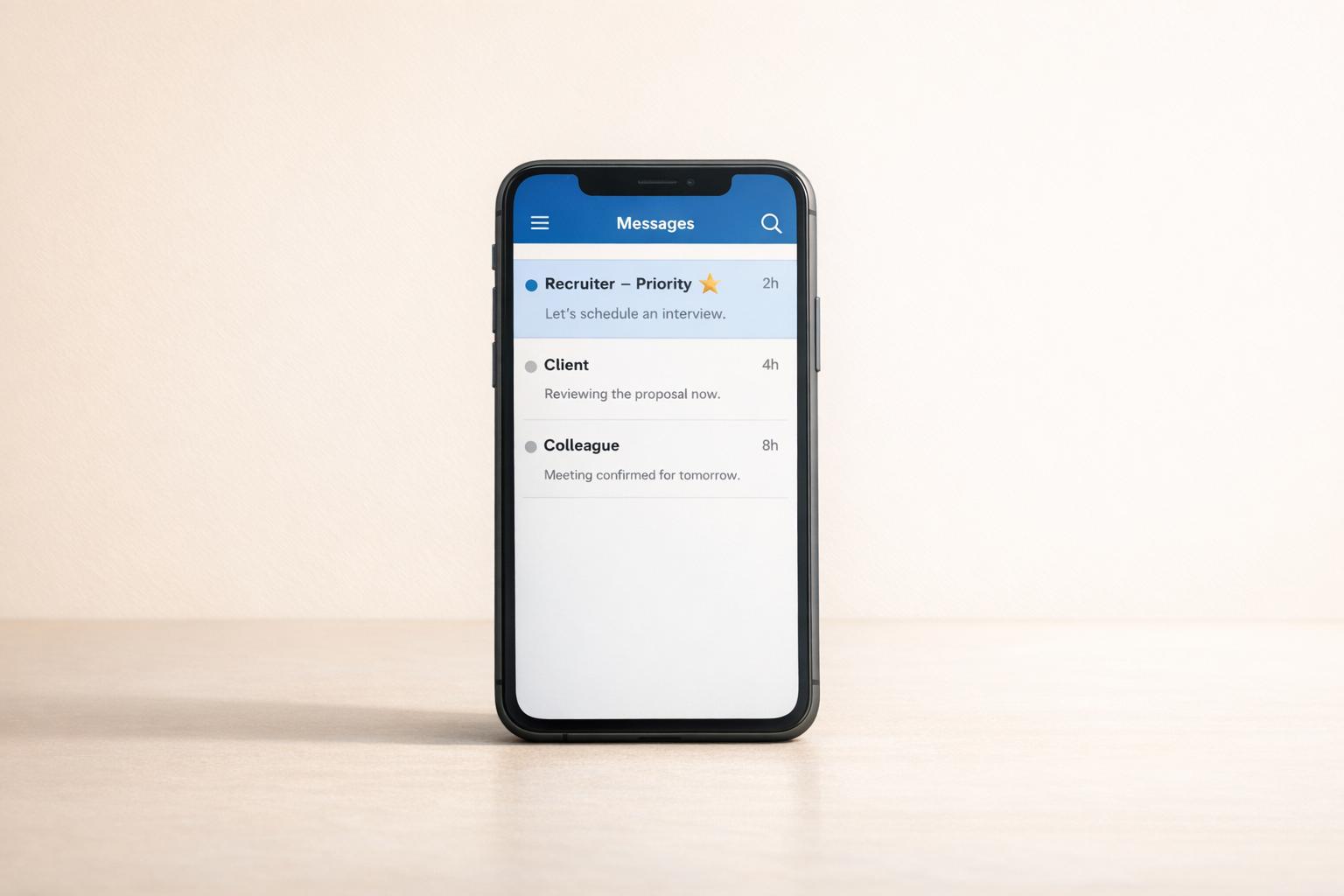
It’s pretty straightforward! The tool looks at three things: the type of contact, the purpose of your chat, and how recently you interacted. For example, a recruiter discussing a job opportunity always gets a ‘High Priority’ tag because that could be a career-changing moment. On the other hand, a networking chat with no recent activity might rank lower since it’s less urgent. We keep the logic simple so you can trust the results without overthinking it.
Can I use this tool for all my LinkedIn messages?
Absolutely, and that’s the beauty of it. Whether you’ve got a mix of recruiters, potential clients, or old colleagues in your inbox, this tool works for any conversation. Just input the details for each one, and you’ll get a clear priority ranking. It’s especially handy if you’re juggling dozens of chats and need a quick way to decide where to focus your time.
Is there a cost to using this priority checker?
Nope, it’s completely free! We built this tool to help professionals like you streamline their LinkedIn game without any hidden fees. Just pop in the info, get your results, and start reaching out to the right people. If you find it helpful, spread the word—that’s all we ask!