Category: All Posts
Full archive of Cesar.chat articles on LinkedIn DMs, labels, follow-ups, shared inboxes, and CRM integrations.
-
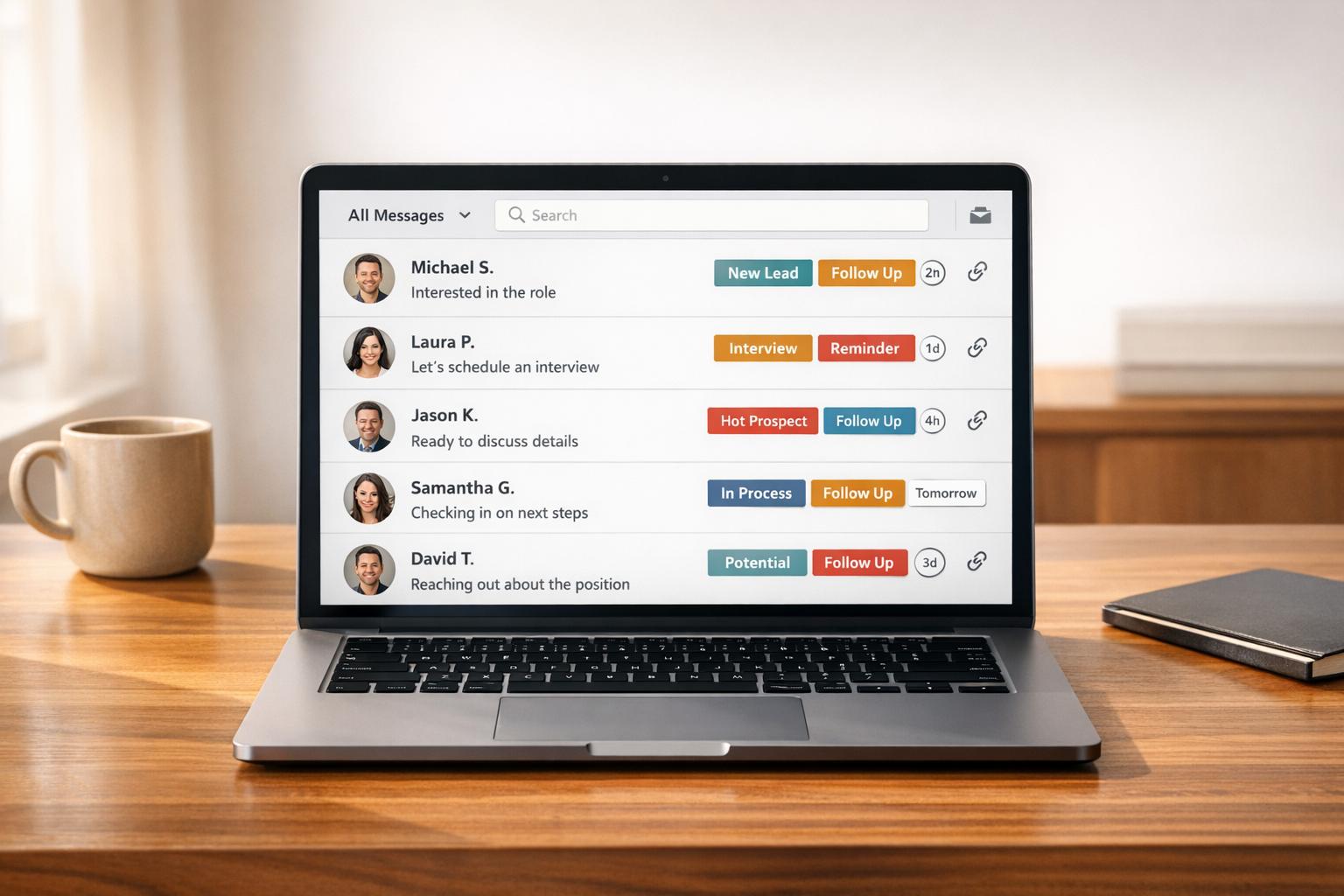
LinkedIn Inbox for Recruiters (High-volume handling)
Labels, timed follow-ups, snippets and CRM sync help recruiters manage high-volume LinkedIn messaging and avoid missed opportunities.

-
How SDRs Manage LinkedIn Inbox Chaos
Labels, batching, and automation to cut response times, keep follow-ups on track, and convert LinkedIn messages into more meetings.
-
LinkedIn Outreach Inbox Management Guide
Organize LinkedIn messages with stages, labels, templates, snooze, and CRM sync to boost response rates and save time.
-
LinkedIn Lead Management: Track Every Conversation
Organize LinkedIn conversations, score and prioritize prospects, automate follow-ups, and sync messages to your CRM for reliable pipeline growth.
-
3 Ways Your LinkedIn Inbox Improves Sales Pipeline
Your LinkedIn inbox is an untapped sales engine—organize, automate follow-ups, and use templates to stop losing deals.
-
LinkedIn Prospecting Works but Inbox Doesn’t (Fix Guide)
Your LinkedIn inbox is sabotaging deals — prioritize leads, set follow-up reminders, use snippets, and sync to your CRM.
-
How to Turn LinkedIn DMs into a Lead Conversion Machine
Turn LinkedIn DMs into predictable B2B leads with personalization, profile optimization, smart follow-ups, and inbox tools.
-
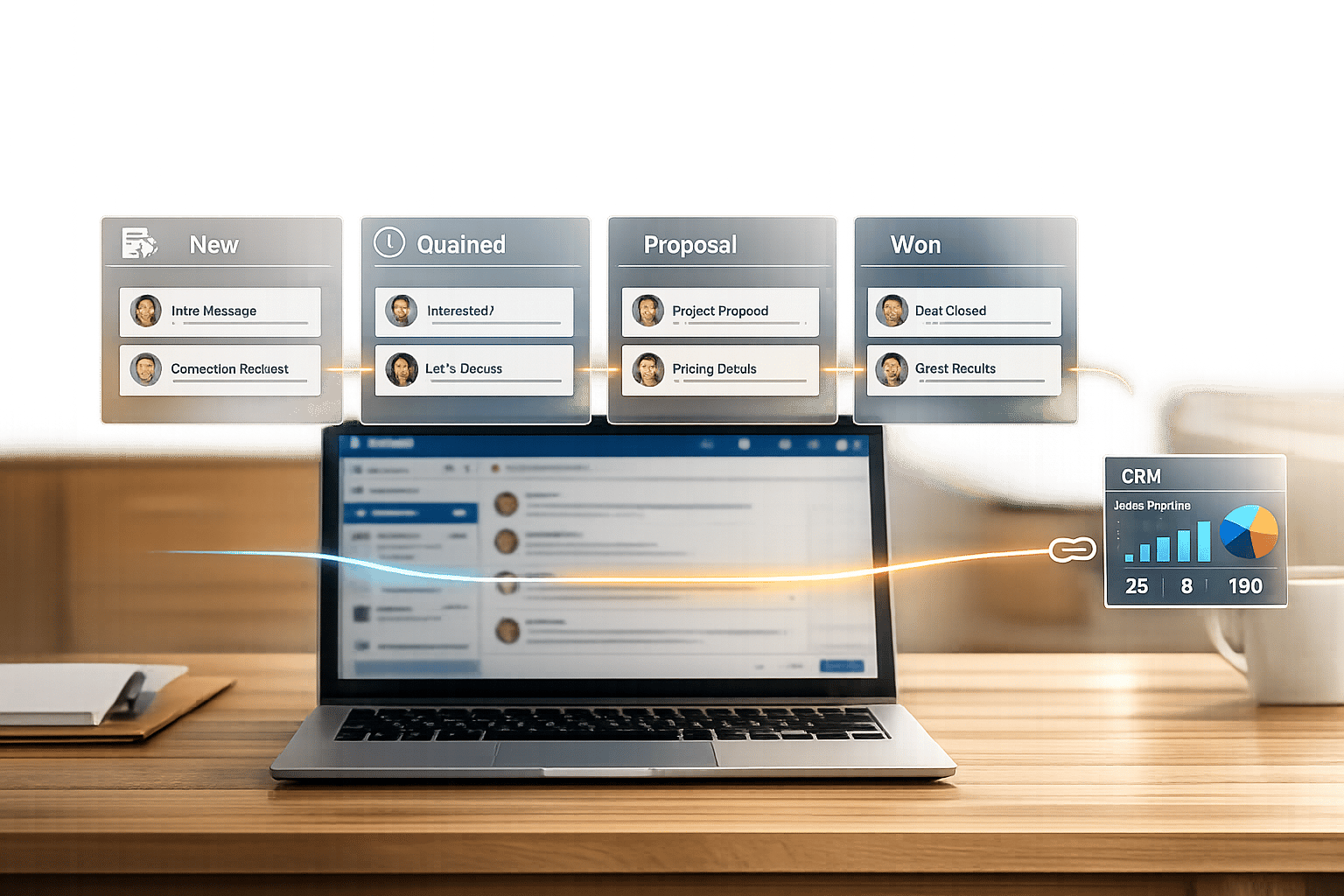
How to Turn LinkedIn Inbox into a Sales Pipeline
Organize LinkedIn messages by sales stage, automate follow-ups, use templates/shortcuts, and sync with your CRM to build a pipeline.
-
Why LinkedIn Inbox Sucks (And What to Do Instead)
LinkedIn’s inbox buries important messages and lacks organization — learn simple fixes to manage outreach, follow-ups, and priorities.
-
LinkedIn Inbox Crisis: Message Overload in B2B Sales
Tools that sort LinkedIn messages, automate follow-ups, and cut time wasted on manual CRM updates.
-
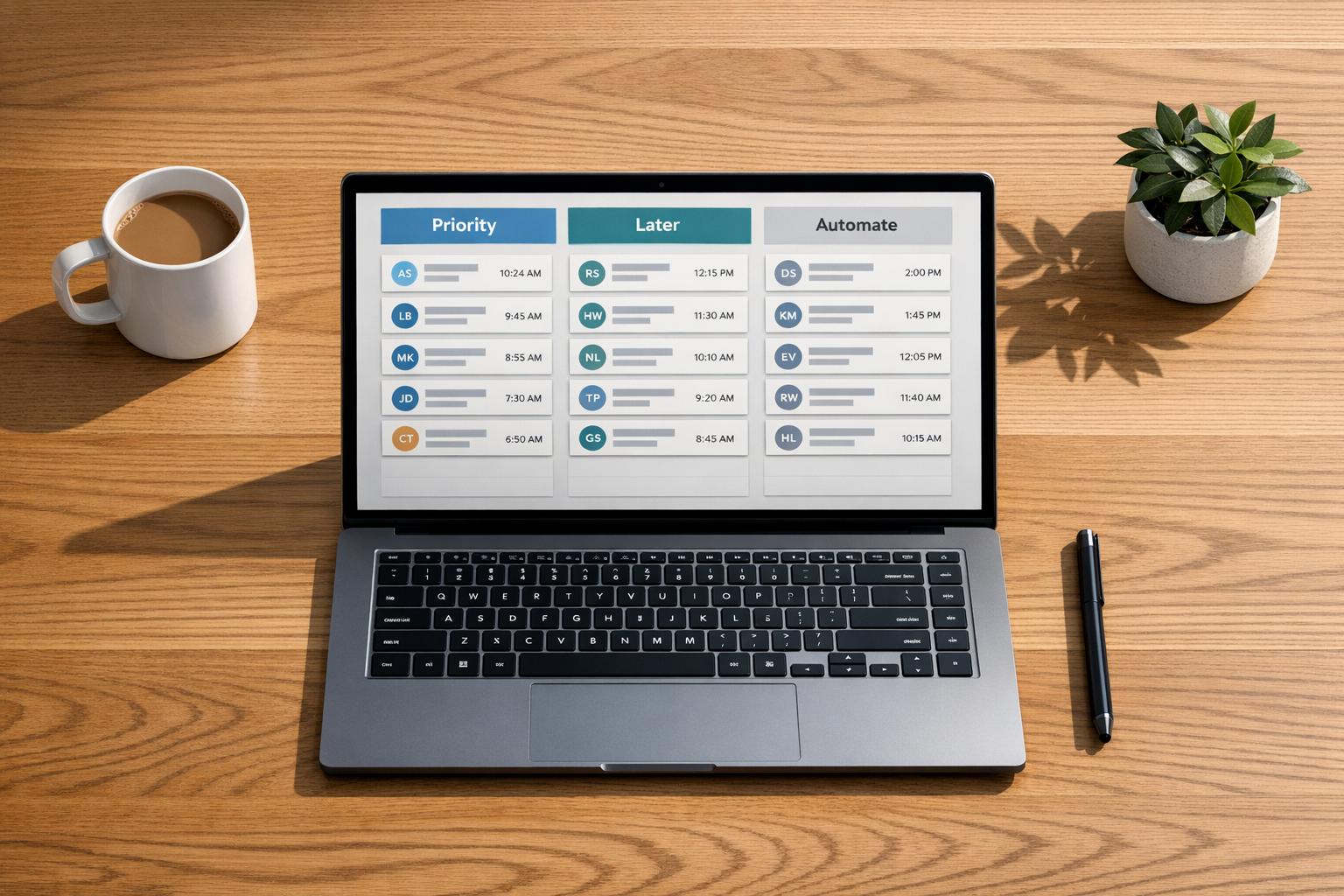
Getting 50+ LinkedIn Messages? How to Manage Inbox
Manage 50+ LinkedIn messages without burnout by batching, prioritizing, and automating your inbox to save hours weekly.
-
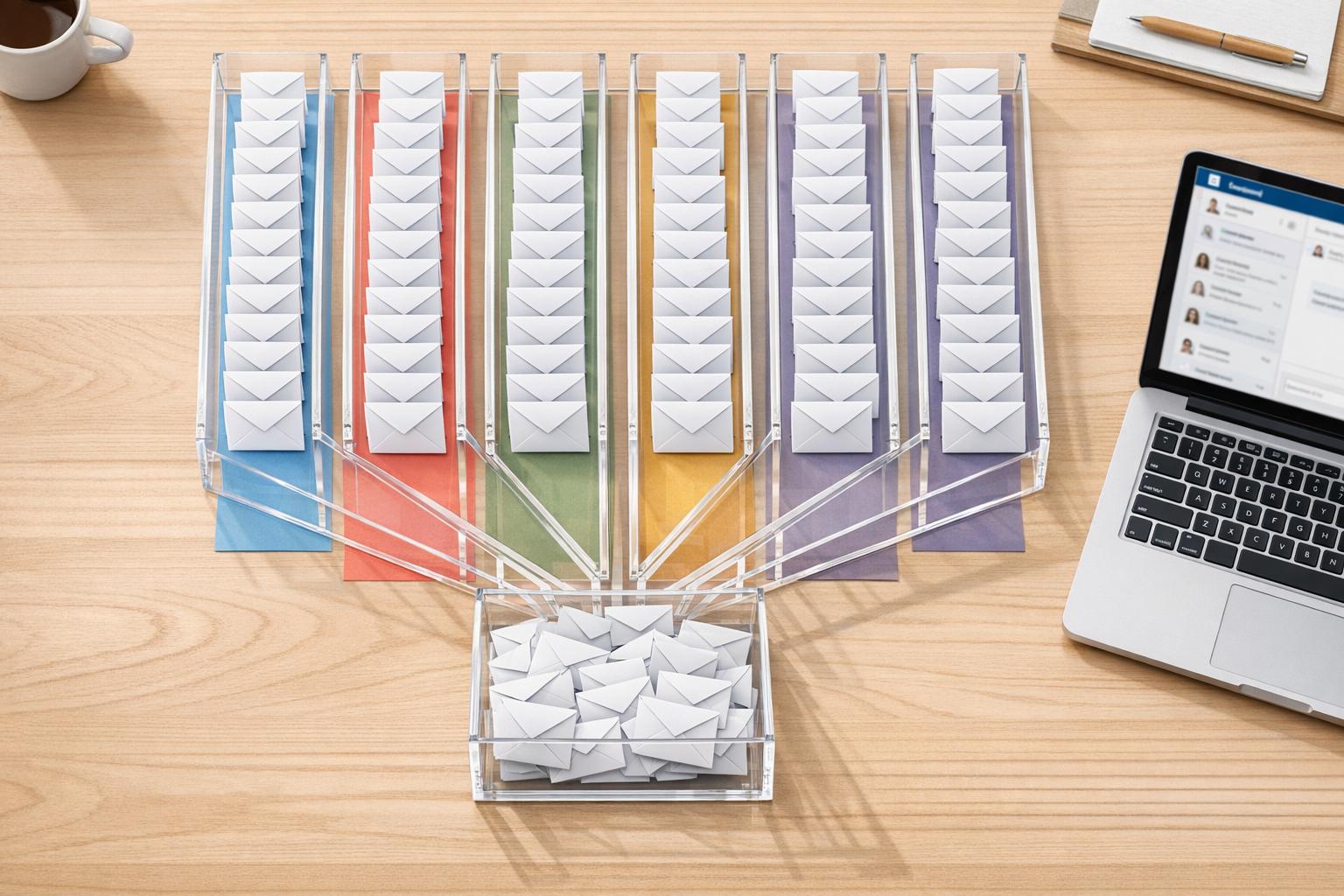
LinkedIn Inbox Management Best Practices (200+ DMs users)
Organize 200+ daily LinkedIn messages with filters, batching, templates, snooze, and CRM sync to maintain inbox zero.