LinkedIn is the backbone of B2B sales in 2026, with sales teams spending hours daily on the platform. But strict messaging limits and low response rates from decision-makers make outreach challenging. The right tools can save time, improve engagement, and help navigate these hurdles effectively.
Here are 7 LinkedIn tools that can help sales teams boost efficiency and drive results:
- Cesar.chat: Simplifies LinkedIn messaging with features like split inboxes, snooze, and CRM integration. Plans start at $32/month.
- LinkedIn Sales Navigator: Offers advanced filters, AI insights, and InMail credits to connect with decision-makers. Starts at $99/month.
- Dripify: Automates LinkedIn outreach with multi-step sequences and lead enrichment. Plans range from $39–$99/month.
- Dux-Soup: Automates LinkedIn tasks like profile visits and connection requests. Pricing starts at $14.99/month.
- LinkedHelper: Desktop-based automation with detailed control over outreach. Starts at $15/month.
- Zapier: Connects LinkedIn Lead Gen Forms to 8,000+ apps for seamless lead routing. Professional plan starts at $49/month.
- LeadDelta: Organizes LinkedIn contacts and messages with bulk messaging and CRM syncing. Starts at $38.50/month.
Quick Comparison:
| Tool | Key Features | Starting Price |
|---|---|---|
| Cesar.chat | Inbox management, CRM sync | $32/month |
| Sales Navigator | Advanced filters, AI insights, InMail credits | $99/month |
| Dripify | Multi-step sequences, lead enrichment | $39/month |
| Dux-Soup | LinkedIn task automation | $14.99/month |
| LinkedHelper | Desktop-based multi-step outreach | $15/month |
| Zapier | Lead routing, app integrations | $49/month |
| LeadDelta | Contact organization, bulk messaging | $38.50/month |
These tools focus on making outreach more efficient while staying within LinkedIn’s limits. Whether you’re a solo sales rep or part of a larger team, there’s a solution here to help you save time and improve results.
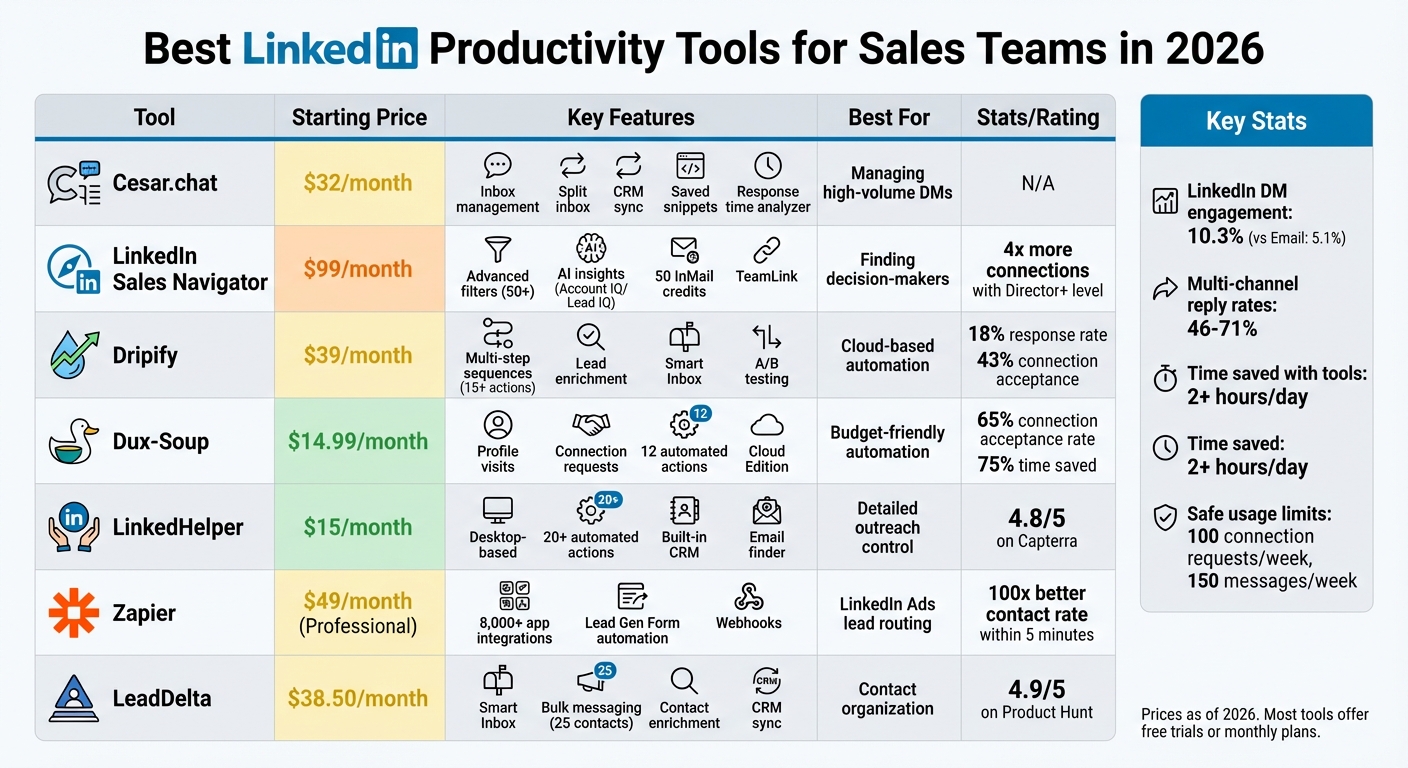
LinkedIn Productivity Tools Comparison: Features and Pricing for Sales Teams 2026
I Ranked 16 LinkedIn Automation Tools From Best To Worst – (Lemlist, HeyReach, Expandi, Dripify)
sbb-itb-3e8f5dc
1. Cesar.chat – Enhanced LinkedIn Messenger
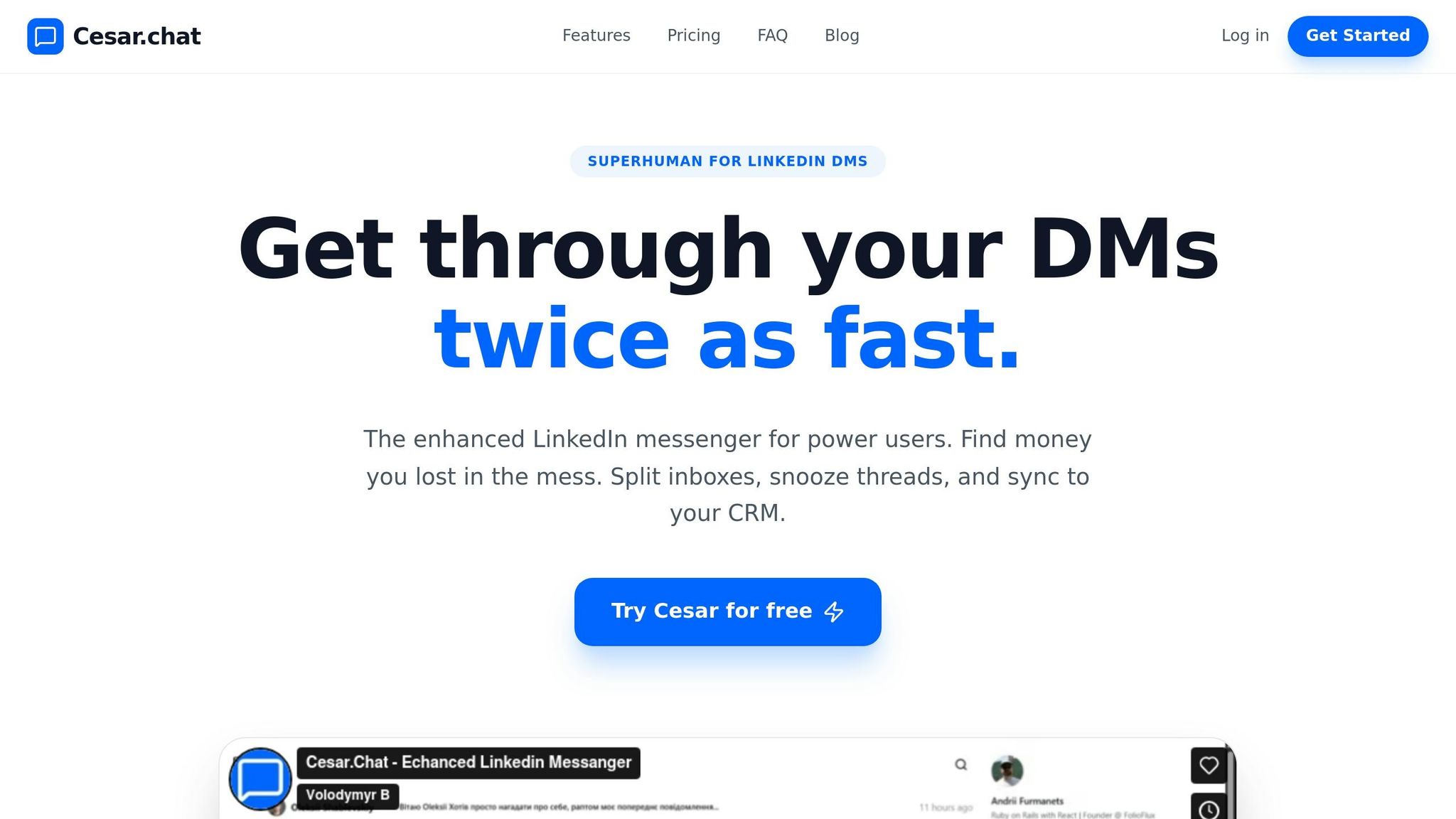
Cesar.chat upgrades LinkedIn’s native messaging system with tools that make managing LinkedIn DMs more efficient – all while adhering to LinkedIn’s safety standards and avoiding mass-messaging automation.
Smarter LinkedIn Messaging
With features like a split inbox, snooze function, keyboard shortcuts, and saved snippets, Cesar.chat helps users organize and manage conversations with ease. These tools let users label and categorize chats, focus on high-priority opportunities, and reportedly process messages twice as fast, according to Cesar.chat.
Improving Response Rates
Cesar.chat doesn’t stop at streamlining messaging – it also helps users engage better. The platform provides detailed analytics to track messaging performance and response rates. For $32 per month, the Business plan includes these analytics along with a Response Time Analyzer, which helps users monitor how quickly they’re replying to prospects – ensuring no opportunities cool off.
Seamless Integration with Sales Tools
By syncing conversation data, labels, and notes with platforms like HubSpot, Salesforce, Notion, Clay, Zapier, Make, and Slack, Cesar.chat eliminates the need for manual data entry. The Business plan allows up to three integrations, while the Enterprise plan, priced at $40 per month, offers unlimited sync options, VIP support, and white-glove setup. Users who opt for annual billing can also enjoy a 20% discount.
2. LinkedIn Sales Navigator
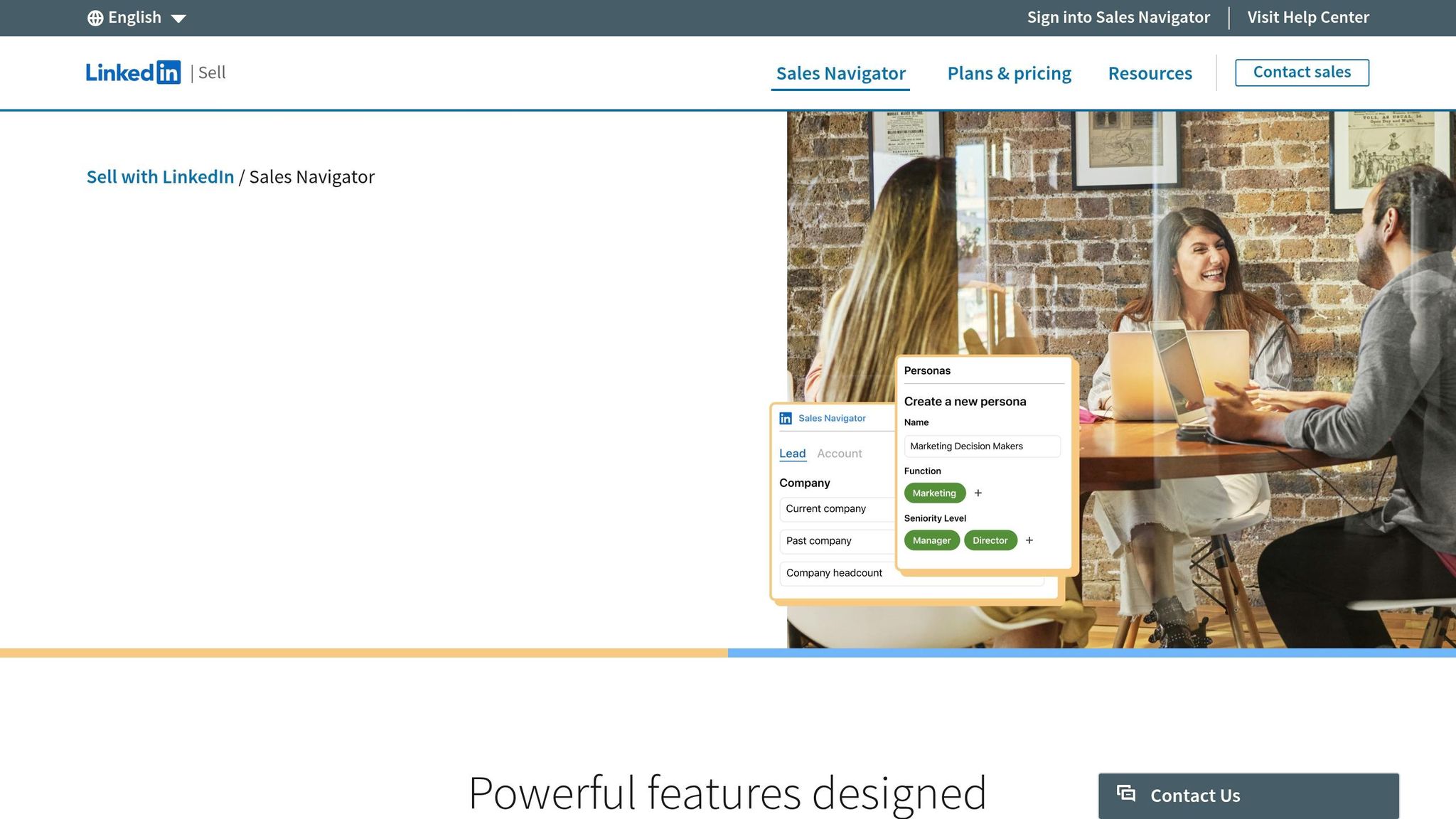
LinkedIn Sales Navigator is a powerful tool designed to help sales teams identify and connect with potential clients more effectively. By tapping into LinkedIn’s vast network of over a billion members and offering more than 50 advanced filters, it helps pinpoint key decision-makers based on criteria like seniority, role, tenure, and company growth.
Improving Outreach Efficiency
Sales Navigator’s Account IQ and Lead IQ features use AI to provide instant summaries of prospects and companies, drastically reducing the time spent on manual research. According to LinkedIn, these insights can save users over 300 hours of research annually. Karloff Rosario, an Enterprise Account Executive at Cyera, shared his experience:
"The Account IQ feature is a game changer. I’m able to create a pre-sales document, org chart, and share details about the account in minutes – not hours".
The platform also enhances outreach with real-time alerts about lead activities, like job changes, new content posts, or ad interactions. These notifications allow sales reps to engage at the perfect time – such as within 30 to 60 days of a job change, a period when prospects are especially open to new opportunities. Additionally, the Sales Assistant feature offers AI-driven follow-up suggestions, making communication more efficient and well-timed.
Optimizing Response Rates
Sales Navigator provides 50 monthly InMail credits, enabling sales reps to contact high-value prospects directly – even without prior connections. InMail messages tend to have response rates between 10% and 25%, with top performers reaching 30% to 40%, far exceeding the typical success rates of cold emails. To make outreach even easier, the Message Assist tool (currently in public beta) uses AI to craft personalized messages based on a prospect’s profile and LinkedIn activity.
The TeamLink feature further boosts engagement by identifying shared connections within a sales team, making warm introductions possible. For example, Judy Wang, a Senior Manager at Canada Post, shared a success story:
"An Account Executive used TeamLink to gain a warm introduction into a challenging account, resulting in a deal valued at over 2x the initial investment".
Sales Navigator users also report making four times more connections with Director-level and higher executives compared to non-users.
Integration with Other Sales Tools
To streamline workflows, Sales Navigator integrates seamlessly with popular CRMs like Salesforce, HubSpot, and Microsoft Dynamics 365. The Advanced Plus plan even offers embedded CRM experiences, allowing sales reps to access LinkedIn insights directly within their CRM. This integration eliminates the need to switch between tools, saving an average of 15 minutes per day – or about 65 hours annually. Mariah Donnelly, Sales Development Director at Greenhouse, highlighted the benefits:
"The CRM integration resolved the issues of duplicate accounts in our system. It saves a significant amount of time, and has changed the game on prospecting".
3. Dripify
Dripify is making waves as a powerful LinkedIn automation tool designed to streamline sales outreach and track performance in real time. This cloud-based platform operates continuously, running outreach campaigns 24/7 on external servers. That means there’s no need to keep your browser open for it to work its magic.
Streamlining LinkedIn Messaging
One of Dripify’s standout features is its Smart Inbox, which consolidates all your LinkedIn conversations in one place. This allows sales reps to filter messages, tag leads, and even add notes to prospects without leaving the platform. Christopher Mead, Managing Director at My Support Staff, summed it up perfectly:
"The ability to create drip campaigns, automate follow-ups, and track performance in real-time has saved me countless hours."
The platform also offers a drag-and-drop builder for creating multi-step sequences. With over 15 automated actions – like sending connection requests, messages, viewing profiles, and endorsing skills – sales teams can manage up to 2,890 LinkedIn messages monthly. This level of centralization and automation is a game-changer for outreach.
Improving Outreach Efficiency
Dripify doesn’t just save time – it supercharges productivity. The platform’s lead enrichment feature can automatically locate and verify corporate email addresses from LinkedIn profiles, giving sales teams a significant edge. Arthur Isaksson, an Account Manager at Tobii, shared his experience:
"You create a sequence that runs seamlessly while additional marketing leads are fed into your pipeline."
To protect user accounts, Dripify assigns each user a unique local IP address and mimics human activity. This is crucial, as aggressive automation can pose risks – testing indicates a 23% chance of account restrictions within 90 days if limits aren’t carefully managed. Thankfully, Dripify’s activity control feature allows users to set daily limits to mitigate this risk.
Optimizing Response Rates
Dripify’s personalization and automation tools make a noticeable impact on response rates. With over 20 personalization variables and AI-crafted icebreakers, the platform achieves an 18% response rate and a 43% connection acceptance rate. Plus, its A/B testing capabilities can boost ROI by up to 40% and close rates by an impressive 182%. Garry Guerra, Business Development Representative at Canonical, praised its efficiency:
"I can create workflows, A/B Testing them, never leave the app as it has an in-built SMART inbox."
The A/B testing feature is particularly handy, allowing teams to test up to four different message or connection request variants simultaneously.
Integration with Other Sales Tools
Dripify seamlessly integrates with popular tools like HubSpot, Salesforce, Zoho CRM, and Asana. It also connects via Zapier and webhooks, making it easy to sync lead data directly into your CRM. Additionally, the platform can extract valuable contact details – such as emails and phone numbers – from LinkedIn profiles and export them to CSV files for further analysis. This eliminates tedious manual data entry and keeps workflows smooth and efficient.
4. Dux-Soup
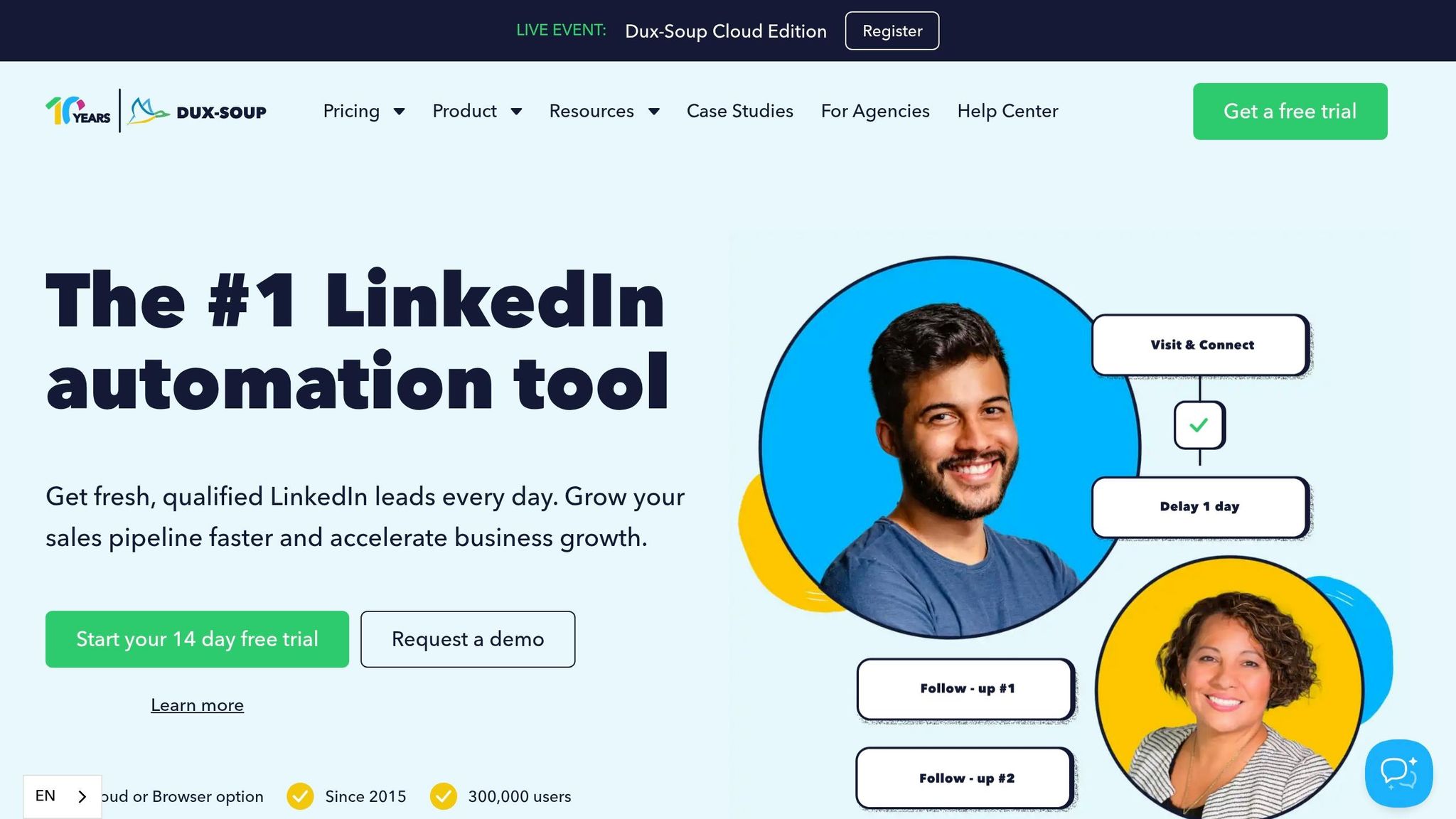
Since its launch in 2015, Dux-Soup has grown to serve over 300,000 users by 2026. This LinkedIn automation tool is all about simplifying outreach while keeping campaigns running efficiently in the background. With a stellar 4.7/5 rating on Trustpilot and an impressive 40 updates in 2024 alone, it’s clear the platform stays in step with LinkedIn’s ever-changing environment. Below, we’ll explore how Dux-Soup boosts outreach efficiency, improves response rates, and integrates seamlessly with CRM tools.
Improving Outreach Efficiency
Dux-Soup is built to make LinkedIn outreach faster and easier. Its Cloud Edition ensures campaigns run continuously on dedicated servers, while sales teams can create sequences with up to 12 automated actions. These actions include profile visits, follows, endorsements, connection requests, and InMails. Michael Simpson from Ideas First summed up its impact:
"The rapid campaign creation and auto-enrollment feature uncovered leads that would otherwise be missed."
Users report saving up to 75% of the time spent on LinkedIn tasks, with connection acceptance rates reaching as high as 65% when targeting active users. The platform also simplifies lead enrollment by letting you bulk-add prospects directly from LinkedIn search results, Sales Navigator lists, or CSV files.
Optimizing Response Rates
Dux-Soup leverages behavior-based triggers to time outreach perfectly, responding to signals like new posts, job changes, or company page visits. The Funnel Flow analytics dashboard allows for A/B testing of message templates, helping teams pinpoint what resonates most with prospects. Plus, when a prospect replies, sequences automatically pause to prevent awkward follow-up messages after a real conversation starts.
Ashish Janiani of Motivational Diaries shared a success story: he closed a $12,500 contract within 30 days of using Dux-Soup and attributed $200,000 in total sales to the tool over two years. Similarly, David Duccini at Silicon Prairie reported his team consistently generates up to 20 highly qualified inbound leads daily using the platform’s automation features.
Integration with Other Sales Tools
Dux-Soup works seamlessly with major CRM platforms like Salesforce, HubSpot, Pipedrive, and Freshsales, automatically syncing lead data. Looking ahead to 2026, the platform is set to introduce inbox delegation through Slack and Microsoft Teams, enabling teams to manage responses collectively without the need to share credentials. One user highlighted the benefits:
"Integrating Dux-Soup with Teams has removed unnecessary handoffs in our outreach process. Our team collaborates and responds to prospects in real time, improving consistency and shortening our sales cycle."
Pricing options include the Pro Plan at $14.99/month, the Turbo Plan (with drip campaigns and CRM integration) at $55/month, and the Cloud Plan at $99/month.
5. LinkedHelper
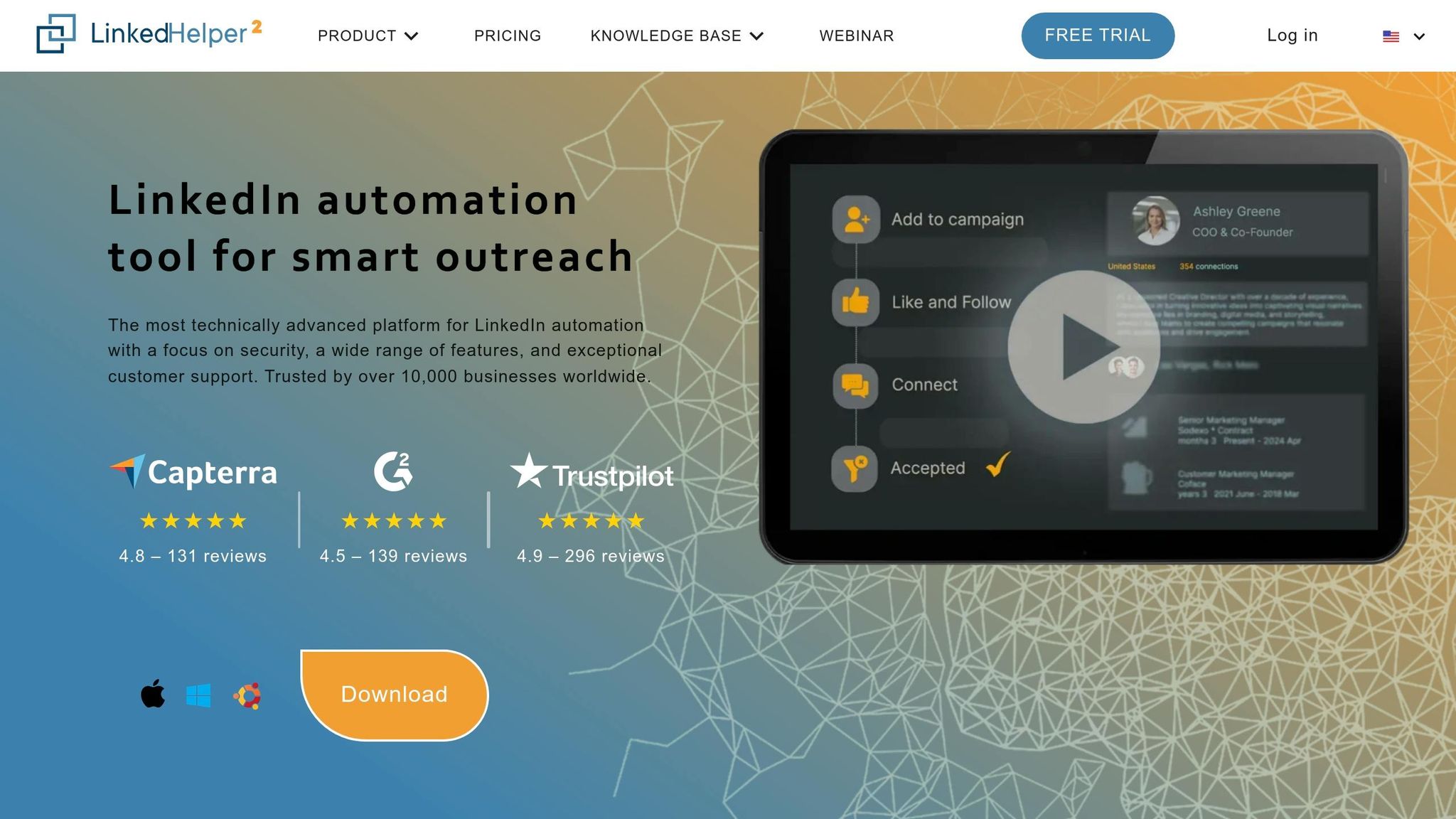
LinkedHelper is a desktop-based automation tool trusted by over 10,000 businesses across 180 countries. It’s known for offering detailed control over LinkedIn outreach, though it comes with a steeper learning curve. The tool holds impressive ratings – 4.8/5 on Capterra and 4.6/5 on G2 – thanks to its high level of customization. Operating as a standalone desktop application, LinkedHelper reduces risks by avoiding code embedding directly into LinkedIn pages, making it a safer option for users. While it automates outreach, it still focuses on personalization, helping sales teams work more effectively.
Streamlining LinkedIn Messaging
LinkedHelper simplifies LinkedIn messaging by automating multi-step drip campaigns. These workflows can include connection requests, follow-ups, and InMails, all managed in one place. Its smart reply detection ensures that campaigns pause automatically when a prospect responds, avoiding any awkward or redundant follow-ups. Sales teams can take personalization further by using custom variables, gender-based templates, and dynamic images through integrations like Hyperise or Uclic. The tool also allows direct outreach to LinkedIn group members and event attendees, eliminating the need for a 1st-degree connection.
Improving Outreach Efficiency
Beyond messaging, LinkedHelper offers over 20 automated actions, such as profile visits, skill endorsements, and engaging with posts through likes or comments. These actions help warm up leads before sending connection requests, increasing the likelihood of a positive response. Auto-engagement features like comments and likes have been shown to boost campaign conversion rates by 18%. This is particularly important when you consider that 80% of sales require at least five follow-ups, yet 44% of sales reps stop after the first attempt.
The tool also addresses LinkedIn’s messaging limits by maintaining meaningful interactions within the platform’s guidelines. Its built-in CRM stores contact details, interaction histories, tags, and notes, making it easier for sales teams to manage leads. Additionally, LinkedHelper includes an email finder that identifies verified emails for 2nd- and 3rd-degree connections, enabling multi-channel outreach. Users can filter for "Open" profiles to send free InMails, saving valuable Sales Navigator credits.
Integration with Other Sales Tools
LinkedHelper integrates seamlessly with popular CRMs like HubSpot, Salesforce, and Zoho CRM. It also supports exporting messaging history and profile data through Webhooks, Zapier, Make (formerly Integromat), Automate.ai, or CSV files.
Pricing is straightforward: the Standard Plan starts at $15/month (or $8.25/month when billed annually), offering basic automation and a 20-message-per-day limit for groups or events. The Pro Plan, at $45/month (or $24.75/month annually), unlocks advanced features like unlimited group messaging, complex drip campaigns, and 3,200 email finder credits. A 14-day free trial gives users full access to all features.
One drawback to note is that LinkedHelper requires your computer to stay on for automation to run, unlike cloud-based tools that operate on remote servers.
6. Zapier for LinkedIn Integrations
Zapier sidesteps LinkedIn’s API restrictions by connecting Lead Gen Forms to over 8,000 apps, acting as the backbone for sales teams running paid LinkedIn Ads. For teams that depend on smooth data flow across their tools, this integration is a game-changer.
Integration with Other Sales Tools
Zapier’s standout feature is automated lead routing. Imagine this: someone fills out a LinkedIn Lead Gen Form, and Zapier instantly creates a contact in tools like HubSpot, Salesforce, or Pipedrive – completely removing the need for manual data entry. You can even design multi-step workflows that go beyond basic CRM updates. For example, capture a lead, add it to your CRM, notify your team via Slack, and send a personalized email through Gmail or Mailchimp – all in one seamless process.
"The days of manually exporting and importing data are over. With Zapier, you can send data where it needs to go, in the format you need it." – Zapier
Speed is everything. Responding to a lead within 5 minutes can boost your chances of contact by 100X. However, on Zapier’s Free and Starter plans, there’s a 15-minute polling delay, which might cost you conversions. To stay ahead, consider the Professional plan ($49/month) with a 2-minute polling time or the Team plan, which cuts it down to just 1 minute.
For tools that Zapier doesn’t directly integrate with, "Webhooks by Zapier" offers a workaround, allowing you to send LinkedIn Lead Gen form data to any custom endpoint. You can also automate retargeting by adding new leads directly into LinkedIn Matched Audiences. While Zapier doesn’t handle native LinkedIn messaging, you can pair it with outreach tools designed for LinkedIn communication. By automating these processes, Zapier ensures no lead slips through the cracks, keeping your sales pipeline smooth and efficient.
7. LeadDelta
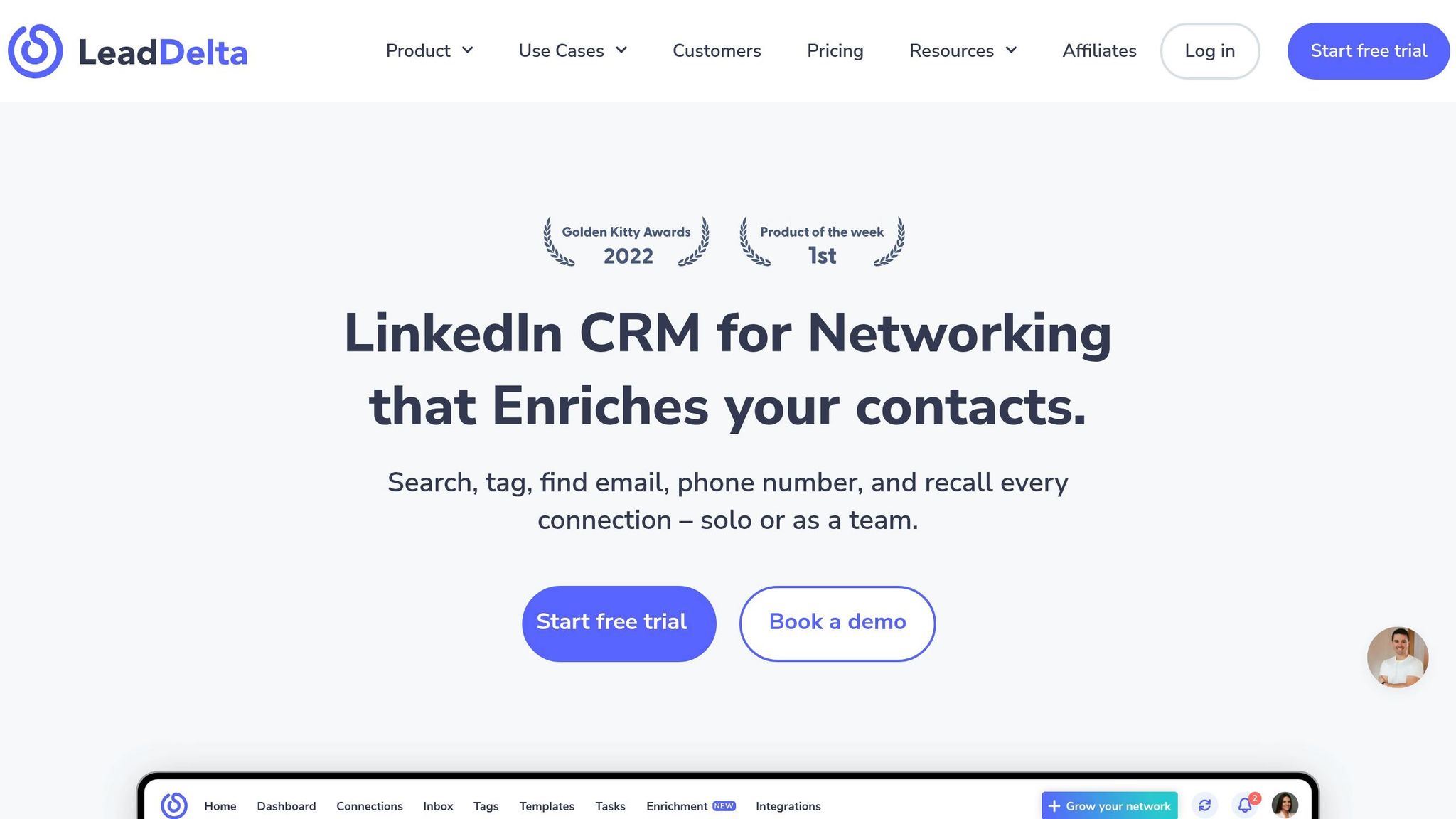
Streamlining LinkedIn Messaging
LeadDelta’s Smart Inbox brings all your LinkedIn and Sales Navigator conversations into one searchable interface. It lets you pin urgent messages, star key prospects, and organize conversations using custom tags. The LinkedIn Sidebar is another handy feature, showing CRM data – like notes, tags, and contact details – right inside LinkedIn. This means you can prospect effectively without hopping between tabs. For team users, the platform’s message visibility feature ensures no prospect gets contacted by multiple team members, avoiding awkward overlaps. For example, Shane Starr, Head of Revenue at Fletch, shared how LeadDelta Workspaces helped his team coordinate outreach. By focusing on "low-hanging fruit" and leveraging internal supporters, his team gained easier access to target accounts. This centralized approach simplifies communication and eliminates redundant efforts.
Improving Outreach Efficiency
LeadDelta also makes LinkedIn outreach faster and more effective. Its bulk messaging tool allows you to send personalized messages to up to 25 first-degree connections at a time, using placeholders like {firstName} for customization. This feature stays within LinkedIn’s safety guidelines. You can filter contacts by categories like "LinkedIn 1st" or "New Connection" to ensure you’re reaching the right audience. Plus, the AI Sparkle tool acts as your personal writing assistant, helping you craft and refine messages. In 2025, Ivana Todorovic, Co-Founder of TalentKit, noted that LeadDelta cut her networking time from an hour to just five minutes. Additionally, the custom engagement feed lets you track posts from up to 500 key prospects, giving you a chance to engage with their content and build rapport before reaching out. These tools are especially useful for managing LinkedIn’s strict outreach limits as of 2026.
Integration with Other Sales Tools
LeadDelta goes beyond messaging by offering seamless integration with other tools. Its Pro and Business plans (priced at $38.50/month and $69.30/month per user with annual billing) include Zapier support, making it easy to connect with CRMs, Google Sheets, and email marketing platforms. For example, you can set up workflows to trigger email sequences whenever a LinkedIn connection is tagged as a "Hot Lead", saving time on manual data entry. Native integrations for HubSpot and Salesforce are also in the works for Business plan users. Additionally, LeadDelta includes contact enrichment capabilities, providing verified business and personal emails and phone numbers through a credit-based system that only charges for valid results. With over 30,000 professionals using it daily and ratings of 4.9/5 on Product Hunt and 4.8/5 on G2 Crowd, LeadDelta is a solid option for sales teams focused on building strong relationships.
Pricing Comparison
Here’s a quick look at pricing for some popular LinkedIn productivity tools, broken down by category to help you find the right fit.
For solo sales reps or smaller teams, Dux-Soup ($14.99/month) and LinkedHelper ($15/month) are budget-friendly options for automation. However, since these are browser-based tools, they come with a higher risk of detection. If you’re part of a growing sales team and need the added security of cloud-based automation, Dripify might be a better choice. Its plans start at $39/month and go up to $99/month, offering features like visual drip sequences and built-in CRM integrations for platforms like HubSpot and Salesforce.
For teams with specific priorities, tools like Cesar.chat and Sales Navigator cater to distinct needs. Cesar.chat focuses on inbox management, with plans starting at $24/month for the Basic tier, which includes unlimited labels, snippets, and reminders. The Business plan at $32/month adds support for Sales Navigator messages and up to three integrations, while the Enterprise plan at $40/month offers unlimited sync destinations and VIP support. Considering that inefficient communication can cost sales teams over two hours a day, investing in tools like these can be a game-changer for managing overwhelming DMs.
Meanwhile, LinkedIn Sales Navigator is priced between $99 and $149/month. It provides 50 InMails, advanced search filters, and native CRM integration – perfect for teams that need top-tier lead data.
Integration capabilities and AI-driven personalization can significantly improve outreach results. For example, reply rates for LinkedIn-only strategies typically range from 15–25%, but they can jump to 46–71% when using multi-channel approaches. Similarly, AI personalization can boost reply rates from 3–6% for templated messages to 12–18% for personalized outreach. As Cognism Research highlights:
"AI tools eliminate the guesswork from prospecting while enabling teams to maintain personalization quality at scale – the holy grail of modern sales".
These pricing options underscore the delicate balance between cost and efficiency that today’s sales teams must navigate.
Conclusion
By 2026, LinkedIn productivity hinges on the quality of conversations, not just the quantity. The shift from mass automation to tools that facilitate meaningful interactions – while keeping accounts secure – has become the new standard.
When choosing the right tool, consider your team’s size and goals. Solo professionals or small teams might find budget-friendly options like Dux-Soup ($14.99/month) or LinkedHelper ($15/month) a great starting point. For larger or growing teams, cloud-based platforms like Dripify ($39–$99/month) provide enhanced safety features and CRM integration. If inbox management is your focus, Cesar.chat offers features like split inboxes, keyboard shortcuts, and CRM syncing, starting at $24/month – perfect for handling a high volume of direct messages.
The numbers speak for themselves: LinkedIn DMs boast a 10.3% engagement rate, compared to 5.1% for cold emails. Combining LinkedIn outreach with email can boost reply rates to 46–71%. Plus, using an integrated tool stack can save teams over 2 hours a day. By prioritizing high-quality interactions and efficient workflows, these tools directly enhance sales performance.
To ensure your investment pays off, start with a trial or a monthly plan. Test the tool with 10 real prospects – if the quality is less than 80% of what your top SDR can achieve, it’s not worth your time. Keep an eye on key metrics like acceptance rates (aim for over 15%) and stick to safe usage limits: around 100 connection requests and 150 messages per week per profile.
Ultimately, choose a solution that helps your team maximize meaningful conversations while streamlining operations.
FAQs
What are safe weekly limits for LinkedIn connection requests and messages in 2026?
By 2026, LinkedIn has set clear boundaries for connection requests and messaging to ensure account safety and avoid restrictions. Here’s what you need to know:
- Connection Requests: Most accounts can safely send between 60 and 100 connection requests per week, with no more than 50 in a single day. If you have a Premium account, this limit might increase to 150 per week.
- Messages: You can send 40 to 80 messages daily, averaging around 150 per week. The exact number depends on your account type and activity level.
Sticking to these guidelines helps keep your LinkedIn profile secure and ensures consistent performance on the platform.
How do I pick the right tool based on my team size and workflow (inbox, prospecting, or integrations)?
Choose a tool that matches your team’s size and workflow requirements. For small teams, budget-friendly Chrome-based tools can be a good option, though they come with drawbacks like a higher risk of bans. For larger teams or agencies, scalable cloud-based tools with features like multi-account management are a better fit. If your focus is on specific workflows, such as inbox management or prospecting, look for tools tailored to those tasks to improve efficiency and boost response rates.
Which metrics should I track to prove a LinkedIn tool is improving outreach performance?
Track important metrics such as response rates, connection request acceptance rates, follow-up engagement, and outreach conversion rates. These metrics provide insight into how well the tool improves your LinkedIn outreach and boosts your overall results.