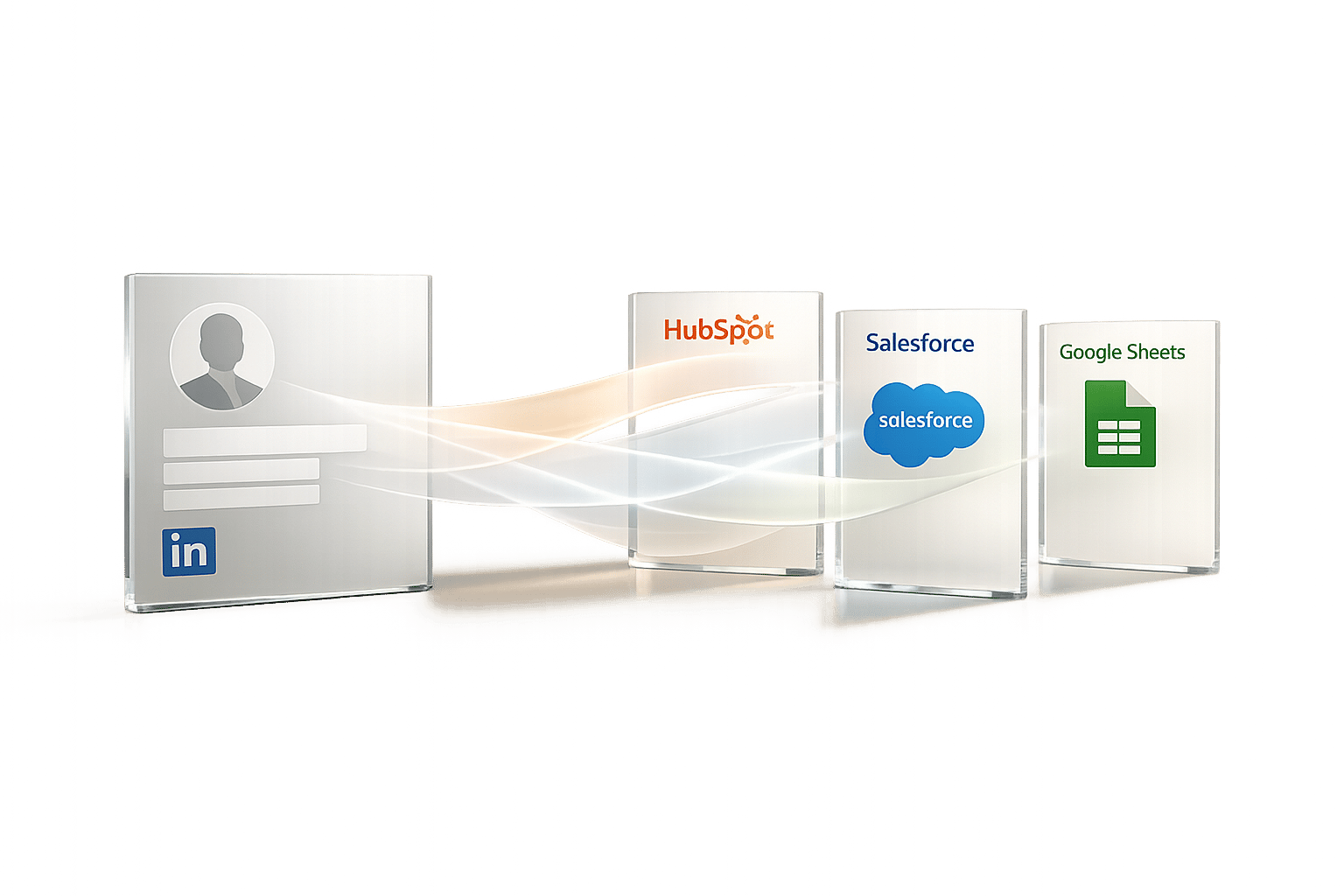
Syncing LinkedIn data to your CRM can save hours of manual work every week, improve contact rates by 23%, and speed up lead responses by 40%. Whether you use HubSpot, Salesforce, or Google Sheets, the right tool can simplify your workflow. Here’s a quick breakdown of the top options:
- Cesar.chat: A manual messaging accelerator for LinkedIn that syncs conversations, labels, and notes to CRMs like HubSpot and Salesforce. Starts at $19.20/month (annual plan).
- HubSpot Native Integration: Bi-directional sync with LinkedIn Sales Navigator. Requires Sales Navigator Advanced Plus ($1,600–$1,800/year per user) and HubSpot Sales Hub Pro or Enterprise.
- Salesforce Native Integration: Includes LinkedIn activity writeback and embedded profiles. Requires Sales Navigator Advanced Plus and Salesforce Professional or higher.
- Google Sheets Sync Tools: Affordable tools like SyncToSheet and Scrupp let you export LinkedIn data to Sheets. Great for small teams or individuals.
Key takeaway: Choose based on your team size, workflow, and budget. Native integrations are powerful but expensive, while third-party tools offer flexibility at lower costs.
Quick Comparison
| Option | Features | Pricing | Best For |
|---|---|---|---|
| Cesar.chat | Live CRM sync, labels, snippets | $19.20–$32/month | Small to medium teams |
| HubSpot Native | Two-way sync, activity logging | $1,600–$1,800/year + CRM | Large sales teams |
| Salesforce Native | Embedded profiles, activity writeback | $1,600–$1,800/year + CRM | Large enterprises |
| Google Sheets Tools | Data export, field mapping | Free–$39/month | Individuals/small teams |
Pick the option that aligns with your needs and budget to boost efficiency and reduce data entry fatigue.
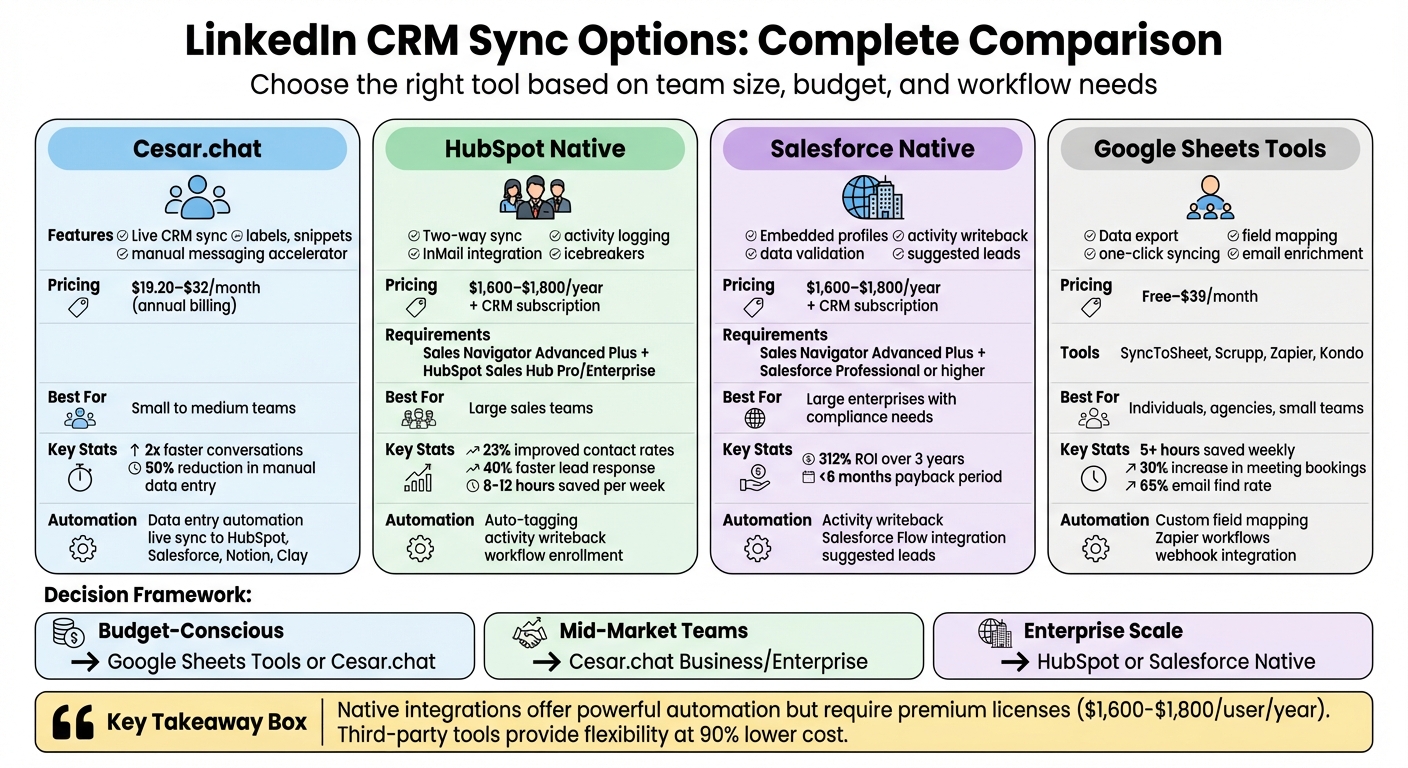
LinkedIn CRM Sync Options Comparison: Features, Pricing & Best Use Cases
LinkedIn Sales Navigator & Salesforce CRM Integration Demo
1. Cesar.chat Enhanced Sync
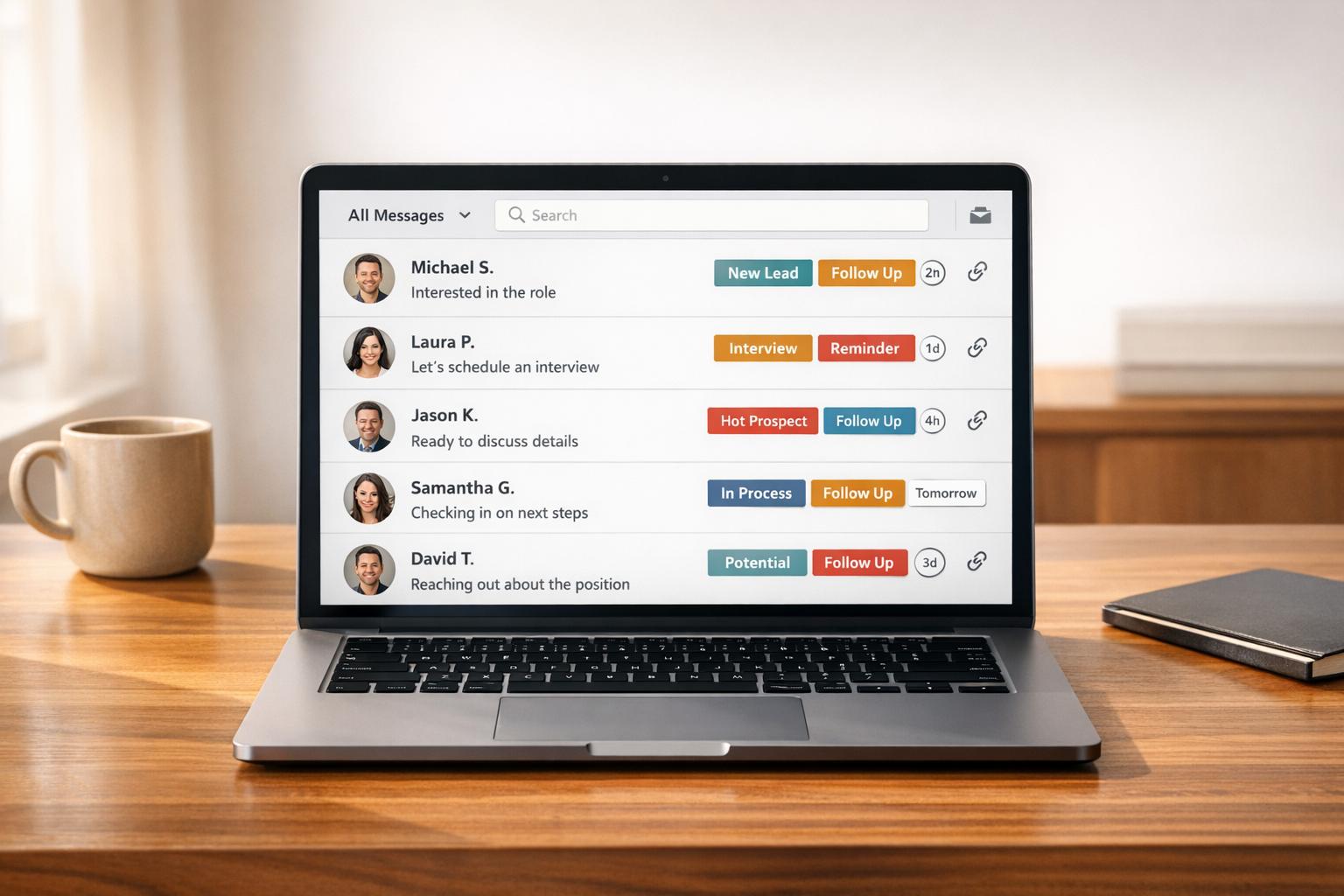
Cesar.chat isn’t an automation bot – it’s a manual messaging accelerator designed to supercharge your LinkedIn DMs. It works as an overlay on LinkedIn’s messaging interface, helping users handle conversations twice as fast while syncing data directly to your CRM. By relying on official-style API interactions instead of risky scraping, Cesar.chat ensures your LinkedIn account stays secure, even with high-volume outreach.
Integration Features
Cesar.chat offers live CRM syncing, automatically pushing LinkedIn conversation data – including custom labels and notes – to platforms like HubSpot, Salesforce, Notion, and Clay. If you’re a Google Sheets user, there’s no direct connection, but the Business and Enterprise tiers let you use tools like Zapier, Make, or Clay to route your data wherever you need it.
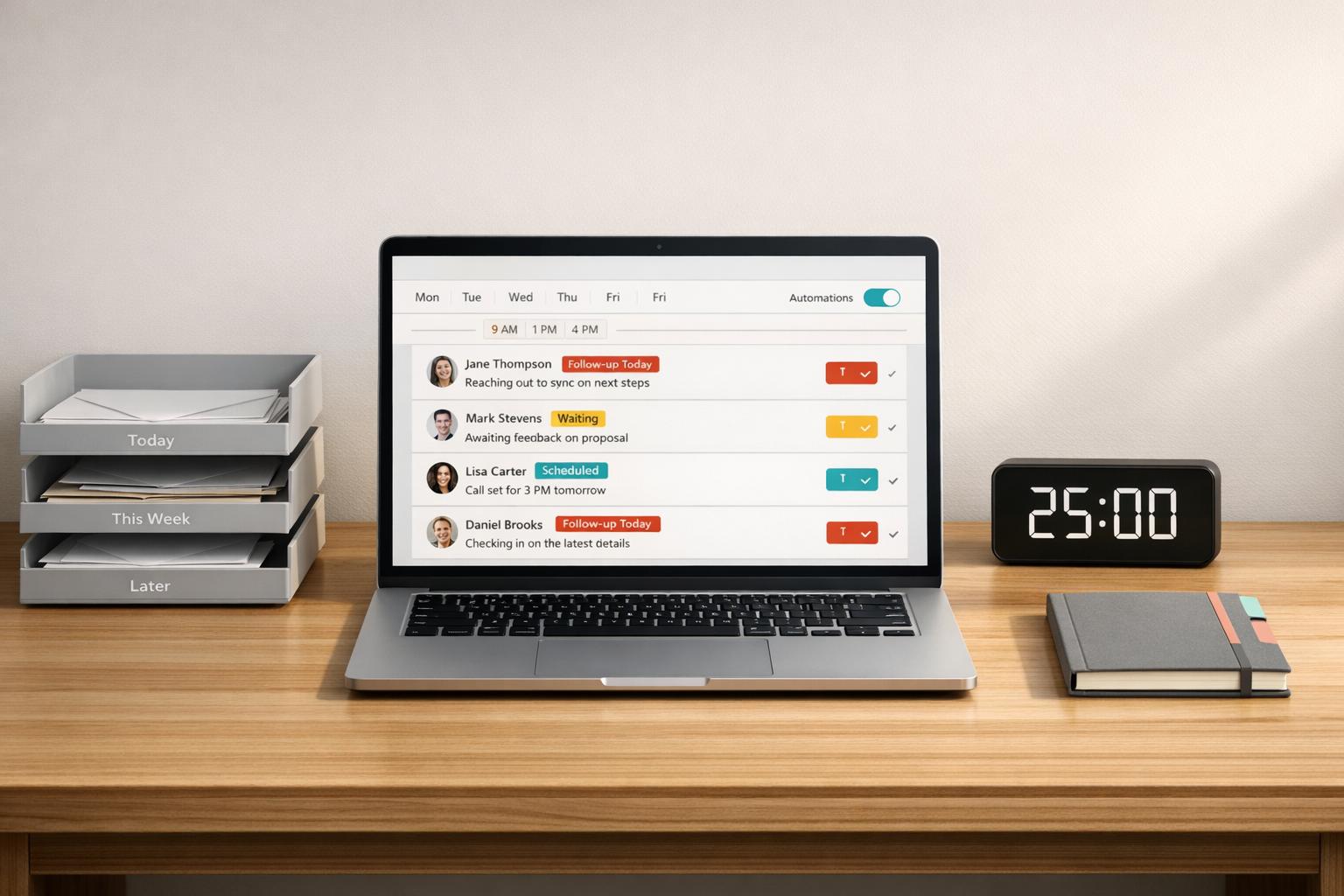
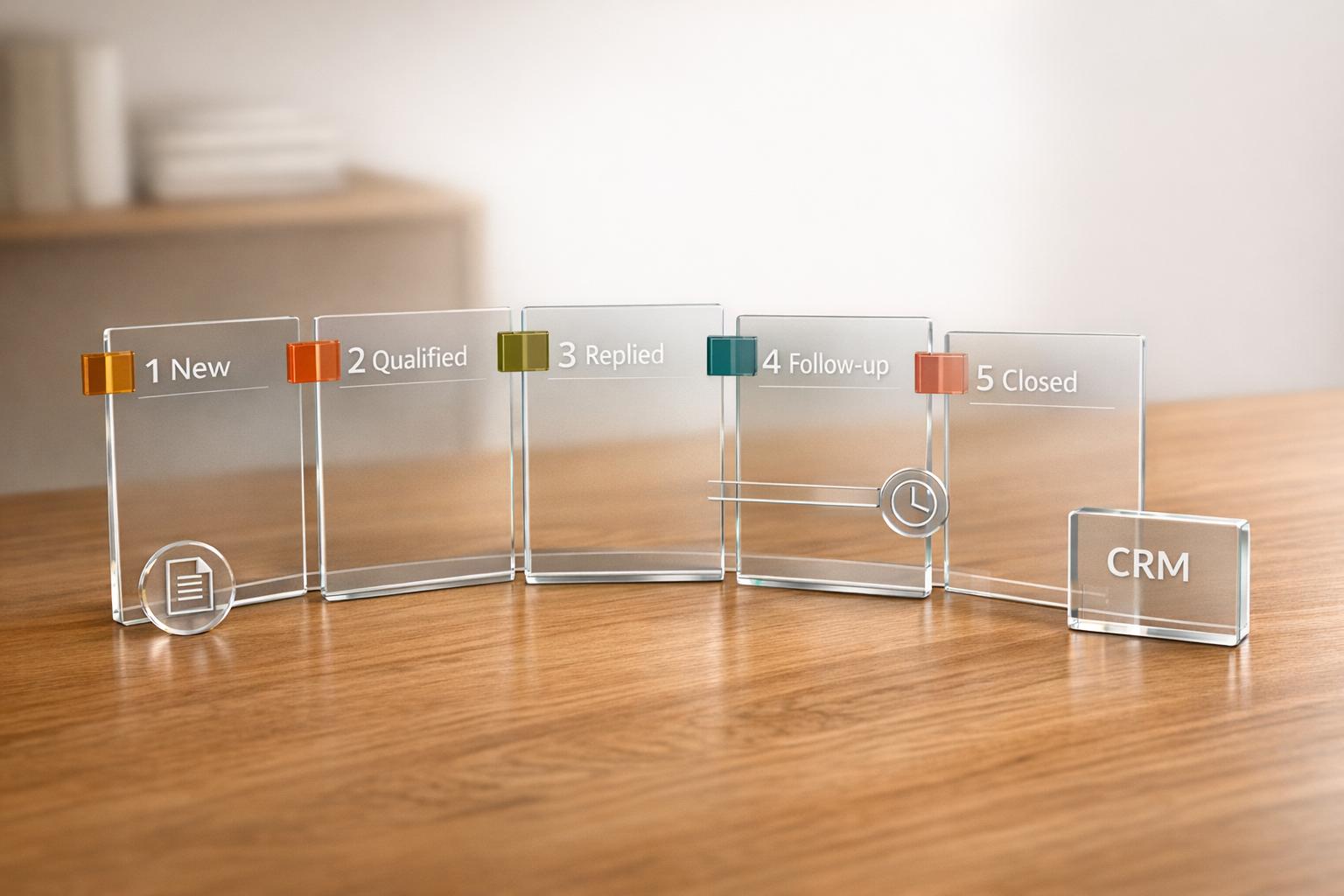
The Split Inboxes feature helps you organize conversations by priority with custom labels like "Hot Leads", "Nurture", or "Follow-up Next Week." Pair this with the Snooze function to temporarily hide threads and bring them back at a scheduled time, so no follow-ups slip through the cracks. Add in keyboard shortcuts and Snippets (saved response templates), and you can cut down repetitive tasks like copy-pasting, reducing manual data entry by up to 50%.
Pricing
| Plan | Monthly Price | Annual Price | Key Features |
|---|---|---|---|
| Basic | $24 | $19.20* | Unlimited labels, snippets, reminders, voice notes |
| Business | $32 | $25.60* | Everything in Basic, plus up to 3 integrations, Sales Navigator support, analytics |
| Enterprise | $40 | $32* | Everything in Business, plus unlimited sync destinations, white-glove setup, VIP support |
*20% discount available with annual billing.
Automation Capabilities
Cesar.chat doesn’t send automated messages or run bot sequences. Instead, it focuses on automating data entry. It live-syncs conversations, label updates, and notes to your connected CRM or productivity tools. For teams managing large-scale outreach, the Labels feature helps filter and segment leads before syncing, ensuring only the most relevant prospects make it into your CRM.
Scalability
Cesar.chat’s tiered pricing works for everyone – from solo entrepreneurs to large sales teams. Both the Business and Enterprise plans include support for Sales Navigator messages, making them ideal for users tapping into LinkedIn’s premium prospecting tools. The Enterprise tier goes a step further with perks like unlimited sync destinations and white-glove setup, perfect for teams needing to route data across multiple systems.
If you’re handling multi-account setups or need complex workflows (like syncing with Google Sheets), the Business plan’s integrations via Zapier or Make offer a flexible solution. These features lay the groundwork for more advanced CRM syncing options, which we’ll explore further in the next sections.
2. HubSpot Native LinkedIn CRM Sync
HubSpot’s integration with LinkedIn offers two options: Embedded Cards (view-only) and the more advanced CRM Sync (bi-directional). The CRM Sync takes things further by automatically creating and updating HubSpot contact records directly from LinkedIn Sales Navigator. It also logs activities like InMails, messages, contacts, companies, and deals into HubSpot. According to sales teams, this integration saves each rep around 8–12 hours per week.
Integration Features
One of the key features is Activity Writeback, which ensures LinkedIn Sales Navigator activities – such as InMails and messages – are automatically logged into the HubSpot contact timeline. You can even send InMails directly from HubSpot contact records without needing to switch between platforms.
The integration also offers tools like Icebreakers, which highlight shared connections, experiences, or interests to personalize outreach. Additionally, it provides LinkedIn member profile details, including job title, company, location, and industry, while flagging outdated contacts using real-time updates.
Pricing
To access the full CRM Sync functionality, you’ll need both a HubSpot Sales Hub Professional or Enterprise subscription and a LinkedIn Sales Navigator Advanced Plus plan. The Advanced Plus plan costs between $1,600 and $1,800 per user annually. Combined with HubSpot’s subscription (starting at roughly $500 per month for five users on the Professional tier), a 10-person sales team could expect to spend $16,000–$18,000 annually on LinkedIn alone. While the cost might seem steep, the integration delivers powerful automation tools that enhance lead management and sales efficiency.
Automation Capabilities
Once set up, the integration automates several tasks. For example, it auto-tags contacts with "Sales Navigator" as the lead source, assigns them to specific reps, and enrolls high-potential leads into nurture sequences. These features have been shown to boost contact rates by 23% and reduce lead response times by 40%. Beyond workflows, the integration’s licensing and setup requirements influence how well it scales for teams of varying sizes.
Scalability
This integration is particularly effective for large enterprises, but its per-user licensing model can make it costly for smaller teams. Each team member must have their own Advanced Plus license and authenticate their Sales Navigator account to enable activity writebacks. Additionally, for integrations installed after October 7, 2025, teams will need to manually add the integration card to HubSpot record views. For smaller teams or those working within tighter budgets, the higher costs of Advanced Plus licenses might pose challenges. Despite this, the integration strikes a balance by delivering robust features that help teams maximize productivity and streamline LinkedIn CRM syncs.
3. Salesforce Native LinkedIn Sales Navigator Integration
Salesforce provides a high-powered solution for syncing LinkedIn Sales Navigator with its CRM platform. This native integration is packed with automation tools but comes with specific licensing requirements. To access the full range of CRM sync features – like activity writeback and data validation – you’ll need the Sales Navigator Advanced Plus tier, which costs roughly $1,600 to $1,800+ per user annually. Additionally, your Salesforce account must be on one of the following editions: Professional, Enterprise, Unlimited, Developer, or Performance.
Integration Features
At the core of this integration are Embedded Profiles, which allow sales teams to view LinkedIn member and company details directly within Salesforce records. This eliminates the hassle of switching between platforms when researching prospects.
Activity Writeback is another standout feature, automatically logging InMail messages, notes, and calls into Salesforce contact timelines. This keeps your team updated without the need for manual data entry. Meanwhile, Data Validation ensures your records stay accurate by flagging outdated contacts when LinkedIn detects changes in employment. This is especially helpful for identifying potential risks to ongoing deals and maintaining compliance. The integration also supports creating new contacts and syncing opportunities directly from Sales Navigator profiles, streamlining prospect management.
Automation Capabilities
The integration goes beyond basic syncing with advanced automation tools. Suggested Leads leverages LinkedIn’s data science to recommend prospects based on your Salesforce CRM data. Additionally, the Salesforce Flow Integration allows you to design custom apps and automate workflows with minimal coding.
A Forrester study highlights the impact of these features, reporting a 312% ROI over three years and a payback period of less than six months for Sales Navigator users.
Scalability
This solution is ideal for larger organizations that can manage the per-user cost of the Advanced Plus licensing. The bi-directional sync ensures thorough data integration, making it particularly appealing for industries like financial services and healthcare, where centralized audit trails are critical.
"The native CRM Sync delivers the deepest integration with minimal friction" – David Cockrum, CEO of Vantage Point
For smaller businesses, the cost of the Advanced Plus tier may require careful consideration to determine whether the investment aligns with their needs.
4. Google Sheets LinkedIn Sync Options
Expanding on earlier CRM sync methods, Google Sheets provides a practical way to manage LinkedIn data efficiently. With its flexibility and affordability, it’s an appealing choice for individual sales reps, agencies, and small teams. Tools like SyncToSheet and Scrupp make it easy to pull data directly from LinkedIn profiles and company pages with just one click, eliminating the need for tedious manual copying.
Integration Features
The standout feature here is the ability to map custom fields. This lets you choose which LinkedIn data points – such as name, headline, email, experience, or skills – are automatically assigned to specific spreadsheet columns. For instance, Scrupp can export up to 2,500 leads from Sales Navigator in one go, while also enriching the data with verified business emails and phone numbers. Scrupp boasts a 65% success rate in finding verified emails, with bounce rates staying below 5%.
For automation, Zapier connects LinkedIn activities to Google Sheets through triggers. You can set it to log new connections, update rows when posts are shared on LinkedIn, or even create tailored workflows that integrate with over 8,000 apps. Tools like Kondo go a step further by syncing LinkedIn messaging activity and conversation details directly to Sheets via webhooks, making outreach tracking seamless.
Pricing
When it comes to cost, many Google Sheets sync tools are budget-friendly. SyncToSheet, for example, offers a free tier for basic syncing, while Scrupp uses a credit-based system (1 credit equals 1 lead) and includes a free plan. Zapier’s free plan handles basic workflows, but its paid options unlock faster updates. For more advanced needs, Kondo starts at $28 per user per month, while enrichment tools like Snov.io and Lusha begin at $39 per month.
Automation Capabilities
The magic of these tools lies in their ability to cut down on repetitive tasks. Instead of juggling tabs and manually entering data, you can instantly export LinkedIn profile information into spreadsheet rows with a single click. Advanced users even create "lightweight CRMs" within Google Sheets by adding custom columns for things like Status, Notes, or Next Step, all while automating LinkedIn data entry.
These tools can save users more than 5 hours each week and increase meeting bookings by 30%. For high-volume prospecting, LeadCRM can export and enrich 250 LinkedIn profiles in just 60 seconds.
Scalability
Google Sheets sync tools are adaptable for various business sizes. Individual recruiters can use simple Chrome extensions to capture leads, while agencies often manage multiple client pipelines by setting up separate tabs or automations for each project. For enterprises, platforms like Estuary offer real-time data streaming with latencies under 100 milliseconds, handling large volumes while meeting SOC 2 and GDPR compliance standards.
Zapier, for example, powers automation for 87% of Forbes Cloud 100 companies, enabling over 25 million workflows.
"The SyncHub team got us to where we wanted to be and I think we all wonder how we ever lived without it." – Colin Spooner, Group Financial Controller at Kolsen Group
Pros and Cons
Each option comes with its own set of benefits and limitations.
HubSpot’s native integration offers a two-way sync, automatic activity logging, and one-click data updates. It also includes a Data Validation feature that alerts users when records become outdated. However, these features come at a steep price – you’ll need both a LinkedIn Sales Navigator Advanced Plus plan and a HubSpot CRM Sync license. For smaller teams, this cost might be prohibitive.
Salesforce’s native Sales Navigator integration provides a secure and reliable connection, designed primarily for large enterprises with strict compliance needs. However, its premium subscription plans can be a barrier for smaller teams, and in many cases, the integration may only offer view-only access instead of full bi-directional syncing.
Google Sheets sync tools serve as a more accessible and budget-friendly option, ideal for individual users or small agencies. These tools enable users to create a lightweight CRM with status tracking and automated data entry. On the downside, they lack the advanced workflow automation and security features of dedicated CRM platforms.
Here’s a quick comparison of the key differences:
| Option | Integration Features | Pricing | Automation Capabilities | Scalability |
|---|---|---|---|---|
| HubSpot Native | Two-way sync with real-time data validation alerts | High cost with multiple license requirements | Automatic activity logging and record matching | Enterprise-grade with advanced integration support |
| Salesforce Native | Official, secure Sales Navigator connection | Premium tier required (approximately $1,600–$1,800 per user/year) | Often limited to view-only without top-tier plans | Built for large enterprises |
| Google Sheets | Flexible field mapping and one-click exports | Varies by tool, typically budget-friendly | Supports various automation integrations | Ideal for individuals and small teams |
This table highlights how each solution addresses LinkedIn data syncing, a critical aspect of improving sales efficiency. The best choice will depend on factors like team size, budget constraints, and the need to minimize manual data entry.
Conclusion
When choosing a LinkedIn CRM sync solution, it’s essential to consider factors like team size, budget, and workflow needs. For smaller teams, browser-based tools can be a game-changer, eliminating manual data entry and saving an estimated 5–10 hours per week. On the other hand, larger organizations often require tools with stronger compliance and security measures to meet their more complex needs.
For enterprise teams using advanced CRM plans, native integrations are often the go-to choice. These integrations provide enhanced security, compliance features, and detailed audit trails. However, they typically come with a higher price tag, as they require a premium Sales Navigator license, which costs around $1,600–$1,800 per user annually.
Power users and agencies might benefit most from advanced sync tools. These tools simplify processes with one-click contact creation and enhanced data enrichment, offering both speed and accuracy. However, it’s important to weigh the risks, as high-volume automation can increase the chances of triggering LinkedIn restrictions.
"The right integration approach depends on your HubSpot tier, Sales Navigator plan, and team size – third-party tools unlock integration for teams that don’t have Advanced Plus."
– David Cockrum, CEO, Vantage Point
To get the most out of your chosen sync solution, remember that while syncing LinkedIn data can streamline your workflow, it’s not a shortcut to generating leads. Take the time to map your data fields correctly, enable duplicate detection, and use selective sync to keep your CRM focused on high-value, high-intent contacts.
FAQs
Do I need LinkedIn Sales Navigator Advanced Plus to sync to HubSpot or Salesforce?
Yes, you’ll need a LinkedIn Sales Navigator Advanced Plus account to sync with HubSpot or Salesforce. This type of account ensures smooth integration, making it easier to handle LinkedIn data directly within your CRM and optimize your workflows.
What LinkedIn data should I sync to avoid a messy CRM?
To keep your CRM clean and efficient, focus on syncing only the LinkedIn data that matters most. This includes contacts and leads (such as email addresses, phone numbers, and job titles), company details (to provide context about prospects), and activity history (like messages, notes, and calls). By doing this, you ensure your CRM remains organized, accurate, and easy to use, without unnecessary clutter from outdated or irrelevant data.
How can I sync LinkedIn messages and notes into Google Sheets?
To keep LinkedIn messages and notes organized in Google Sheets, you can use tools like Cesar.chat to link LinkedIn with your CRM. Once connected, set up the syncing options to capture messages and notes. From there, you can export this data or use automation platforms like Zapier to integrate it directly into Google Sheets. This approach helps ensure your spreadsheet reflects the latest LinkedIn interactions logged in your CRM.