
Managing LinkedIn DMs is critical for sales teams in 2026, as LinkedIn remains a top platform for prospecting with over 1.2 billion users. The challenge? Handling high volumes of conversations efficiently while maintaining personalization. This list highlights 7 tools that help sales teams save time, improve response rates, and integrate messaging with CRMs.
Top LinkedIn DM Management Tools:
- Cesar.chat: Focuses on manual messaging efficiency with split inboxes, CRM syncing, and message snippets. Starts at $24/month.
- Kondo: Offers a Gmail-like inbox for labeling, snoozing, and prioritizing messages. Starts at $28/month.
- LeadDelta: Combines a smart inbox with network management and tagging. Starts at $17.50/month.
- Sprout Social: A multi-platform social media tool with advanced LinkedIn DM features. Starts at $249/month.
- Expandi: Cloud-based automation for outreach with smart sequences and reply detection. Starts at $99/month.
- Dripify: Visual workflow builder for LinkedIn outreach with CRM integration. Starts at $39/month.
- LinkedHelper 2: A desktop app for budget-conscious users, offering multi-step workflows. Starts at $15/month.
Quick Comparison:
| Tool | Starting Price | Best For | Unique Feature |
|---|---|---|---|
| Cesar.chat | $24/month | Manual messaging efficiency | Split inboxes, CRM sync, saved snippets |
| Kondo | $28/month | Message prioritization | Gmail-like interface |
| LeadDelta | $17.50/month | Network management | Custom tagging and feeds |
| Sprout Social | $249/month | Enterprise teams | Multi-platform management |
| Expandi | $99/month | Outreach automation | Smart sequences, reply detection |
| Dripify | $39/month | Workflow automation | Visual campaign builder |
| LinkedHelper 2 | $15/month | Budget-conscious users | Desktop-based, 20+ automation actions |
Choose the tool that aligns with your team’s size, workflow, and budget to manage LinkedIn DMs effectively and close more deals.
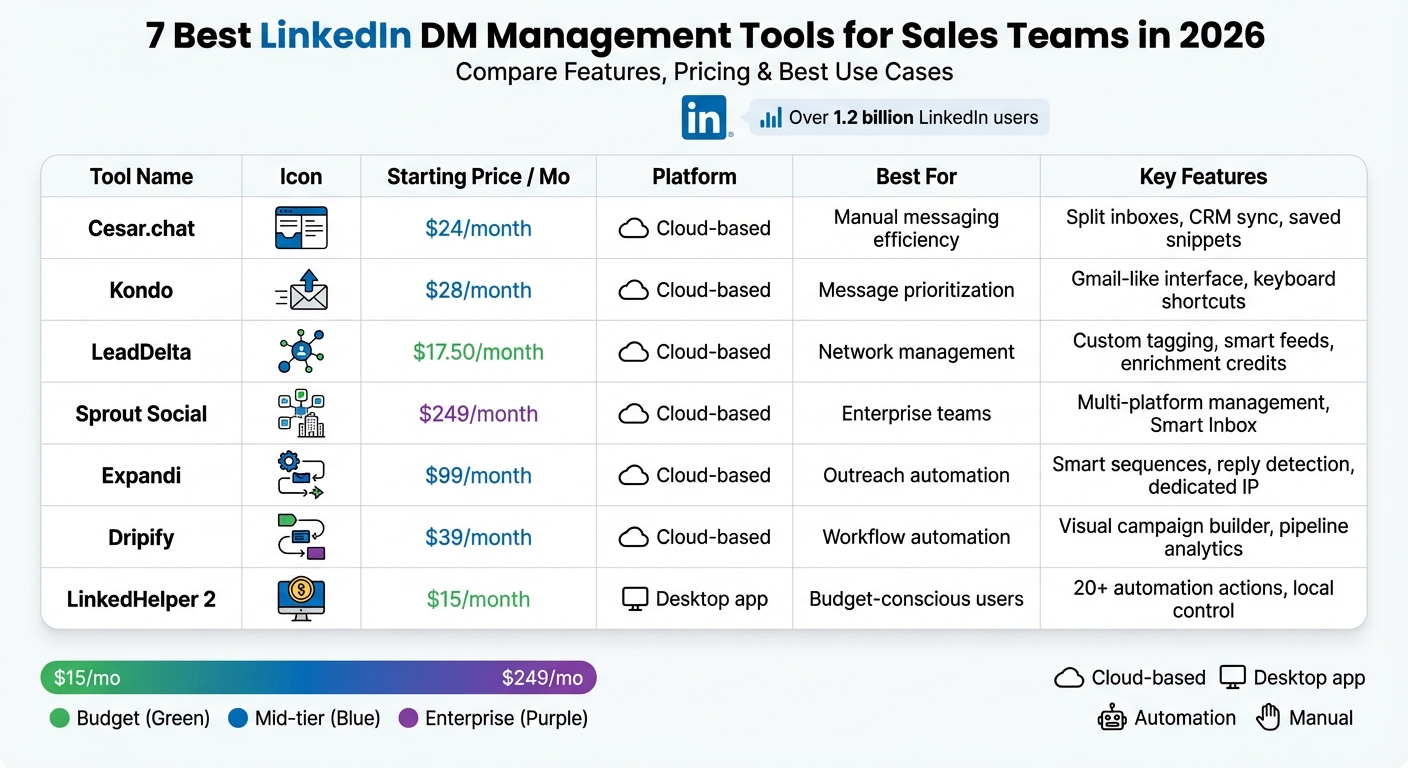
LinkedIn DM Management Tools Comparison: Features and Pricing 2026
1. Cesar.chat – Enhanced LinkedIn Messenger
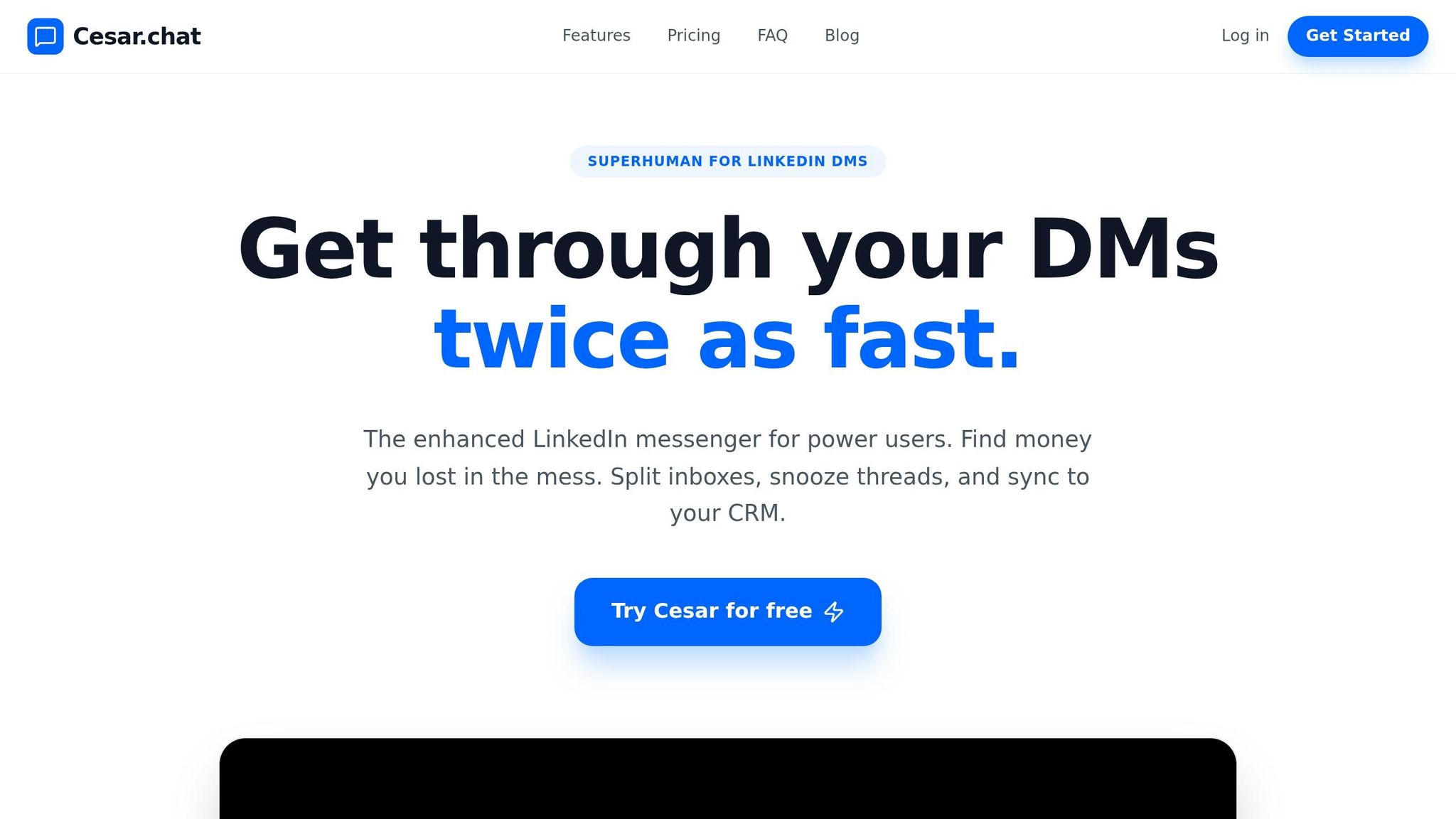
Cesar.chat describes itself as "Superhuman for LinkedIn DMs", sharing LinkedIn power user tips to help offering a productivity boost for LinkedIn’s messaging system. Unlike automation tools that send pre-written sequences, this platform focuses on helping sales reps handle DMs manually but much faster – doubling their efficiency.
Inbox Management and Prioritization
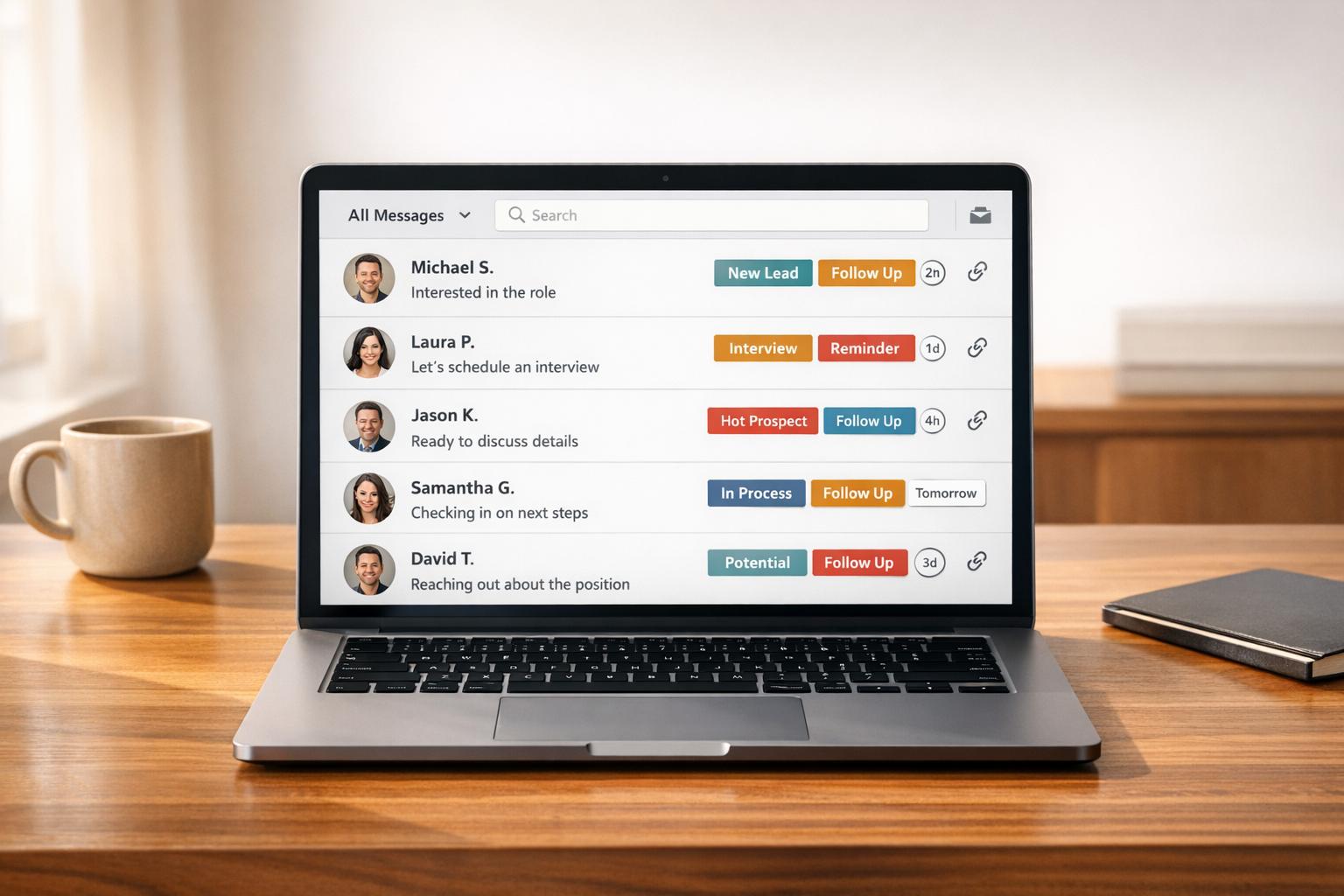
Cesar.chat takes LinkedIn inbox organization to a new level with split views and custom labels. Conversations can be categorized by stages like "Hot Lead", "Nurturing", or "Closed", ensuring no high-priority messages slip through the cracks. The snooze feature allows threads to reappear at the right time, while keyboard shortcuts and message snippets reduce repetitive tasks. This setup ensures smoother workflows and syncs seamlessly with your CRM.
CRM Integration and Syncing
To streamline workflows further, Cesar.chat integrates directly with popular CRMs like HubSpot, Salesforce, Notion, Clay, Zapier, Make, and Slack. It syncs conversation data, labels, and notes in real time, automatically logging history and metadata to keep your CRM up-to-date. By relying on official API interactions instead of scraping or bots, it also ensures the safety of your LinkedIn account.
Pricing and Value for Sales Teams
Cesar.chat offers flexible pricing plans tailored to different needs:
- Basic: $24/month (or $19.20/month annually) – Includes unlimited labels, snippets, reminders, and voice notes.
- Business: $32/month (or $25.60/month annually) – Adds up to three integrations, Sales Navigator message support, and analytics.
- Enterprise: $40/month (or $32/month annually) – Comes with dedicated integration setup, unlimited sync destinations, and VIP support.
For teams leveraging Sales Navigator, the Business or Enterprise plans are a must, as the Basic tier does not include support for those messages.
sbb-itb-3e8f5dc
2. Kondo
Kondo transforms LinkedIn DMs into a streamlined, Gmail-style inbox, doubling the speed of message processing for sales teams. It focuses on improving efficiency and organization, allowing reps to manage high message volumes while keeping interactions personal.
Inbox Management and Prioritization
Kondo reimagines LinkedIn messaging with a Gmail-inspired interface. Sales teams can label messages as "Hot Lead", "Client", or "Prospect", sorting them into separate inboxes to ensure critical conversations stand out. Its snooze feature temporarily archives messages, bringing them back exactly when needed. Keyboard shortcuts like E (archive), L (apply labels), and J/K (navigate conversations) make it easy to maintain an organized, zero-inbox system.
"Kondo is what the LI inbox should be. It turns DMs into a full Gmail experience with shortcuts, reminders, easy to access profiles, etc. No-brainer."
- Mark Kosoglow, Founder, The Operator
Users report saving over 5 hours each week on inbox management and achieving 30% more meetings booked. This enhanced organization also sets the stage for smooth CRM integration.
CRM Integration and Syncing
Kondo syncs LinkedIn message threads directly with CRMs like HubSpot and Salesforce in real time. It automatically logs conversation histories, labels, and notes, eliminating the need for manual updates. The platform also integrates with tools like Notion, Clay, and Google Sheets through native connections or webhooks. Teams using these features have reported a 35% jump in response rates and a 45% increase in pipeline opportunities.
Automation and Follow-Up Tracking
Kondo takes integration a step further by automating follow-up tracking, ensuring no potential lead is overlooked. Its message snippet feature allows users to save and insert personalized responses (e.g., using {firstName}) with ease. Desktop voice notes (triggered by V) add a personal touch to follow-ups, while a unified inbox consolidates messages from both standard LinkedIn and Sales Navigator, ensuring nothing is missed.
Pricing and Value for Sales Teams
Kondo’s Business tier starts at $28 per user per month and includes a 14-day money-back guarantee. With its advanced CRM syncing, teams can see up to a 60% boost in lead generation.
3. LeadDelta
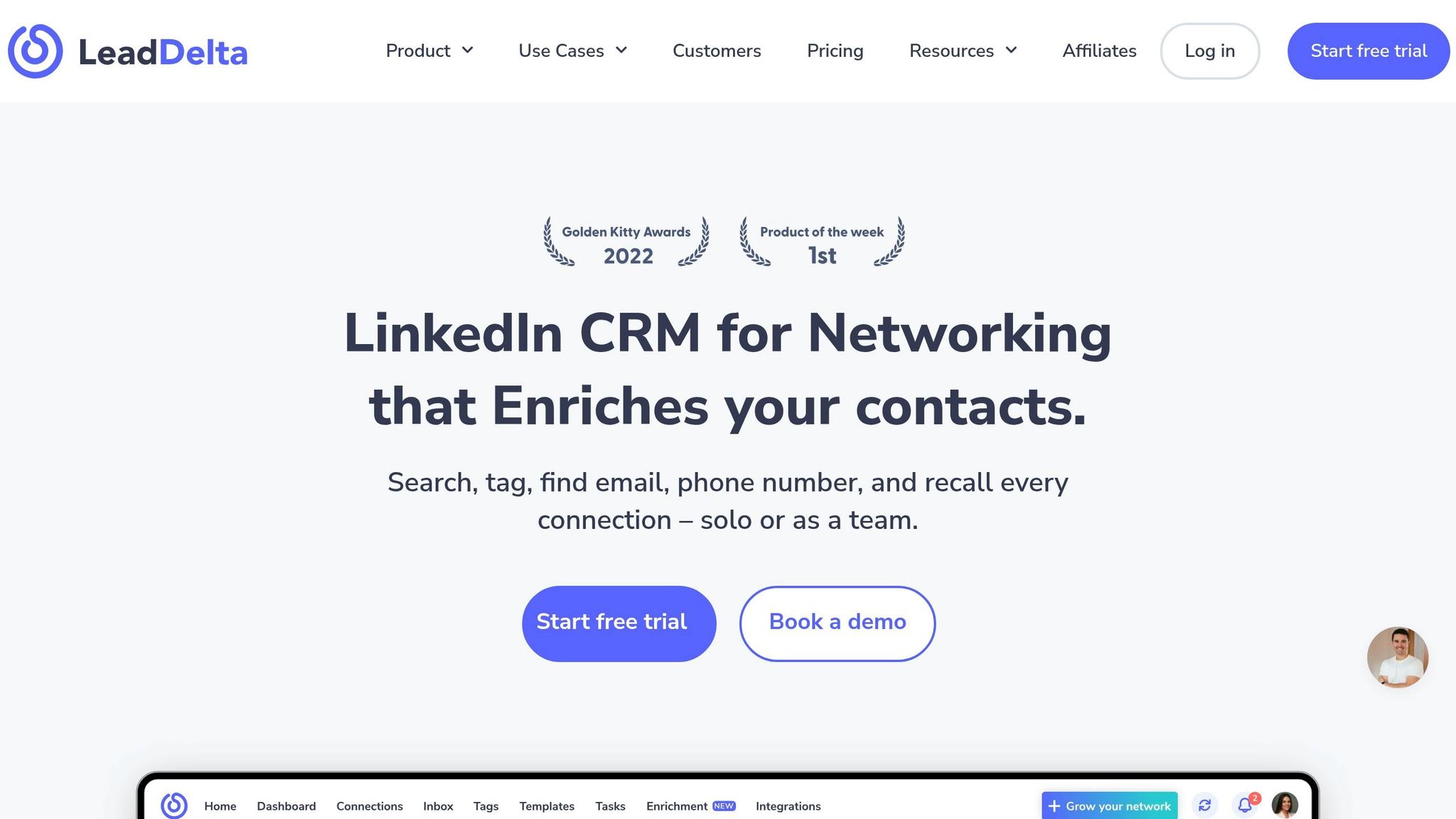
LeadDelta simplifies LinkedIn networking by consolidating everything into a single, searchable contact manager – eliminating the need for manual spreadsheets. Over 30,000 professionals rely on it to streamline their sales processes. With LeadDelta, sales teams can efficiently manage large networks, track conversations, and collaborate on warm introductions – all without leaving LinkedIn.
Inbox Management and Prioritization
The Smart Inbox is designed to cut through LinkedIn’s clutter. It consolidates messages, outreach efforts, and notes into one clean, ad-free interface. Sales reps can tag conversations with labels like "Hot Lead", "Client", or "Follow-Up", making it easy to filter and prioritize. The platform’s custom LinkedIn Feeds also let teams bypass the algorithm, focusing on updates from tagged prospects for targeted engagement in just minutes.
"LeadDelta is my go-to place for any direct communication on LinkedIn. I’m using it daily, saving me a lot of time and effort. When I say a lot, I mean something that took me an hour, now takes me 5 minutes!"
- Ivana Todorovic, Co-Founder, TalentKit
LeadDelta also includes built-in tasks and reminders to ensure no follow-up is overlooked. Plus, the LinkedIn Sidebar tool captures leads in bulk from any search page and enriches them with business emails and phone numbers.
CRM Integration and Syncing
LeadDelta integrates directly with HubSpot and Pabbly, and through Zapier, it connects to over 8,000 other applications, including Freshsales Suite. This makes it easy to sync data across your sales tools while maintaining accuracy. Teams can also use workspaces to combine their networks into a shared database, enabling real-time collaboration and coordinated account-based marketing.
"What I like about LeadDelta is the seamless integration with LinkedIn, absolutely no hiccup or problem of any kind! Then of course the possibility to add tags, notes, the search function are absolute lifesavers!"
- Luca Sambucci, Senior Director, Strategic Solutions, C3.AI
Pricing and Value for Sales Teams
LeadDelta offers four pricing tiers, with a 30% discount for annual subscriptions. Here’s a breakdown:
- Starter: $17.50 per user per month, includes 600 enrichment credits per year and 50 profile feeds.
- Pro: $38.50 per user per month, offering 2,400 enrichment credits, bulk messaging, and CSV import/export capabilities.
- Business: $69.30 per user per month, featuring 6,000 credits, AI Chat, and unlimited sync.
A 7-day free trial is also available, no credit card required. With stellar user ratings – 4.9/5 on Product Hunt and 4.8/5 on G2 Crowd – LeadDelta consistently earns praise for saving time and improving organization.
Next, let’s take a closer look at how Sprout Social can streamline your LinkedIn messaging.
4. Sprout Social
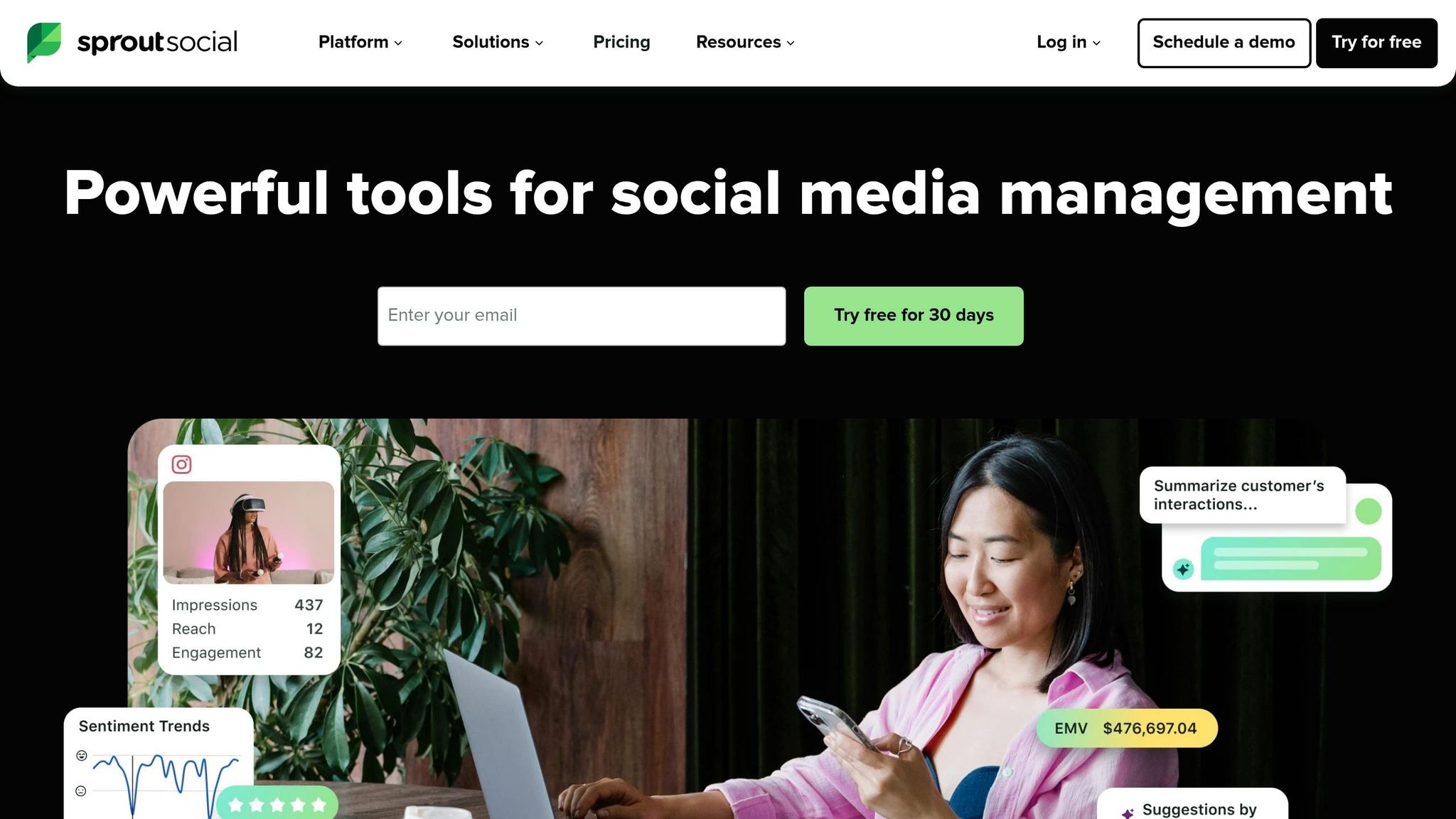
Sprout Social promotes itself as a comprehensive social media management tool, integrating LinkedIn DM management within a broader suite of engagement features. For sales teams juggling multiple LinkedIn Company Pages, its Smart Inbox is a standout. This tool consolidates public comments and private messages into a single feed, eliminating the need to switch between accounts and ensuring smoother communication workflows. These capabilities enhance collaboration and help teams respond promptly.
Inbox Management and Prioritization
One of Sprout Social’s key strengths is its focus on team collaboration. Sales reps can categorize incoming DMs with tags like "High Intent", "Product Demo Request", or "Follow-Up Required", ensuring messages are prioritized effectively. Real-time collision detection prevents duplicate efforts by showing when a teammate is already handling a response. Additionally, the LinkedIn Contact View provides a detailed history of a prospect’s interactions with your company page, enabling more tailored responses. For teams needing extra oversight, the platform includes approval workflows, allowing managers to review messages before they’re sent. This ensures consistent branding and messaging across all communications.
Automation and Follow-Up Tracking
Sprout Social leverages automation to streamline inbox management. Automated rules can sort and route messages based on specific keywords or criteria. For example, if a message includes terms like "pricing" or "demo", it can be flagged for immediate attention. This reduces response times significantly. The AI Assist tool provides copy suggestions to help sales reps craft messages quickly, while the Optimal Send Times feature identifies when your audience is most active, making follow-ups more effective. Integration with tools like Salesforce and Tableau connects LinkedIn interactions directly to your CRM, allowing seamless lead tracking without manual data entry. These integrations simplify workflows and improve response rates, especially for teams handling large volumes of DMs.
Pricing and Value for Sales Teams
Sprout Social’s Standard plan starts at $249 per month and includes a 30-day free trial that doesn’t require a credit card. Although its pricing is higher compared to LinkedIn-specific tools, the platform’s extensive feature set – spanning DM management, automated publishing, audience targeting, and analytics – can make it a worthwhile investment for enterprise teams managing complex, multi-channel social media operations.
Next, we’ll take a closer look at Expandi and its approach to LinkedIn automation, particularly for outreach campaigns.
5. Expandi
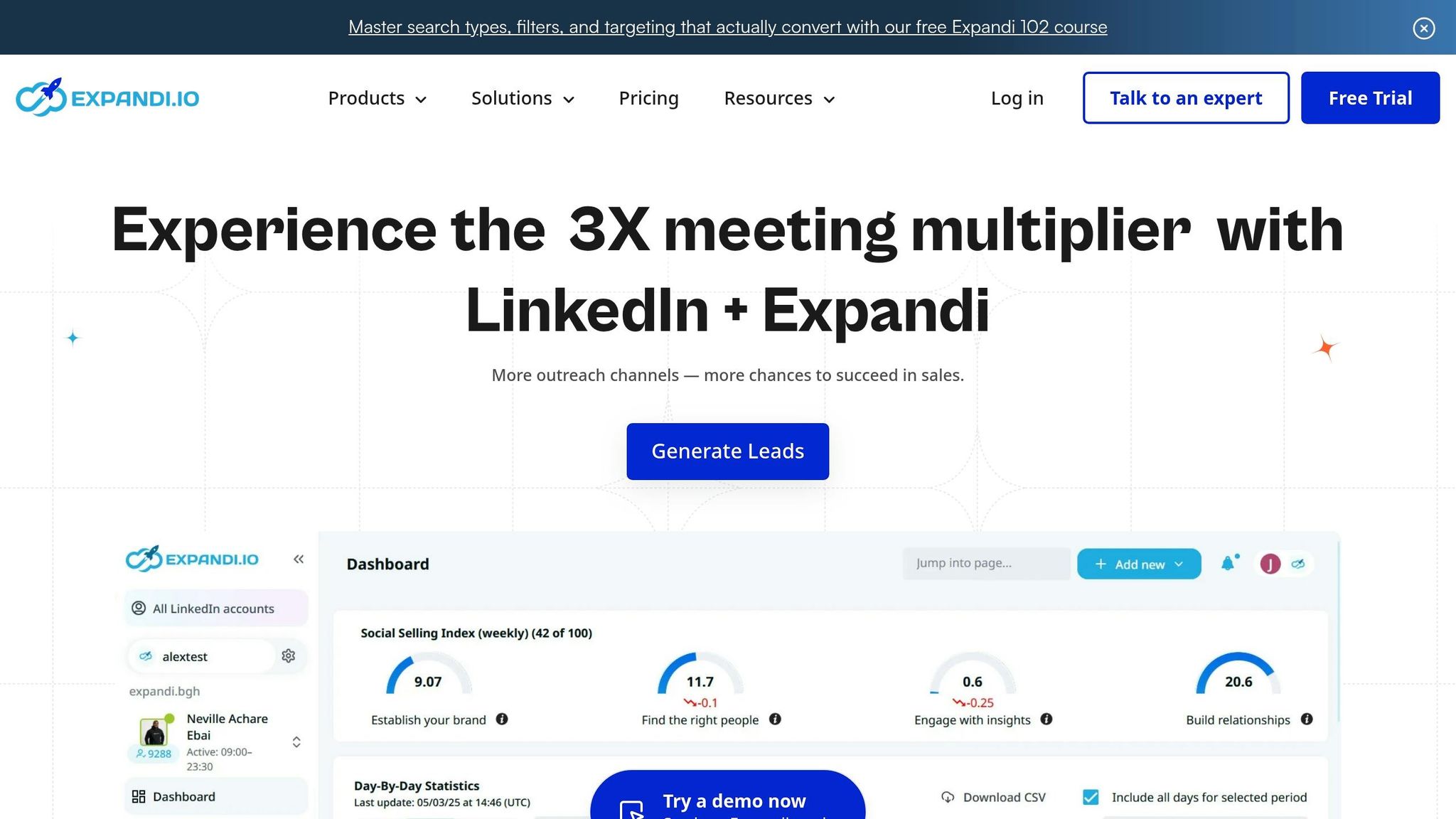
Expandi is a cloud-based LinkedIn automation platform designed to simplify high-volume outreach efforts. One standout feature is its Global Smart Inbox, which brings together replies from all connected LinkedIn accounts and workspaces into a single dashboard. This eliminates the hassle of constantly switching tabs. The AI Analyzer further streamlines communication by categorizing prospect responses into "Interested", "Maybe", or "Not Interested." Advanced filters allow users to sort messages based on connection type, interaction status, or tags. Handy tools like snooze, archive, and mark-as-unread make it easy to keep your inbox neat and organized.
On top of this, Expandi automates follow-ups to ensure prospects remain engaged over time.
Automation and Follow-Up Tracking
Expandi’s Smart Sequences use if-then logic to adjust outreach strategies based on prospect behavior. For instance, if a lead interacts with a post, the platform can automatically trigger a customized follow-up sequence. To prevent redundant messaging, Reply Detection halts automated sequences as soon as a prospect responds. This feature has proven effective – back in early 2026, Salescout used Expandi to book six demos and generate $250,000 in pipeline revenue within just three weeks. Additionally, Expandi’s Mobile Connector campaigns mimic mobile app activity, enabling users to send an extra 70–105 connection requests per week.
CRM Integration and Syncing
Expandi integrates seamlessly with popular CRMs like HubSpot, Salesforce, and Pipedrive. These native integrations automatically sync LinkedIn interaction data and update lead statuses, saving time and reducing manual input. For example, Provoke Agency, led by Ryan O’Connor, leveraged Expandi’s automation and CRM syncing to grow from $0 to $1.8 million in annual recurring revenue in under two years. These integrations are a game-changer for sales teams managing an increasing volume of LinkedIn direct messages.
Pricing and Value for Sales Teams
Expandi offers two pricing options:
- Business Plan: $99 per month per seat (or $79 per month when billed annually). This includes unlimited campaigns and smart sequences.
- Agency Plan: Custom pricing for teams with 10+ seats, featuring white-label branding and a dedicated customer success manager.
A 7-day free trial is also available, requiring no credit card. On G2, Expandi holds an impressive 4.2 out of 5 rating, with users highlighting its cloud-based safety features and efficient campaign management. However, some have noted that mastering advanced workflows can take time.
"Expandi is a nice tool for its price for outreach efforts because of the many features they offer, relatively easy setup process, and communication. We significantly increased our reply rates more efficiently as we didn’t have to spend lots of time on routine and monotone work."
– Aleksandra K., Public Relations Manager
Next, we’ll take a closer look at Dripify’s LinkedIn outreach automation.
6. Dripify
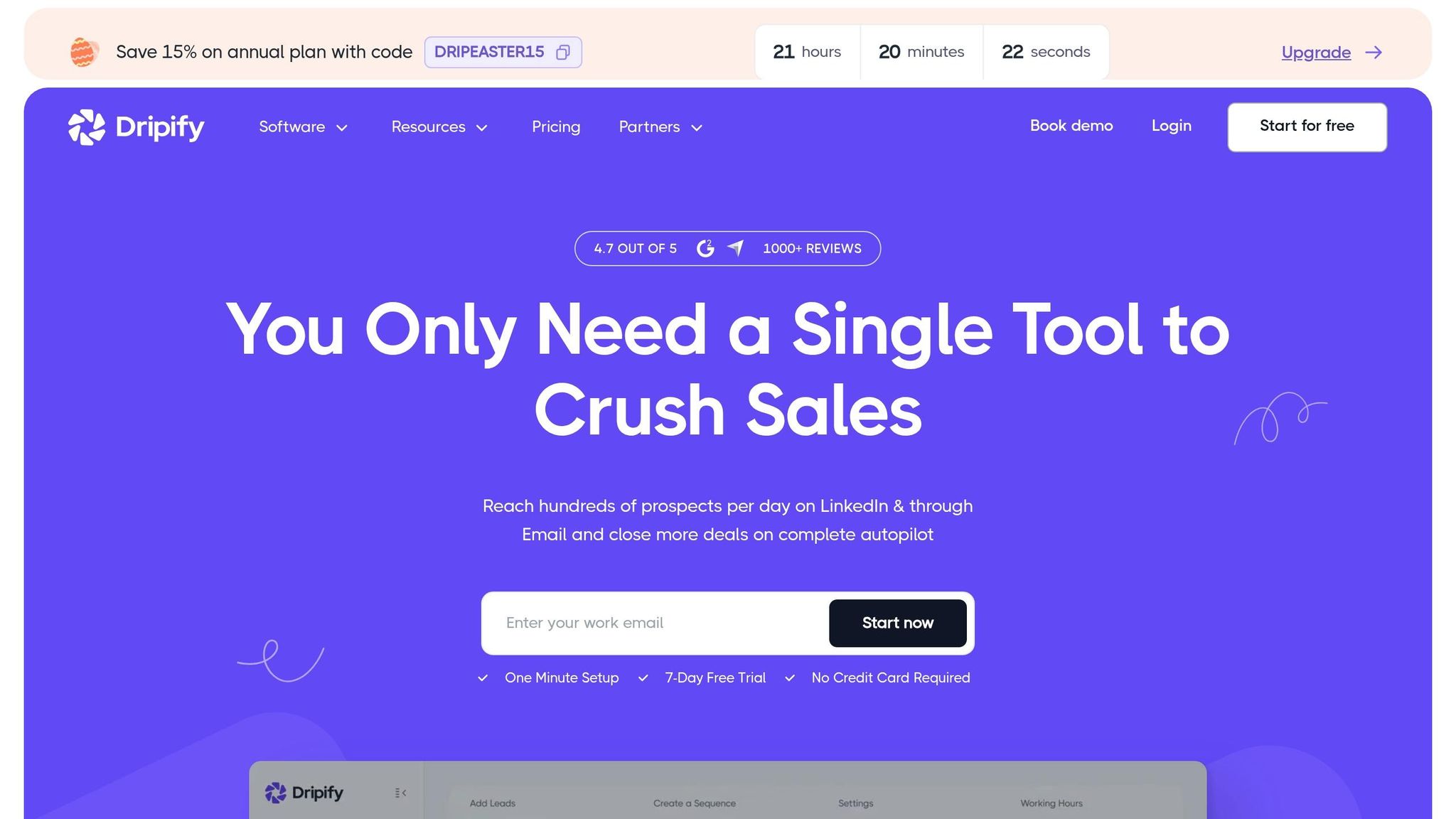
Dripify simplifies LinkedIn outreach by combining inbox organization and automation into a single, cloud-based platform. Its Smart Inbox addresses a major issue – about 70% of LinkedIn messages are spam – by automatically filtering out non-lead conversations and showing only interactions with leads you’ve marked as important.
Inbox Management and Prioritization
Dripify’s Smart Inbox is all about keeping things organized for sales teams. You can pin essential conversations, star messages that need attention, and mark threads as unread to revisit later. A standout feature is the ability to add private notes directly to a lead’s profile. This makes it easy to track deal progress or jot down key details without needing to hop over to a separate CRM. Plus, the platform gathers messages from multiple LinkedIn sources in one place.
Automation and Follow-Up Tracking
Dripify’s drag-and-drop campaign builder lets you create detailed, multi-step workflows with over 15 automated actions, including profile views, connection requests, endorsements, and follow-ups. Running continuously in the cloud, it keeps working even when your computer is off. For example, between December 2025 and February 2026, one B2B client using the Pro plan saw their weekly connection requests jump from 50 to over 400, response rates climb from 8% to 22%, and monthly meetings increase from 3 to 12. To avoid detection, Dripify uses randomized delays and smart daily limits, keeping its ban rate impressively low at just 0.3% to 0.5%, based on data from 18,000 LinkedIn accounts in 2026.
CRM Integration and Syncing
Dripify seamlessly connects with popular CRMs like HubSpot, Salesforce, Zoho CRM, Pipedrive, and Close using webhooks through Zapier or Make. When key actions occur – such as a connection request being accepted – the platform automatically sends lead data (like names, job titles, company details, email addresses, and LinkedIn URLs) to your CRM.
"To be able to do a workflow for your campaign and to push later your contacts to a CRM – that’s priceless compared to other products!" – Khaled A., Founder & CEO
Pricing and Value for Sales Teams
Dripify offers three pricing tiers:
- Basic at $39 per month, which supports one active campaign
- Pro at $59 per month, offering unlimited campaigns, Smart Inbox, and A/B testing
- Advanced at $79 per month, which adds team management features and enhanced activity controls
If you choose annual billing, you can save 35% compared to paying monthly. Plus, there’s a 7-day free trial to test the waters. Dripify holds an impressive 4.6 out of 5 rating on G2, with users praising its user-friendly interface and reliable cloud performance. However, some users have mentioned that the Basic plan feels limiting and that customer support can take up to 48 hours to respond.
7. LinkedHelper 2
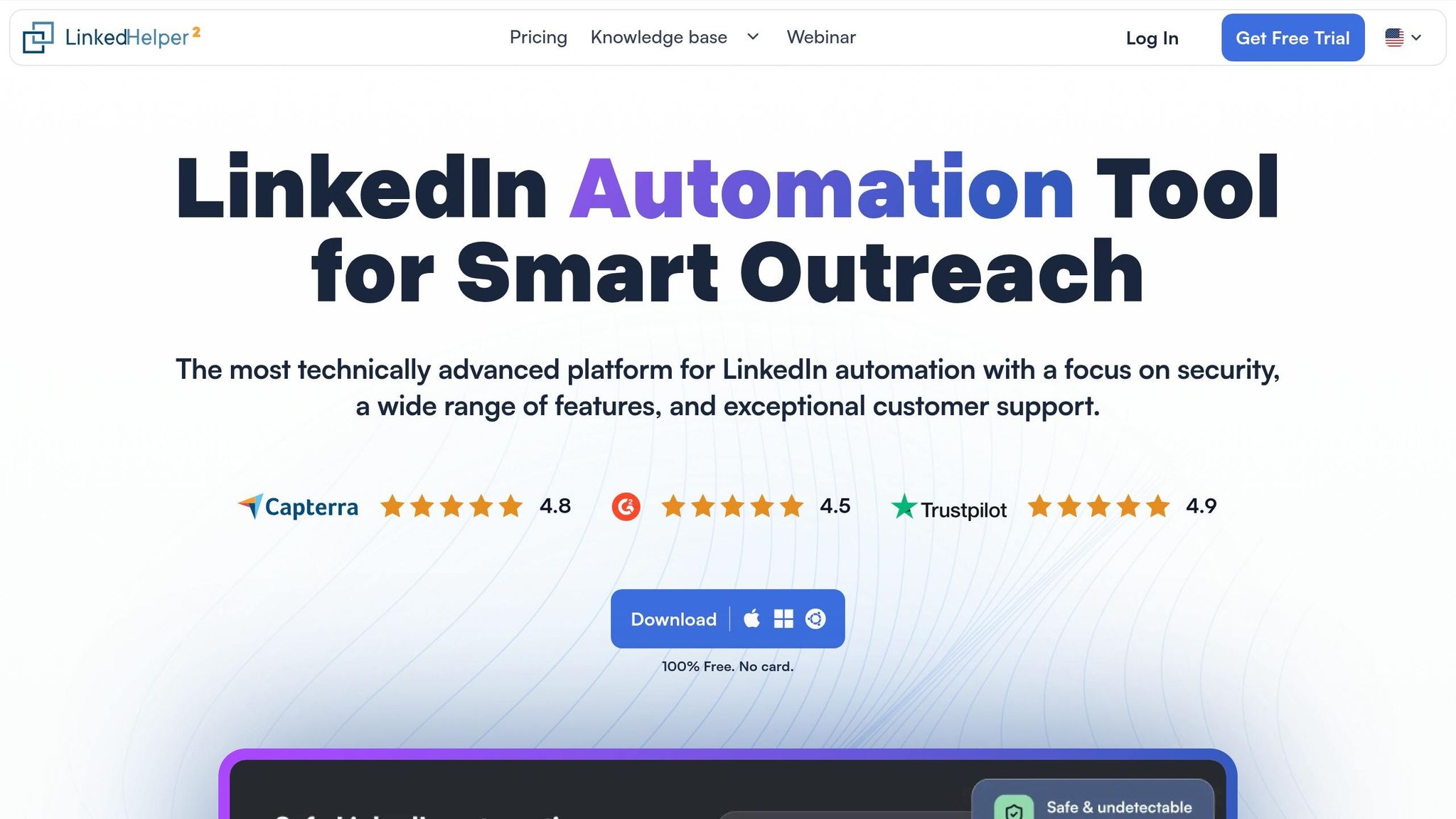
LinkedHelper 2 is a locally-run desktop application trusted by over 300,000 professionals across 180 countries. It offers more than 20 automated LinkedIn actions, with pricing starting at just $15 per month.
Inbox Management and Prioritization
This tool simplifies message management by automatically detecting replies through its "Check for replies" action. When a reply is detected, it halts automated sequences and moves the contact to a "Replied" list, making it easier to identify potential leads. It also consolidates full messaging histories for quick reference. To ensure no notifications are missed, the "Leave Response Unread" option keeps messages marked as unread in LinkedIn’s interface, even after processing.
Automation and Follow-Up Tracking
LinkedHelper 2 supports multi-step workflows that include actions like profile visits, follows, endorsements, and personalized connection requests. Its "Ignore Generic Replies" plugin filters out non-substantive responses – such as "Thanks for connecting" – so automated sequences can continue uninterrupted. By incorporating actions like following or endorsing skills before sending invitations, users have reported a 15–25% improvement in connection acceptance rates. Tasiia S. shares her experience:
"Linked Helper helps me automate repetitive LinkedIn tasks like sending connection requests and follow-ups. This saves me hours of manual work every week and allows me to focus on building real relationships and closing deals faster."
CRM Integration and Syncing
LinkedHelper 2 integrates seamlessly with popular CRMs like HubSpot, Pipedrive, Close.io, Zoho CRM, and Salesforce. For platforms without native integrations, it connects via webhooks using tools like Zapier, Make, or Automate.io. Users can set up triggers – for example, transferring data only after a lead replies – ensuring that CRMs are populated with engaged prospects. Since the tool mimics human behavior without injecting code, it prioritizes account safety.
Pricing and Value for Sales Teams
The tool offers a 14-day free trial and two pricing tiers: Standard at $15/month and Pro at $45/month. It boasts high user ratings, with 4.9/5 on Software Advice and 4.8/5 on G2. While praised for its affordability and reliability, some users have noted that the interface feels outdated or clunky. Additionally, as a desktop application, campaigns only run while your computer is on.
For a broader comparison of features and pricing, check out our detailed overview.
Feature and Pricing Comparison
When it comes to selecting the right tool for your sales team, it’s all about finding the perfect balance between features, budget, and team size. In 2026, pricing options range from budget-friendly desktop apps at $15/month to premium cloud-based solutions at $99/month per seat, catering to a wide variety of needs.
Small Teams and Solopreneurs
For individuals or smaller teams, Cesar.chat is a strong contender with plans starting at $24/month. It offers unlimited labels, snippets, and reminders, making it ideal for managing high-volume conversations. If you’re looking for an even more budget-conscious option, LinkedHelper 2 comes in at just $15/month as a desktop app. For those who prefer cloud-based solutions, Dripify’s Basic plan at $39/month provides tools like visual workflow builders and pipeline analytics while staying affordable.
Medium-Sized Teams
Medium-sized teams might find Cesar.chat’s Business plan appealing at $32/month, which includes CRM integrations and support for LinkedIn Sales Navigator. For teams prioritizing account security, Expandi stands out at $99/month, offering dedicated IPs and voice-activated triggers – features introduced in early 2026. Other mid-tier options like Kondo, LeadDelta, and Sprout Social provide specialized tools for inbox management and social selling workflows, making them great choices depending on specific team needs.
Large Teams and Agencies
For larger teams and agencies, cloud-based solutions with dedicated IPs are essential for 24/7 operations and enhanced account protection. This is especially important since LinkedIn cracked down on bot-driven accounts, restricting over 15 million accounts in 2025. Automation tools can save sales teams between 10–15 hours per week, which offsets the cost of premium tools when compared to labor expenses.
Keep in mind that many high-tier tools require LinkedIn Sales Navigator, which adds about $99/month to your total costs.
Feature and Pricing Overview
The table below highlights key features, pricing, and differentiators to help you make an informed choice:
| Tool | Starting Price | Platform Type | Best For | Unique Feature |
|---|---|---|---|---|
| Cesar.chat | $24/mo | Cloud-based | Power users needing inbox organization | Split inboxes, CRM sync, saved snippets |
| Kondo | $28/mo | Cloud-based | Teams focused on conversation quality | Advanced filtering and prioritization |
| LeadDelta | $17.50/mo | Cloud-based | Relationship-focused sales | Network management and tagging |
| Sprout Social | $249/mo | Cloud-based | Enterprise social selling | Multi-platform social management |
| Expandi | $99/mo | Cloud-based | Safety-conscious individual users | Dedicated IP, voice-activated triggers |
| Dripify | $39/mo | Cloud-based | Visual workflow automation | Pipeline analytics, team management |
| LinkedHelper 2 | $15/mo | Desktop app | Technical users on a budget | 20+ automation actions, local control |
This breakdown should help you identify which tool aligns best with your team’s size, workflow needs, and budget. Whether you’re a solopreneur or part of a large agency, there’s an option tailored to your goals.
Conclusion
Managing DMs effectively in 2026 goes far beyond simply sending messages. It requires smart workflows, secure practices, and meaningful engagement. The seven tools discussed in this article offer a range of solutions, from basic automation plans starting at $15/month to advanced enterprise options with features like dedicated IPs and AI-driven personalization.
With LinkedIn’s 2025 crackdown removing over 15 million bot-driven accounts, the need for cloud-based platforms that balance safety and productivity has never been greater. Prospects are now quick to recognize and dismiss generic, automated messages, making genuine interactions a key differentiator.
Among these tools, Cesar.chat stands out for blending efficiency with personalization. It’s an ideal choice for sales teams aiming to handle LinkedIn DMs twice as efficiently while maintaining a human touch. Features like split inboxes, keyboard shortcuts, and seamless CRM integration make it a game-changer for managing high volumes of conversations. Starting at just $24/month, Cesar.chat offers professional-grade functionality without the hefty price tag, all while ensuring safety by enhancing manual messaging rather than relying on risky automation.
When selecting a tool, focus on aligning it with your team’s needs and budget. Whether you prioritize affordability, CRM integration, or secure multi-account management, the right choice will depend on your specific goals. Personalized engagement consistently outperforms generic outreach, so keep that in mind as you refine your approach.
Ultimately, success in 2026 will hinge on thoughtful automation combined with genuine interactions. It’s not about how many messages you send but how effectively you leverage intent signals, protect your accounts, and turn real conversations into revenue. Start with 3–4 tools that address your biggest challenges, master the art of relationship-building, and scale your efforts carefully. After all, your LinkedIn inbox remains one of the fastest routes from initial interest to closing deals.
FAQs
How can I manage lots of LinkedIn DMs without sounding automated?
Handling a flood of LinkedIn DMs without losing that personal touch can be tricky. But here’s the good news: AI-powered tools can help you manage this effectively while staying authentic.
These tools can do a lot, like personalizing messages based on recipient data and engagement, automating follow-ups, scoring leads, and even crafting outreach that feels human. The key to making this work? Balance automation with a genuine approach.
Here are some tips to keep your messages feeling natural:
- Segment your audience: Group recipients by shared traits or interests to make your outreach more relevant.
- Use thoughtful templates: Start with a solid base, but avoid sending cookie-cutter messages.
- Customize key parts: Add personal touches that reflect individual interests or context.
By combining smart tools with a thoughtful strategy, you can build real connections and keep your communication authentic.
What’s the safest way to use LinkedIn DM tools without risking my account?
To use LinkedIn DM tools without putting your account at risk, stick to practices that align with natural user behavior. Avoid sending too many messages too quickly or exceeding LinkedIn’s activity limits. Instead, gradually ramp up your usage over time and focus on crafting personalized messages that feel genuine.
Take advantage of features like activity throttling or scheduling "sleep hours" to make your activity appear more human-like. A mix of automation and manual interaction can also help strike the right balance. For added security, enable two-factor authentication and ensure your passwords are strong and unique.
By following these steps, you can minimize restrictions while maintaining an effective and secure outreach strategy.
How do I sync LinkedIn DM conversations into my CRM automatically?
To automatically sync LinkedIn direct message conversations into your CRM, you’ll need tools that connect LinkedIn with your CRM system. For example, platforms like Cesar.chat provide features such as live CRM syncing, allowing for smooth data transfer and well-organized conversations. Additionally, some CRMs offer built-in or API-based integrations, making it easier to automate the process of capturing LinkedIn messages, follow-ups, and engagement details. This simplifies your sales workflow and helps save time while keeping everything structured.