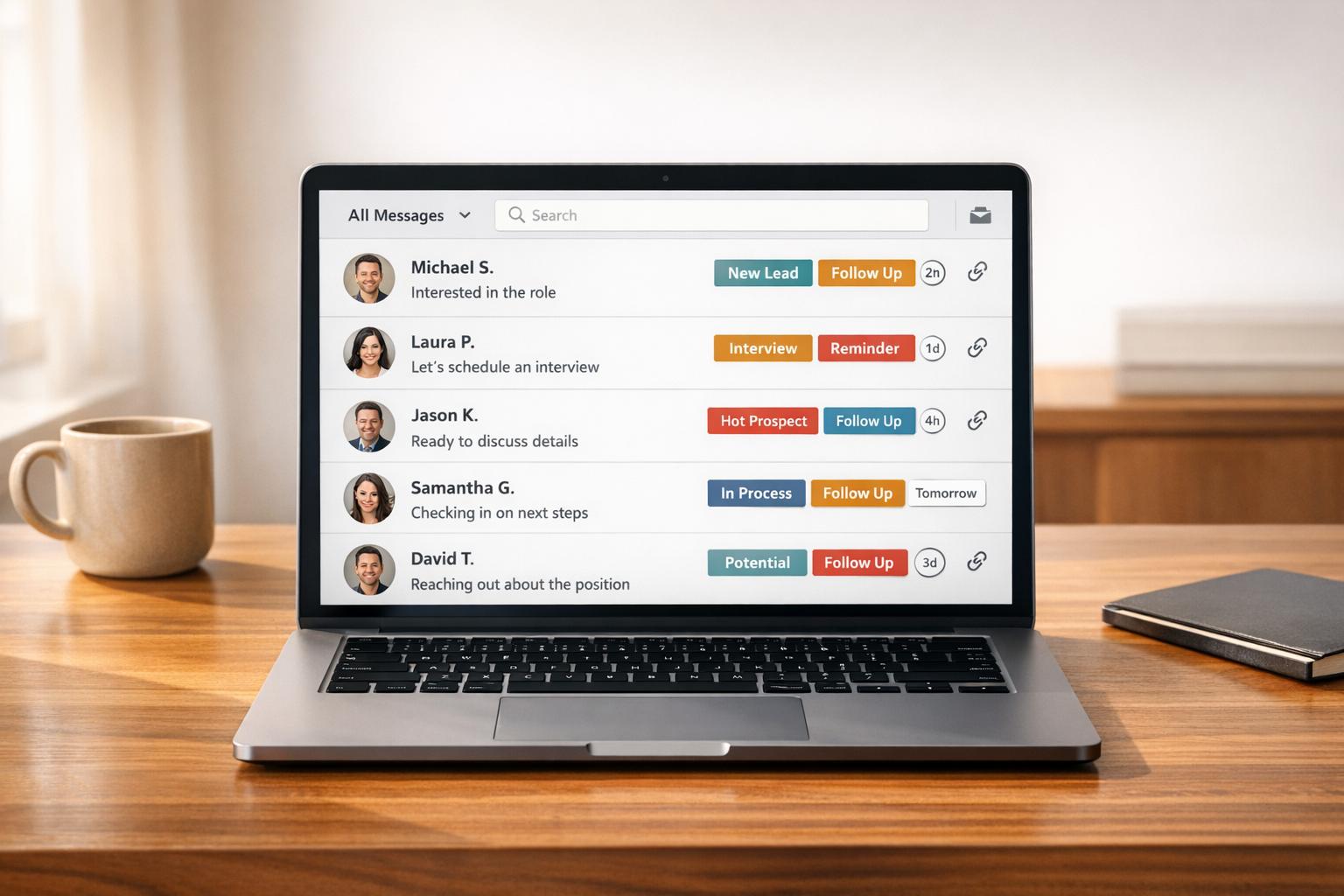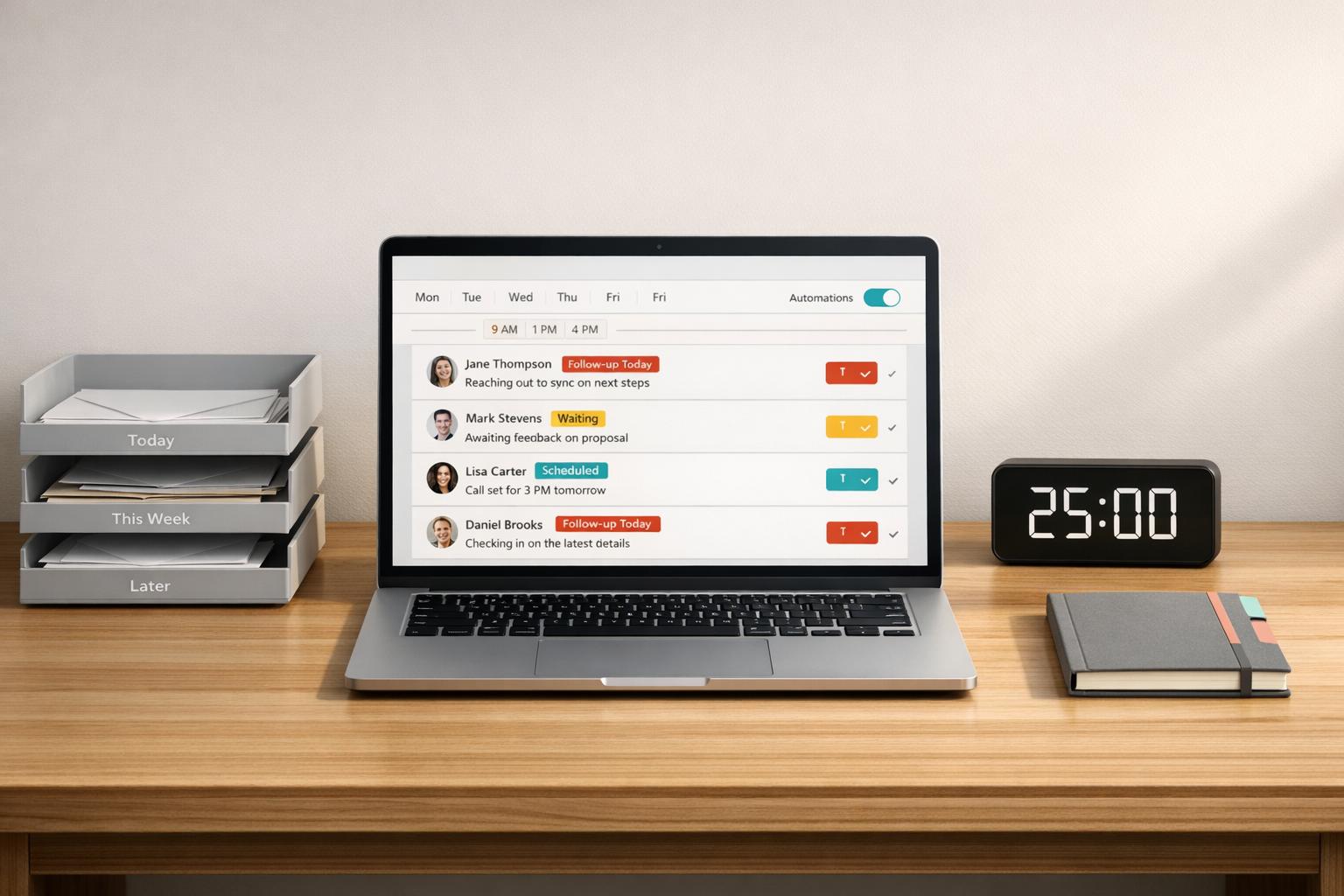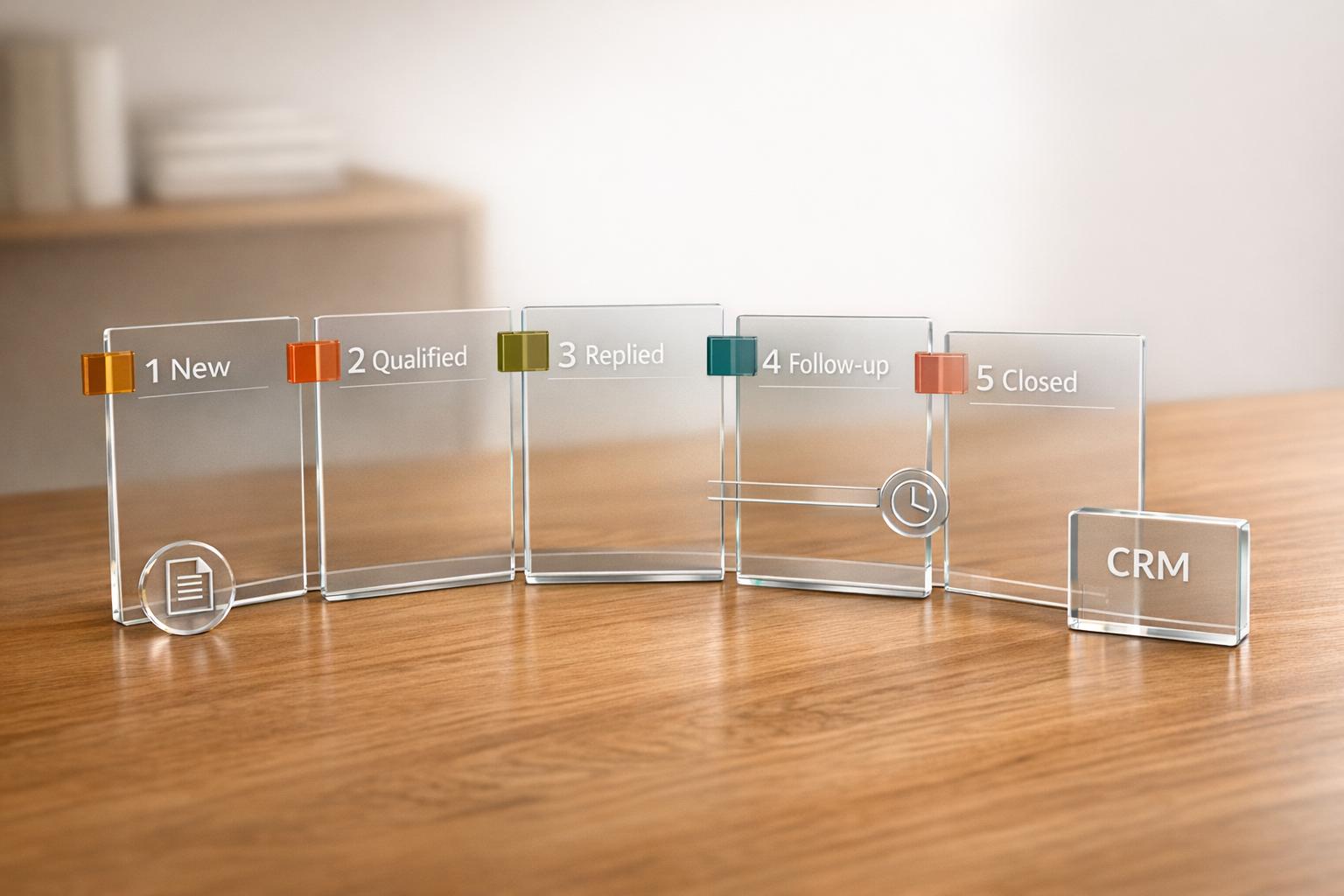
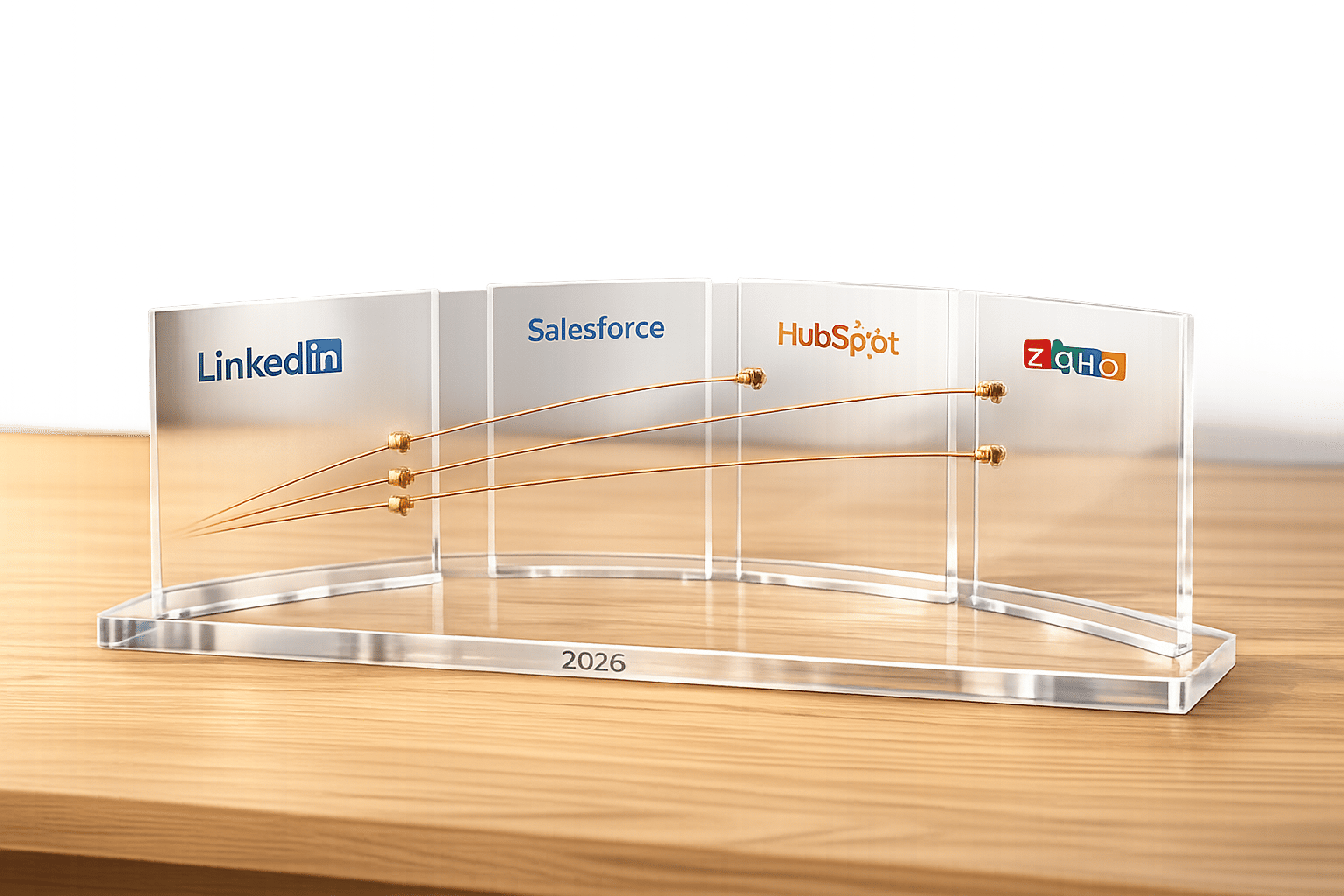
LinkedIn-to-CRM connectors simplify the process of syncing LinkedIn prospecting data with CRM platforms like Salesforce, HubSpot, and Zoho. These tools save time by automating data entry, logging interactions, and tracking engagement signals. In 2026, connectors have advanced to include features like real-time syncing, intent signal tracking, and AI-driven workflows. Here’s a quick breakdown:
- Cesar.chat: Focuses on manual LinkedIn messaging with real-time CRM sync. Affordable at $24–$40/month, no Sales Navigator required.
- Salesforce Native Integration: Embeds LinkedIn Sales Navigator directly into CRM records. Ideal for enterprise teams but costs $2,500–$3,400+ per user annually.
- HubSpot Native Integration: Offers LinkedIn CRM Sync and embedded profile data. User-friendly but requires Sales Navigator Advanced Plus, costing $1,600+ per year.
Quick Comparison:
| Feature | Cesar.chat | Salesforce Native | HubSpot Native |
|---|---|---|---|
| Primary Use | Manual LinkedIn messaging | Enterprise sales workflows | Social selling for growing teams |
| Cost | $24–$40/month | $2,500–$3,400+/year | $1,600+/year |
| Data Sync | Full conversation history | Buyer signals & task creation | LinkedIn ad lead syncing |
| Setup Complexity | Simple | Complex | Moderate |
| Best For | Budget-conscious teams | Enterprise teams | Mid-sized growing businesses |
Each option caters to different needs. Cesar.chat is great for cost-conscious users, Salesforce is ideal for large enterprises, and HubSpot balances usability with advanced features.
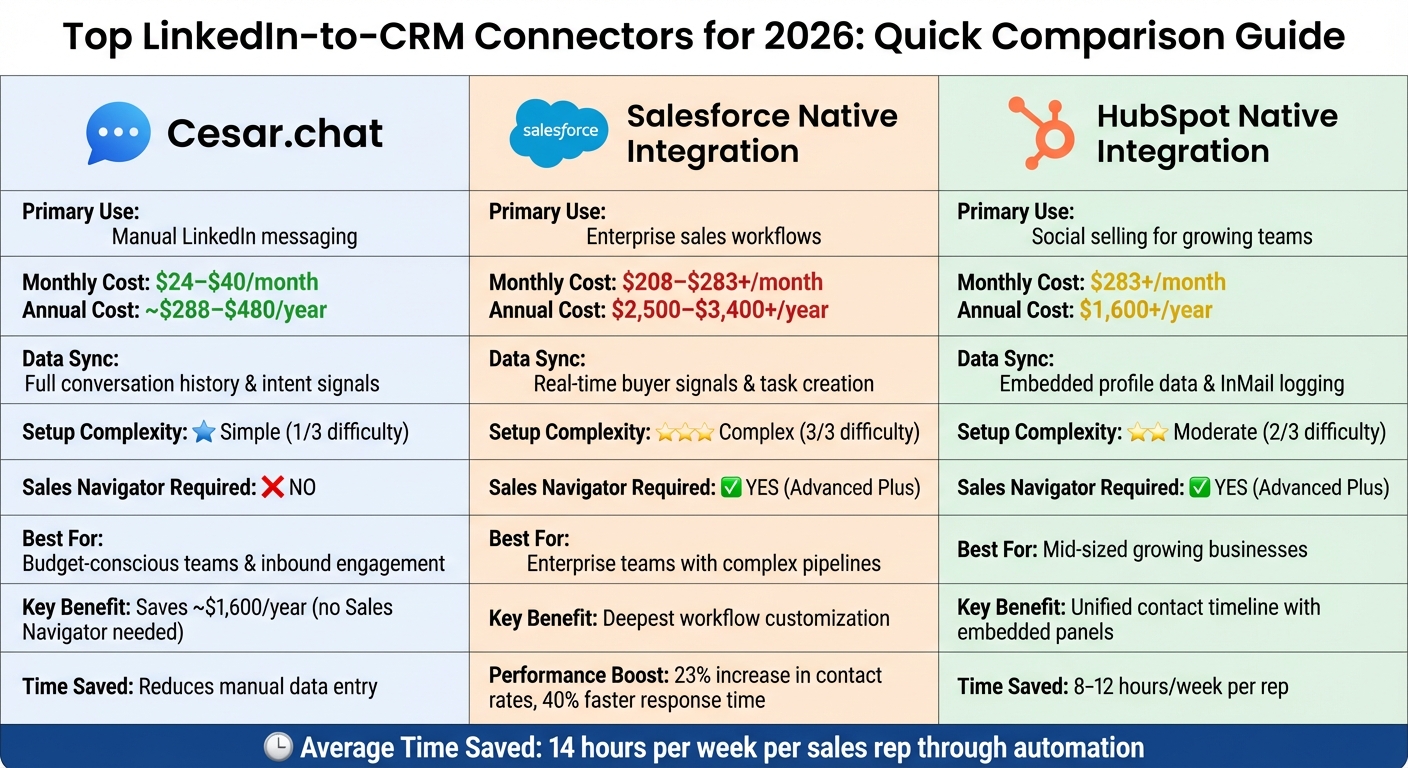
LinkedIn-to-CRM Connector Comparison: Cesar.chat vs Salesforce vs HubSpot 2026
LinkedIn Sales Navigator & Salesforce CRM Integration Demo
sbb-itb-3e8f5dc
1. Cesar.chat
Cesar.chat presents itself as an improved LinkedIn messaging tool for users who prefer to handle outreach manually but want to do so more efficiently. Instead of automating the process entirely, it enhances the speed and organization of LinkedIn DM management. One standout feature is its ability to sync LinkedIn conversations, custom labels, and notes directly into your CRM in real time.
Integration Features
Cesar.chat offers direct integration with Salesforce and HubSpot, ensuring seamless data syncing for users of these platforms. For those using Zoho, integration is available via third-party tools like Zapier and Make, keeping the process straightforward.
What sets Cesar.chat apart is its focus on pre-sync organization. Users can label conversations, split them into separate inboxes, and prioritize high-potential leads. This way, only qualified opportunities are transferred to the CRM, cutting down on manual data entry and improving workflow. For those on the Business and Enterprise plans, syncing Sales Navigator messages is also included, offering extra functionality for advanced prospecting.
"Cesar.chat gets your messages from LinkedIn’s internal APIs… You can see us as a messaging app for DMs the same way your email app layers on top of Gmail." – Cesar.chat
Pricing and Plans
Cesar.chat offers three pricing tiers to cater to different needs:
- Basic Plan ($24/month): Includes unlimited labels, saved snippets, reminders, and voice notes. However, CRM integrations are not included.
- Business Plan ($32/month): Adds CRM connectivity for up to three integrations, Sales Navigator message syncing, and analytics.
- Enterprise Plan ($40/month): Includes advanced features like unlimited sync destinations, white-glove integration setup, and VIP support.
For those opting for annual billing, a 20% discount applies, making it more cost-effective for long-term users.
These plans are tailored for professionals seeking to streamline their manual LinkedIn outreach with productivity-focused tools.
AI and Automation Capabilities
Cesar.chat doesn’t rely on full automation but instead focuses on tools that improve manual efficiency. Features like saved snippets, keyboard shortcuts, and split inboxes help users manage conversations faster while staying organized. This approach aligns with LinkedIn’s policies, reducing the risk of account issues.
"We focus on giving you the best interface to manage your own outreach and conversations manually but much faster." – Cesar.chat
Ease of Setup
Setting up integrations is straightforward for Business plan users, especially for Salesforce and HubSpot. For those on the Enterprise plan, white-glove integration support is available, offering hands-on guidance to connect Cesar.chat with their broader tech stack. By using official-style API interactions instead of scraping or bots, Cesar.chat ensures LinkedIn accounts remain secure throughout the process.
2. Native Salesforce Integration
Salesforce’s native integration with LinkedIn Sales Navigator is a game-changer for enterprise teams handling complex deals. By embedding LinkedIn data directly into Salesforce records, this integration eliminates a lot of manual work. Sales reps can access profile details, shared connections, and buyer signals without ever leaving their CRM, making workflows much smoother.
Integration Features
This integration offers some powerful tools to streamline sales processes:
- Automatic Logging: InMails, messages, and connection requests are automatically logged into the Salesforce contact timeline.
- One-Click Record Creation: Sales reps can create new lead or contact records in Salesforce directly from LinkedIn.
- Bi-Directional Sync: Data flows seamlessly between LinkedIn and Salesforce, keeping both platforms up to date.
- Embedded Panels: Sales Navigator panels within lead, contact, and opportunity records provide real-time buyer signals and relationship insights.
- Custom Object Support: The integration works with both standard and custom Salesforce objects, giving teams flexibility in organizing their data.
These features don’t just sound good – they deliver results. Sales teams using this integration have reported a 23% increase in contact rates and a 40% faster response time for leads.
Pricing and Plans
To use this integration, you’ll need both Salesforce Sales Cloud (ranging from $75 to $300 per user per month) and LinkedIn Sales Navigator Advanced Plus (around $1,600+ per user annually). In total, the cost per user is approximately $2,500 to $3,400+ per year.
Ease of Setup
While the pricing might require consideration, the setup process is relatively straightforward if you meet the necessary requirements. Here’s what you’ll need:
- Administrative access to both Salesforce and LinkedIn.
- A compatible Salesforce edition (Enterprise, Performance, Unlimited, or Developer).
- The "LinkedIn Sales Navigator for Salesforce" package from the AppExchange.
Once installed, users must authenticate their LinkedIn accounts within Salesforce. Administrators should map LinkedIn fields to Salesforce properties and test with a few contacts to ensure everything syncs smoothly. For the best results, log into both platforms in the same browser session, and clear your cache if permission issues arise.
This integration not only simplifies workflows but also enhances how sales teams manage and respond to leads – making it a worthwhile investment for many organizations.
3. Native HubSpot Integration

HubSpot offers two built-in integration options with LinkedIn: Embedded Sales Navigator Cards and LinkedIn CRM Sync.
The Embedded Sales Navigator Cards allow users to view LinkedIn profile details – like key information – directly within HubSpot records. This feature also lets users send InMails from the CRM and leverage "Icebreakers" for more tailored outreach. However, it’s important to note that this is a view-only feature, meaning it doesn’t automatically create new HubSpot contacts from LinkedIn.
The LinkedIn CRM Sync goes a step further by enabling two-way synchronization. This includes automatically logging InMails and messages on the HubSpot timeline, syncing contacts and leads across both platforms, and offering "Smart Links" tracking. Additionally, HubSpot integrates with LinkedIn Lead Gen Forms, which directly import leads from LinkedIn ad campaigns. These forms typically see conversion rates that are 2–5 times higher than standard landing pages. Together, these integrations improve data visibility and simplify workflows as soon as they’re activated.
Integration Features
This integration removes the need for manual data entry, centralizes prospect engagement, and helps prioritize leads by incorporating LinkedIn signals into HubSpot’s lead scoring system. Embedded Sales Navigator panels within contact, company, and deal records provide insights like mutual connections and real-time job changes. Workflow triggers based on LinkedIn engagement signals further automate lead routing and task assignments.
Pricing and Plans
To unlock the full CRM Sync functionality, you’ll need both HubSpot Sales Hub Professional and LinkedIn Sales Navigator Advanced Plus. The Advanced Plus plan generally costs between $1,600 and $1,800 per user annually, which breaks down to roughly $250+ per month per user.
Ease of Setup
Setting up the integration is simple via the HubSpot Marketplace. For Embedded Sales Navigator Cards, each user connects their LinkedIn account. CRM Sync, however, requires admin access on both HubSpot and LinkedIn platforms.
For integrations installed after October 7, 2025, you’ll need to manually add the integration card to HubSpot record views. You should also map LinkedIn fields to HubSpot properties and test the setup with a small batch of contacts. Automating workflows based on "Lead Source = LinkedIn" can further streamline notifications and nurture sequences. Teams report saving 8–12 hours per week per representative by cutting out manual data entry.
Pros and Cons
Each connector offers a unique way to link LinkedIn with your CRM, and understanding their strengths and weaknesses is key to streamlining workflows and boosting productivity. Here’s how Cesar.chat, Native Salesforce Integration, and Native HubSpot Integration compare based on important criteria.
| Feature | Cesar.chat | Native Salesforce | Native HubSpot |
|---|---|---|---|
| Primary Focus | Inbound leads & engagement context | Enterprise RevOps & complex pipelines | All-around social selling & usability |
| Setup Ease | Simple native sync; no Sales Navigator required | Complex setup; requires admin expertise | Moderate; requires high-tier licenses |
| Data Sync | Full conversation history & intent signals | Real-time buyer signals & task creation | Embedded profile data & InMail logging |
| Cost | $24–$40/month; no Sales Navigator needed | $75–$300/user/month + $99–$1,600/year for Sales Navigator | $150/month + $1,600+/year for Sales Navigator Advanced Plus |
| Best For | Budget-conscious teams focused on inbound engagement | Enterprise teams with complex forecasting needs | Growing teams seeking a balance of features and usability |
| Key Strength | Saves approximately $1,600/year by avoiding Sales Navigator; captures genuine engagement signals | Deepest workflow customization | Unified contact timeline with embedded LinkedIn panels |
| Limitation | Lacks advanced enterprise RevOps features | High complexity and total cost of ownership | Limited to Sales Navigator data; high cost barrier |
Looking at these metrics, it’s clear that each tool caters to a specific audience. Cesar.chat stands out by focusing on inbound engagement and conversation history, offering a cost-effective solution without requiring Sales Navigator. On the other hand, native integrations like Salesforce and HubSpot prioritize outbound prospecting data, with Salesforce excelling in customization for enterprise teams and HubSpot offering a user-friendly experience for growing businesses.
"Integration streamlines data flow – it doesn’t generate leads. You still need a LinkedIn inbound strategy that attracts prospects to you." – ConnectSafely
For enterprise teams handling intricate sales cycles, Salesforce paired with Sales Navigator Advanced Plus provides the most robust integration. However, this comes with a hefty price tag, often exceeding $3,000 per user annually, and requires significant admin expertise. HubSpot, while easier to use, still demands a high investment when combined with advanced Sales Navigator features. For small to medium businesses, Cesar.chat presents a budget-friendly alternative, avoiding the need for costly Sales Navigator licenses while still automating key processes.
Ultimately, the real value lies in reducing manual tasks – the main productivity drain that keeps sales reps from focusing on selling. Choosing the right connector depends on your team’s size, budget, and workflow needs.
Conclusion
Picking the right connector boils down to factors like your team’s size, budget, and lead-generation goals. For enterprise teams, Native Salesforce Integration combined with Sales Navigator Advanced Plus offers powerful customization and RevOps capabilities. While the annual cost exceeds $3,000 per user, this combination can be worth the investment for larger teams with complex needs.
For those looking for a middle ground, Native HubSpot Integration provides features like embedded LinkedIn panels and unified contact timelines. However, its high annual cost might be a hurdle for mid-sized businesses.
If budget is a top priority and your focus is on inbound engagement, Cesar.chat is a wallet-friendly option. Starting at $24–$40 per month and not requiring Sales Navigator (which typically costs around $1,600 annually), it captures complete conversation histories and engagement signals without breaking the bank.
No matter which option you choose, automating data entry can save sales reps an average of 14 hours per week. The key is finding the connector that aligns with your workflow – not just your CRM.
FAQs
Do I need LinkedIn Sales Navigator for this to work?
You don’t strictly need LinkedIn Sales Navigator for the connectors to work. That said, pairing them with Sales Navigator – particularly the Advanced Plus plan – can provide extra integration options and expanded features, making it easier to optimize your workflows.
What LinkedIn data can sync into my CRM automatically?
Automatically synced LinkedIn data can include messages, conversations, notes, labels, InMail activity, and lead details such as contacts and profiles. The exact data synced will depend on the integration tool you’re using, helping ensure smooth LinkedIn-to-CRM connectivity to streamline your workflows.
How do I choose the right connector for Salesforce, HubSpot, or Zoho?
To pick the right connector, think about your workflow requirements, integration options, and key features. Salesforce provides a strong LinkedIn integration tailored for enterprise-level workflows. HubSpot integrates with LinkedIn Sales Navigator for Enterprise accounts, allowing for lead syncing and activity tracking. On the other hand, Zoho typically depends on third-party tools to sync with LinkedIn.
Consider whether native integrations (which tend to be smoother) or third-party tools (offering wider compatibility) align better with your objectives, automation preferences, and setup simplicity.