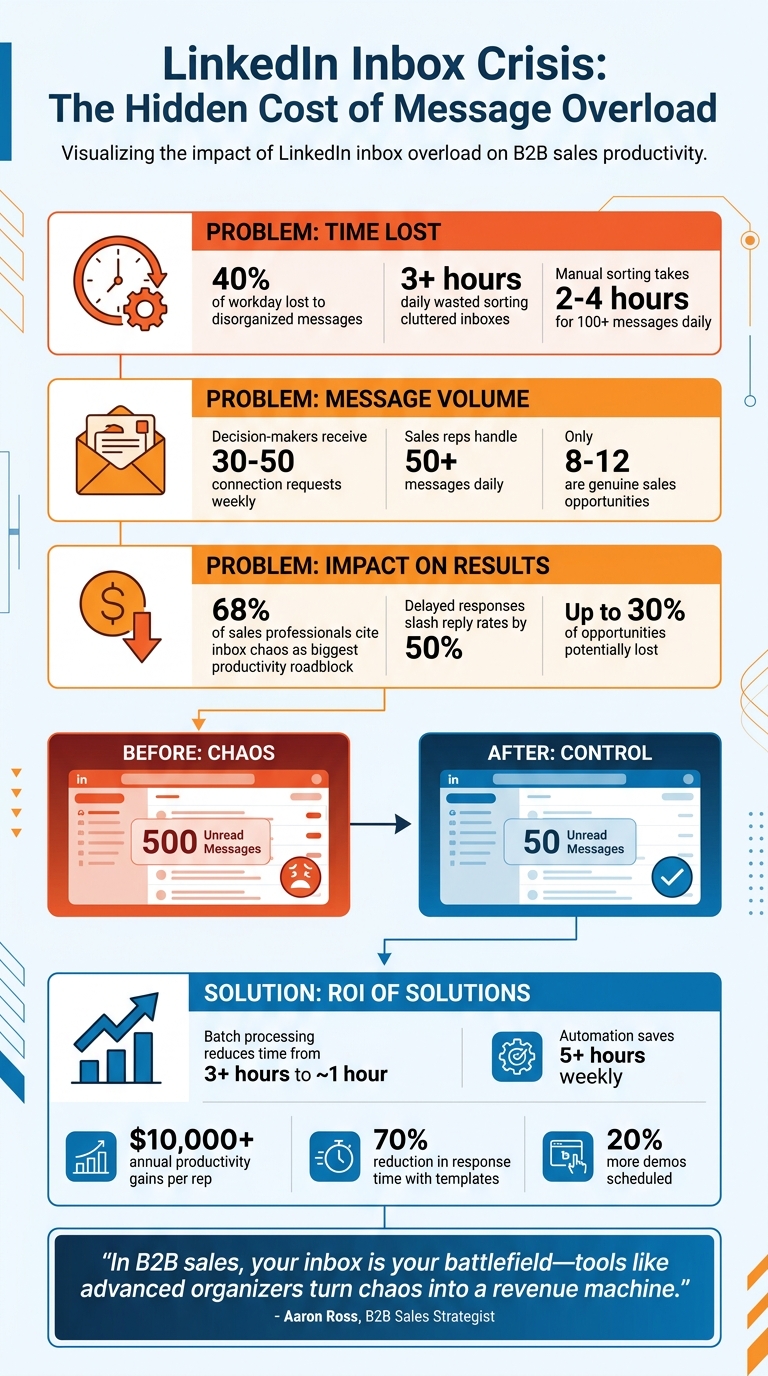
Your LinkedIn inbox is killing your productivity. Sales professionals lose up to 40% of their workday managing disorganized messages, costing valuable time and missed opportunities. With decision-makers receiving 30–50 connection requests weekly, your sales pitch risks getting buried under spam and low-priority notifications.
Key takeaways:
- Lost time: Sales reps waste 3+ hours daily sorting through cluttered inboxes.
- Missed deals: High-priority leads often slip through the cracks.
- CRM inefficiency: Manually syncing LinkedIn messages to CRMs like Salesforce or HubSpot slows down workflows.
Solution: Tools like Cesar.chat streamline LinkedIn inbox management with AI-powered message sorting, follow-up reminders, pre-written templates, and live CRM sync. These features save hours, boost response rates, and ensure no lead is left behind.
Don’t let inbox chaos hold you back. Take control, save time, and close more deals.
LinkedIn Inbox Overload Impact on B2B Sales Productivity
CRM Unified LinkedIn Inbox – Manage your LinkedIn Messages
sbb-itb-3e8f5dc
Common Problems with High-Volume LinkedIn Inboxes
When your LinkedIn inbox overflows with messages, it can create significant hurdles for your B2B sales efforts. These challenges often lead to reactive workflows, missed opportunities, and a slower path to closing deals.
Disorganized Messages and Lack of Prioritization
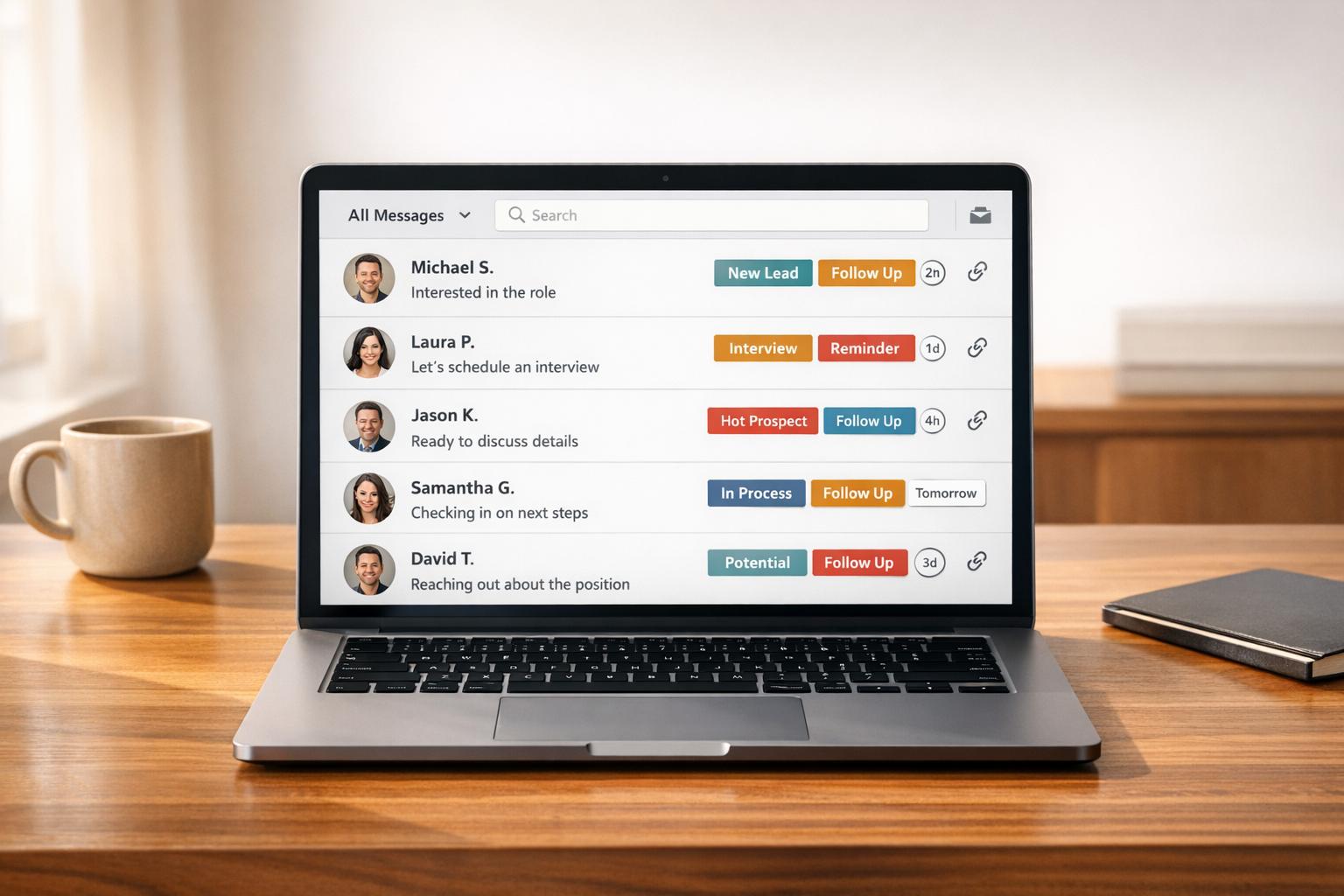
A high volume of messages can make it tough to stay organized and focus on the right leads. LinkedIn doesn’t offer built-in tools to categorize conversations by their stage in the sales process. For instance, there’s no way to tag a thread as "Hot Lead", "Meeting Scheduled", or "Follow-Up Needed." This lack of structure means important leads can easily get lost in a sea of less critical notifications. Without a system in place, you may find yourself responding to the newest messages rather than focusing on those that could drive conversions.
Time-Consuming Manual Sorting and Follow-Ups
Managing LinkedIn messages manually can eat into your productivity. Unread messages pile up, creating a never-ending list of follow-ups. On top of that, constant notifications force you to switch contexts repeatedly throughout the day. Research shows that these interruptions can waste over three hours daily, while more structured approaches, like batch processing, take only about an hour. Beyond wasting time, these disruptions can lead to rushed or generic responses, which may cause you to miss key details or stall conversations with promising leads.
Integration Challenges with CRMs and Other Tools
One of the biggest workflow bottlenecks is the lack of seamless integration between LinkedIn and CRMs like Salesforce or HubSpot. Without native connectivity, you’re left manually transferring details from LinkedIn conversations into your CRM – a tedious and error-prone process. This problem becomes even more pronounced for Sales Navigator users, who have to juggle two inboxes (LinkedIn’s standard inbox and the Navigator inbox). The need to manually sync information between these platforms disrupts workflow efficiency and makes it harder to keep your sales pipeline accurate and up-to-date.
These obstacles highlight the need for tools and strategies that streamline LinkedIn messaging and improve overall efficiency.
How Cesar.chat Solves LinkedIn Inbox Overload
Tired of juggling countless LinkedIn messages and struggling to keep track of important conversations? Cesar.chat steps in to bring order to the chaos with automation and smart tools and LinkedIn strategies that make managing high-volume inboxes a breeze.
Split Inboxes for Better Message Organization
Cesar.chat’s split inbox feature is like having a personal assistant for your LinkedIn messages. It automatically sorts incoming messages into three categories: Sales Leads, Networking, and Low-Priority. Using AI, it analyzes sender profiles, message content, and engagement patterns to decide where each message belongs. For sales reps who get flooded with 50+ messages daily, this tool pinpoints the 8–12 genuine sales opportunities hidden in the noise.
Even better, it merges your LinkedIn and Sales Navigator inboxes into a single, streamlined interface. No more jumping back and forth between platforms. Plus, you can add custom labels like "Hot Lead", "Client", or "Meeting Scheduled" to organize your workflow further. These labels sync directly with CRMs like HubSpot and Salesforce, keeping your sales data consistent without the need for manual updates.
Snooze Threads to Schedule Follow-Ups
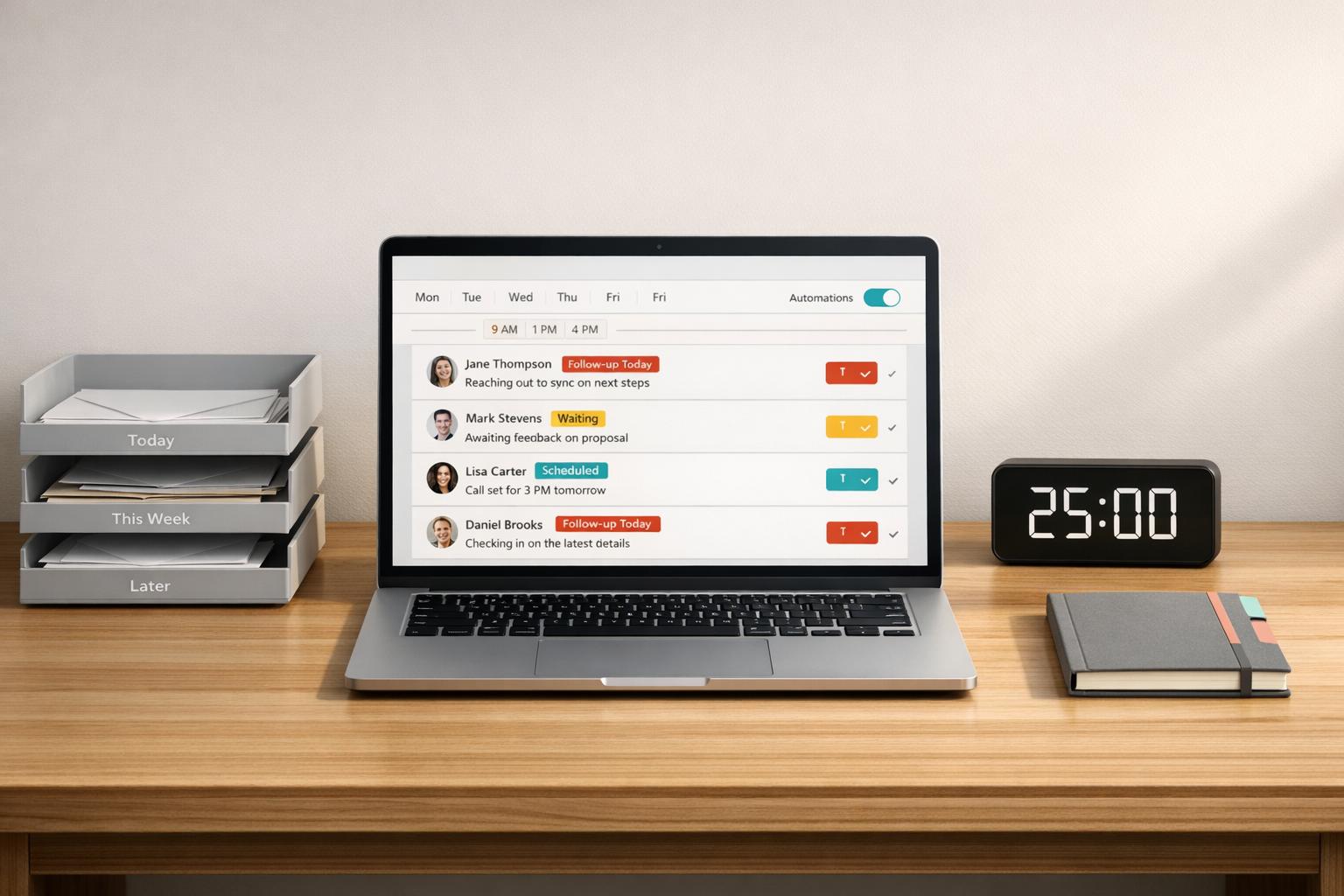
The snooze feature takes the stress out of remembering follow-ups. If a prospect says they’ll be ready to talk next Tuesday, you can snooze the conversation, and it’ll pop back into your inbox exactly when you need it. This eliminates the need for sticky notes or calendar reminders, ensuring you never miss a follow-up opportunity.
Saved Snippets for Quick Responses
Cesar.chat also helps speed up your replies with saved snippets – pre-written templates for common scenarios like outreach, handling objections, confirming meetings, or following up. These templates include customizable fields like {first_name} and {company}, so you can personalize messages in seconds. Instead of spending 5 minutes crafting a reply, you can send a professional, polished message in just 30–45 seconds. This feature reduces response time by up to 70%, allowing you to focus on what really matters – closing deals.
Additional Features That Improve Productivity
Building on its strong inbox organization and follow-up tools, Cesar.chat offers additional features designed to help you handle your LinkedIn sales workflow more efficiently. These tools are particularly useful for professionals juggling dozens of messages daily, adding an extra edge to your productivity.
Keyboard Shortcuts for Faster Inbox Management
Cesar.chat takes LinkedIn messaging to the next level with keyboard shortcuts that simplify inbox management. With just a few key presses, you can archive, label, or snooze conversations without ever reaching for your mouse. This means you can quickly clear out lower-priority messages, mark leads for follow-up, and organize your inbox in a fraction of the time. For busy B2B sales reps, these shortcuts can save valuable minutes throughout the day, making it easier to stay on top of your workload. Plus, the platform’s automation capabilities extend beyond shortcuts, seamlessly integrating with your CRM for a smoother workflow.
Live CRM Sync for Connected Workflows
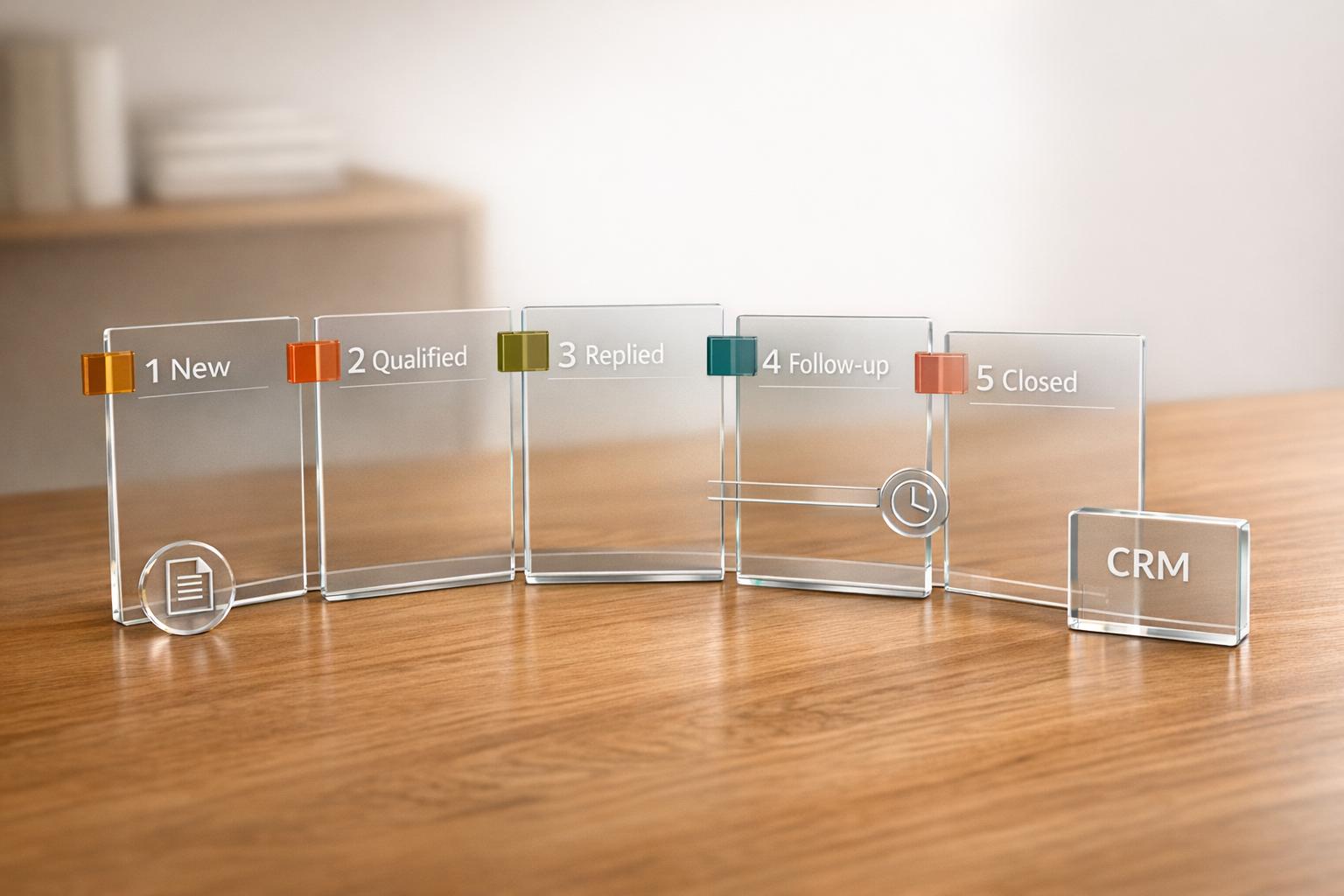
Say goodbye to the hassle of copying and pasting LinkedIn conversations into your CRM. Cesar.chat’s live CRM sync feature automatically transfers messages, notes, and labels directly into your CRM system. Currently, it offers native integrations with tools like HubSpot and Google Sheets, with plans to support Salesforce, Notion, and Zoho CRM in the near future – either through third-party connectors or upcoming updates.
Every LinkedIn message thread is synced to your contact timeline in real-time, ensuring your sales system is always up to date. If you’re chatting with a new prospect, the platform can automatically create a contact record for them. Custom labels such as "Hot Lead" or "Meeting Scheduled" are also synced, keeping your team aligned and your lead tracking consistent. By automating these tasks, users can save over 5 hours each week while ensuring 100% of LinkedIn activity is logged.
Conclusion: Managing LinkedIn Inbox Overload
The clutter of an overfilled LinkedIn inbox isn’t just frustrating – it’s a direct hit to productivity and revenue. Research shows that 68% of sales professionals identify inbox chaos as their biggest productivity roadblock, with delayed responses slashing reply rates by half and potentially losing up to 30% of opportunities.
This is where Cesar.chat steps in as a game-changer. By organizing your LinkedIn inbox into clear categories, automating follow-ups, and syncing conversations to your CRM, Cesar.chat helps sales teams reclaim hours of wasted time and focus on what truly matters – closing deals.
For sales reps managing 100+ messages daily, manual sorting eats up 2–4 hours. Cutting that time in half translates to over $10,000 in annual productivity gains per rep. One mid-sized U.S. tech company saw dramatic results: reducing unread messages from 500 to just 50 weekly, boosting response rates by 35%, and scheduling 20% more demos.
"In B2B sales, your inbox is your battlefield – tools like advanced organizers turn chaos into a revenue machine." – Aaron Ross, Predictable Revenue author (Forbes interview, 2024)
Every missed lead is a missed opportunity. Don’t let disorganization hold you back. Take control of your inbox, recover lost productivity, and convert more leads. Start your free Cesar.chat trial today and experience the difference within days.
FAQs
How can I quickly spot high-intent leads in my LinkedIn inbox?
To spot high-intent leads, pay attention to messages that indicate strong buying signals – like inquiries about your services or detailed, specific questions. Group these messages into categories such as Hot Leads or Follow-ups to ensure you’re focusing on the right prospects. By organizing your inbox and batching messages based on their level of engagement, you can quickly identify those with genuine interest and prioritize your efforts accordingly.
What’s the best way to avoid missing follow-ups on LinkedIn?
Managing LinkedIn messages efficiently can make a big difference in your professional networking. A structured approach to your inbox is key. Here are some tips to keep things organized:
- Adopt the "Inbox Zero" mindset: Treat every message like a task that needs to be addressed. This helps you stay on top of things without letting important conversations slip through the cracks.
- Use keyboard shortcuts: These can save you time and make responding to messages faster.
- Add a personal touch with voice notes: Sending voice messages can help you stand out and build stronger connections.
Make it a habit to regularly review your inbox and prioritize key messages, especially from hot leads. This way, you’ll ensure no follow-up gets overlooked.
How can I automatically log LinkedIn messages into my CRM?
You can integrate LinkedIn messages directly into your CRM using third-party tools. For instance, Cesar.chat offers automatic syncing with platforms like Salesforce, HubSpot, and Zoho. This setup removes the need for manual data entry by seamlessly transferring LinkedIn conversations, notes, and tags into your CRM. The result? You save time and reduce the chances of errors.