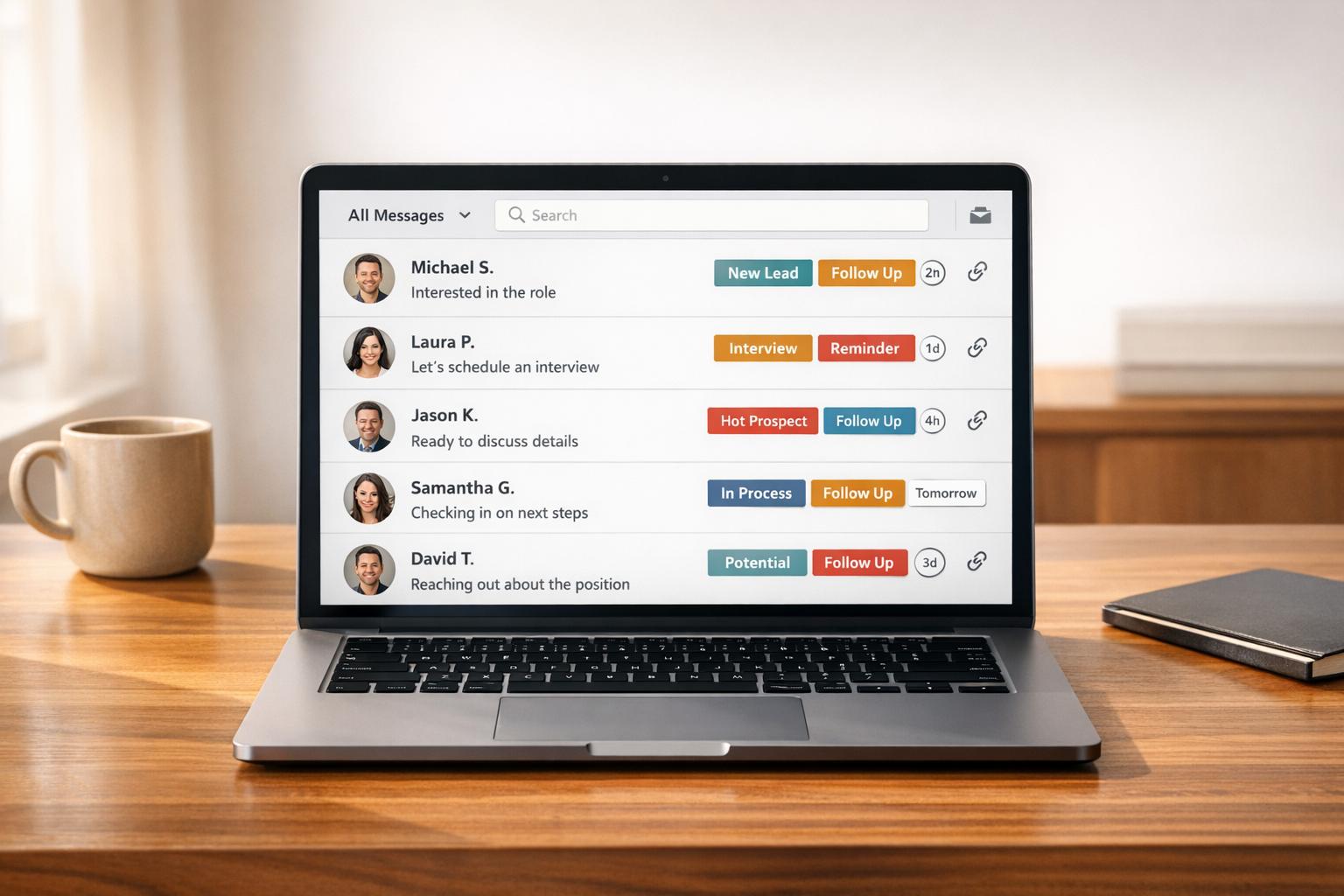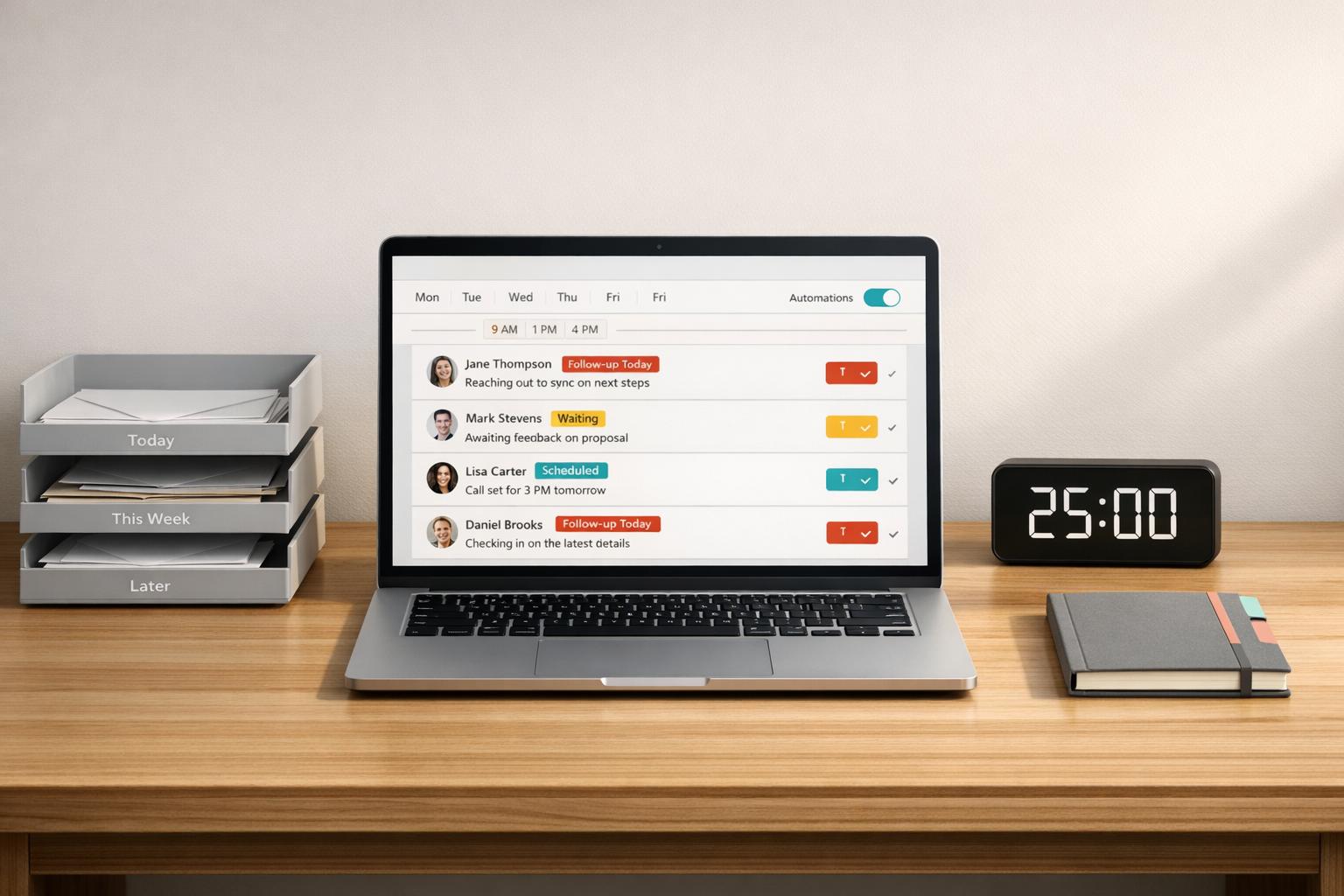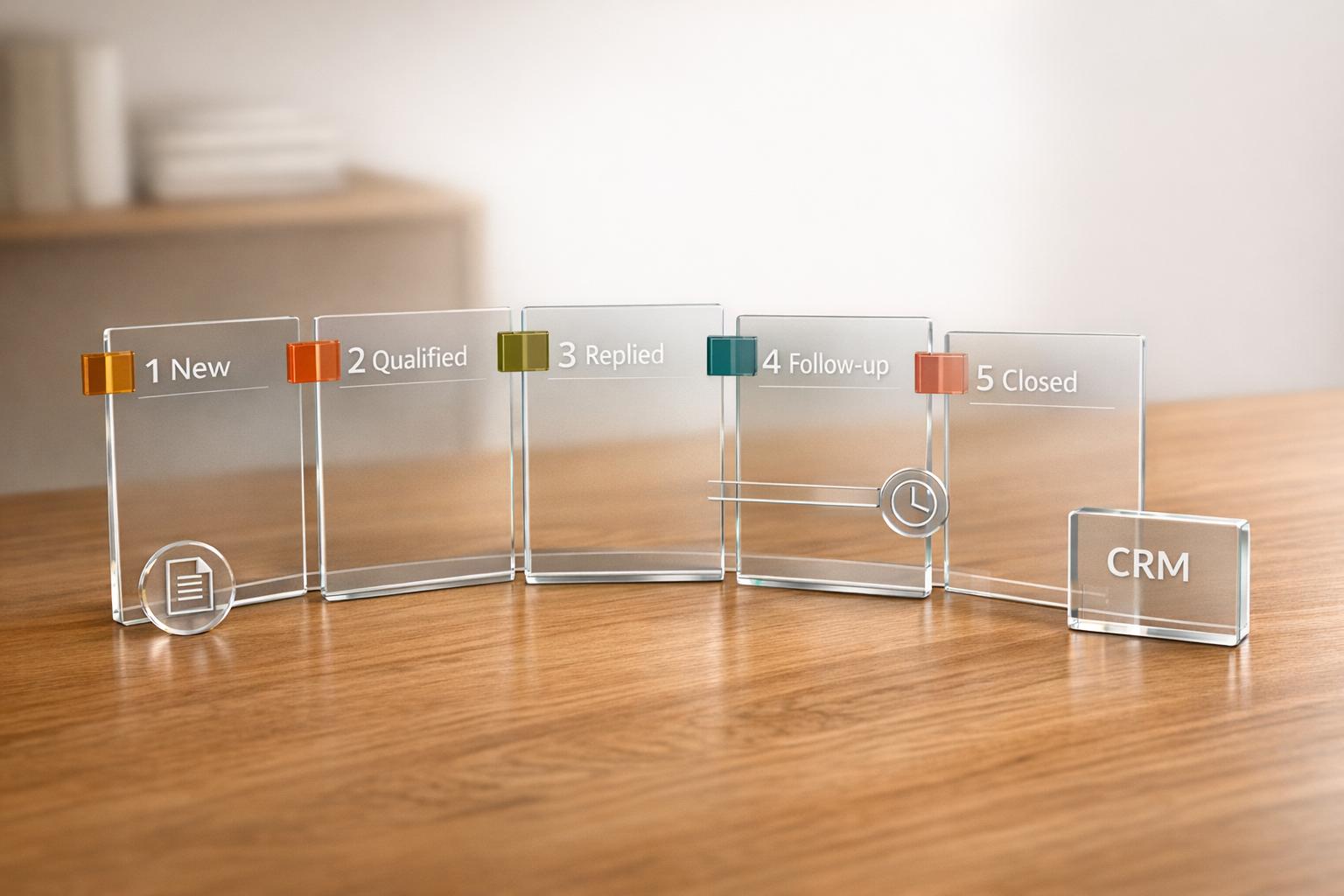

If you’re looking to save time and improve response rates on LinkedIn, automated messaging apps are the way to go. These tools use AI-powered personalization, automation, and CRM integrations to help you connect with hundreds of prospects efficiently. Whether you’re a recruiter, sales professional, or founder, these apps can transform how you manage LinkedIn outreach.
Here’s a quick look at the 10 best LinkedIn messaging apps in 2026:
- Cesar.chat: Ideal for manual outreach with features like saved snippets, split inboxes, and CRM syncing. Plans start at $24/month.
- Kondo: Focused on inbox management and AI-assisted replies. Pricing starts at $28/month.
- Expandi: Cloud-based automation for LinkedIn campaigns with advanced tools like Smart Sequences. Starts at $79/month (annual billing).
- Waalaxy: A browser extension combining LinkedIn outreach with email sequences. Pro plan starts at $42/month.
- LinkedHelper: Desktop-based tool for automating LinkedIn tasks like profile visits and follow-ups. Plans start at $15/month.
- Sprout Social: Best for managing LinkedIn Pages and analytics. Pricing available upon request.
- LeadConnect: Chrome extension with multi-step follow-up systems. Plans start at $25.95/month.
- Dripify: Cloud-based tool with drag-and-drop sequence builders and AI icebreakers. Starts at $59/month.
- MeetAlfred: Multi-channel outreach combining LinkedIn, email, and X (formerly Twitter). Basic plan starts at $59/month.
- Octopus CRM: Affordable Chrome extension for LinkedIn automation. Plans start at $9.99/month.
Quick Comparison
| Tool | Starting Price (USD) | Automation Type | CRM Integration | Unique Features |
|---|---|---|---|---|
| Cesar.chat | $24/month | Workflow automation | Yes (HubSpot, Salesforce) | Split inboxes, live CRM syncing |
| Kondo | $28/month | Inbox management | Yes (Google Sheets, Notion) | AI connectors, Sales Navigator inbox |
| Expandi | $79/month (annual) | Cloud-based automation | Yes (HubSpot) | Smart Sequences, sentiment analysis |
| Waalaxy | $42/month | Browser extension | Yes (Salesforce) | Multi-channel outreach, AI assistant |
| LinkedHelper | $15/month | Desktop automation | Yes (HubSpot, Zoho) | Multi-step funnels, warm-up features |
| Sprout Social | Custom pricing | Engagement management | Yes | Unified inbox, hashtag analytics |
| LeadConnect | $25.95/month | Chrome extension | Yes (HubSpot) | 6-message follow-ups, blacklist feature |
| Dripify | $59/month | Cloud-based automation | Yes (Salesforce) | AI icebreakers, Smart Inbox |
| MeetAlfred | $59/month | Multi-channel | Yes (Zapier, HubSpot) | Lead Finder, multi-channel workflows |
| Octopus CRM | $9.99/month | Browser extension | Yes (Zapier) | Funnel building, bulk messaging |
These apps can save you 10+ hours weekly while increasing response rates by up to 3-5x. Choose based on your budget, automation needs, and desired integrations.
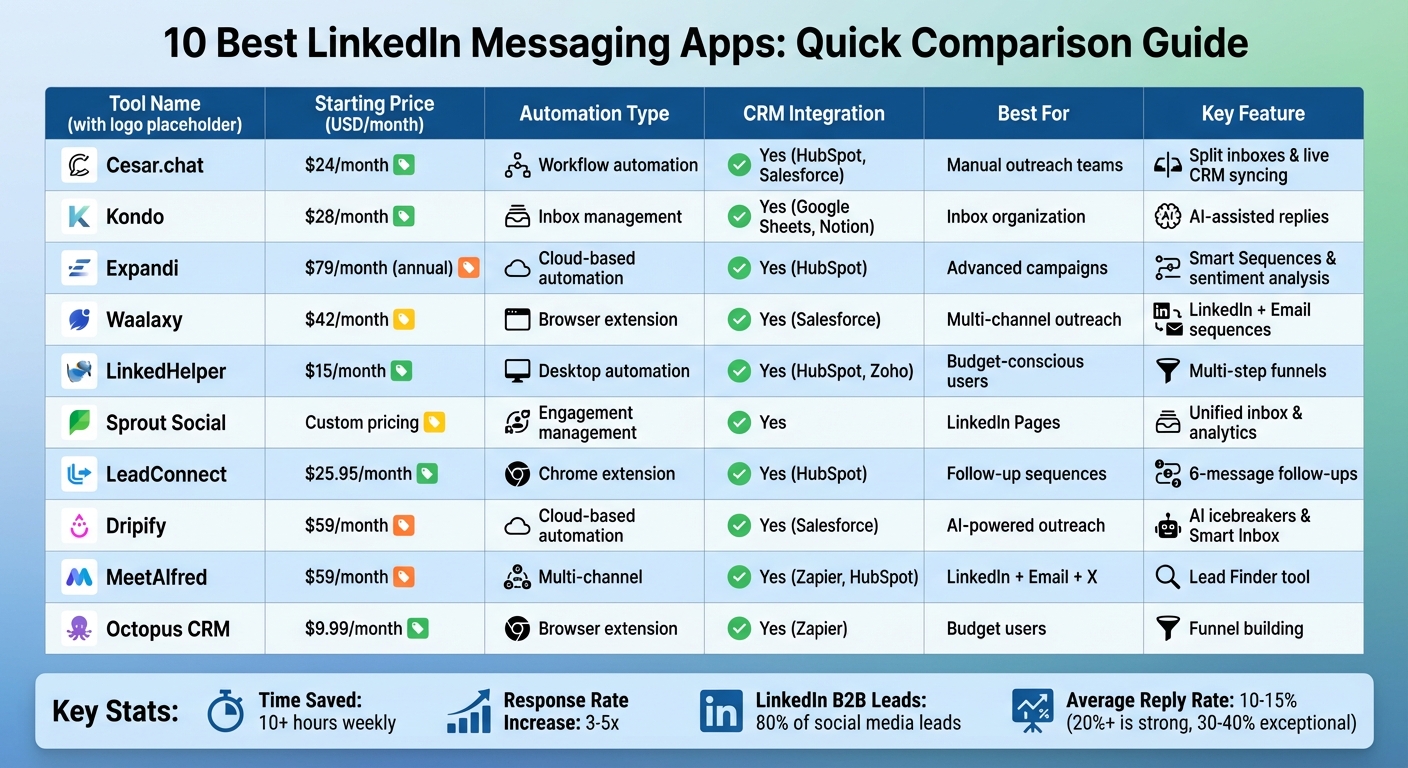
LinkedIn Messaging Apps Comparison: Pricing, Features & Automation Types
I Ranked 16 LinkedIn Automation Tools From Best To Worst – (Lemlist, HeyReach, Expandi, Dripify)
1. Cesar.chat – Enhanced LinkedIn Messenger
Cesar.chat calls itself "Superhuman for LinkedIn DMs" – a tool designed to make managing LinkedIn messages faster and more organized. It allows users to handle manual outreach at double the speed using features like keyboard shortcuts, organized inboxes, and workflow tools. By relying on official API interactions, Cesar.chat ensures complete account safety without resorting to scraping or botting.
Pricing (USD/month)
Cesar.chat offers three subscription options, with a 20% discount for annual payments.
- Basic Plan: $24/month, includes unlimited labels, snippets, reminders, and voice notes.
- Business Plan: $32/month, adds up to 3 integrations, Sales Navigator support, and analytics.
- Enterprise Plan: $40/month, includes unlimited sync destinations, white-glove setup, and VIP support.
Automation Features
While Cesar.chat isn’t a botting tool, it automates various workflows to save time. Features include:
- Saved Snippets: Create reusable message templates for quick personalization.
- Message Snoozing: Reschedule conversations to reappear at the right time.
- Live CRM Syncing: Automatically updates your CRM with conversations, notes, and labels.
The Split Inboxes feature further boosts efficiency by separating recruiting, sales, and networking threads, helping you focus on key opportunities. Keyboard shortcuts simplify navigation and messaging, cutting down on administrative work.
Integration Capabilities
Cesar.chat integrates seamlessly with tools like HubSpot, Salesforce, Notion, and Clay, syncing conversations, labels, and notes automatically. It also connects with Zapier and Make to trigger external workflows and integrates with Slack for team notifications. The Business plan supports up to three integrations, while the Enterprise plan provides unlimited sync destinations along with white-glove setup assistance. These integrations ensure all your data stays connected and accessible.
Response Rate Optimization
Features like the Snooze function help ensure no follow-up gets overlooked by bringing conversations back into focus at the right time. Split Inboxes allow you to prioritize urgent messages, while CRM syncing preserves context for more tailored responses. Together, these tools improve efficiency and help boost response rates by streamlining follow-ups.
2. Kondo
Kondo brands itself as "Superhuman for LinkedIn", focusing on helping professionals manage their inboxes more efficiently rather than relying on automated outreach sequences. It’s designed to speed up message handling through keyboard shortcuts and organizational tools, all while avoiding the risk of account restrictions.
Instead of heavy automation, Kondo prioritizes tools that simplify and streamline LinkedIn messaging.
Pricing (USD/month)
Kondo offers three subscription tiers, billed annually, each with a 14-day money-back guarantee:
- Basic Plan: $28/user/month – Includes unlimited labels, snippets, reminders, and voice notes.
- Business Plan: $36/user/month – Adds features like Sales Navigator inbox integration, CRM syncing, analytics, and an AI connector.
- Enterprise Plan: $52/user/month – Offers unlimited sync destinations, SAML SSO, and VIP support.
Automation Features
Kondo focuses on boosting productivity with tools that make inbox management easier. The Snooze feature (shortcut H) temporarily hides messages, ensuring they resurface for follow-up at the right time. Message Snippets allow users to save personalized templates with variables like {firstName} that auto-fill, speeding up responses with the ; command. Split Inboxes help organize conversations using custom labels, such as "Hot Lead" or "Client", while a unified view combines messages from LinkedIn and Sales Navigator. Together, these features reportedly save users over 5 hours per week.
Integration Capabilities
Kondo integrates seamlessly with tools like HubSpot, Notion, Google Sheets, Attio, and Clarify. It also works with platforms like Zapier and Make.com, enabling connections with thousands of additional apps. The platform syncs entire conversation threads, labels, and notes in real time, eliminating the need for costly native Sales Navigator licenses. For users on the Business plan, the Model Context Protocol (MCP) integration connects with AI tools like Claude and ChatGPT, enabling automated follow-ups and inbox management.
These integrations help solve the inefficiencies of manual LinkedIn messaging workflows.
Response Rate Optimization
"The single biggest leak in most LinkedIn sales funnels isn’t the outreach. It’s what happens after someone replies." – Kondo
Kondo focuses on improving follow-up efficiency and organization, which reportedly leads to a 30% increase in meeting bookings. Its reminder system ensures no reply is overlooked, while custom labels make it easier to prioritize urgent conversations. Adding a personal touch, desktop voice notes allow users to enhance their communication.
3. Expandi
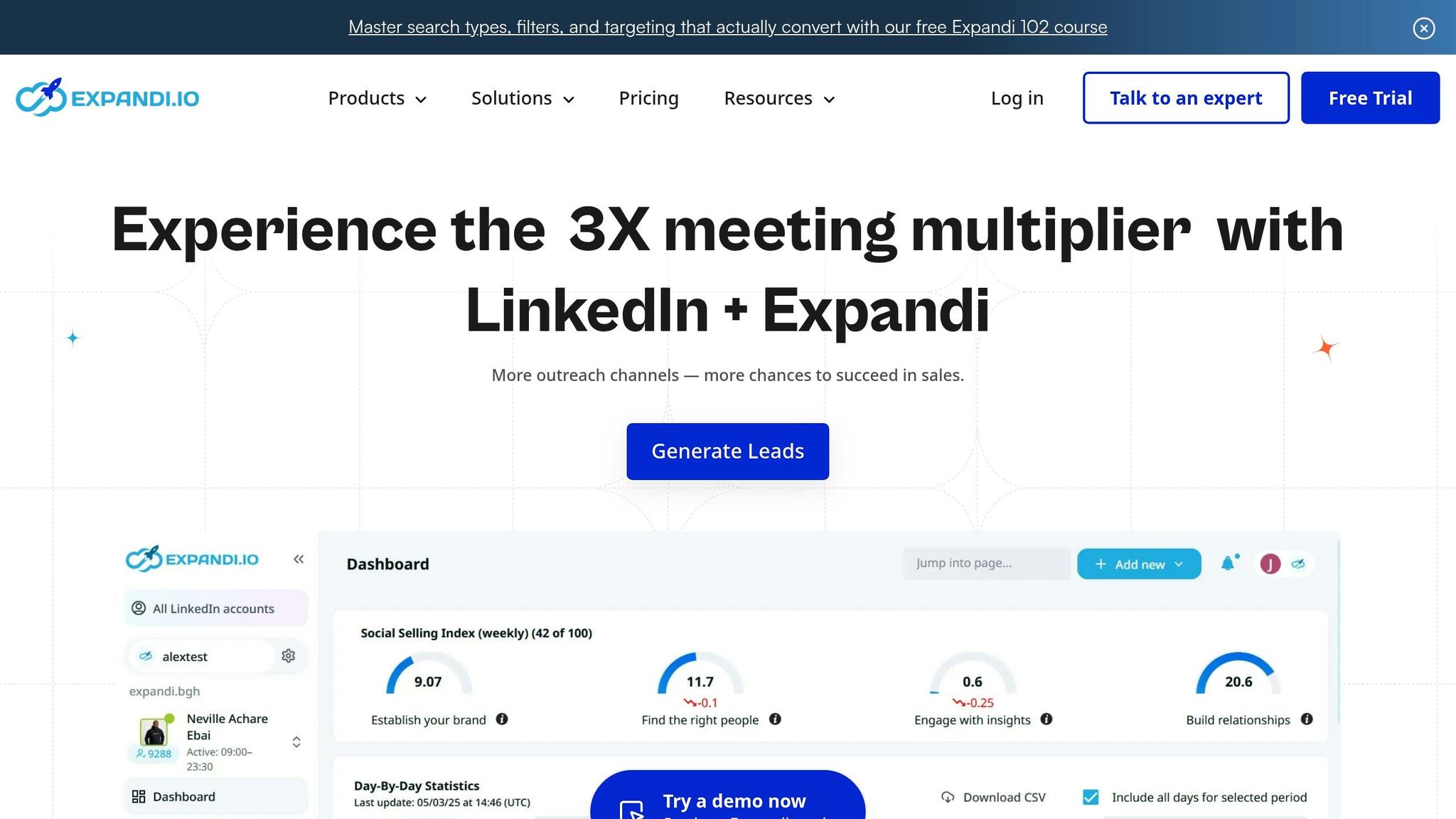
Expandi is a cloud-based platform designed to automate LinkedIn campaigns seamlessly. By operating entirely in the cloud and using dedicated, country-specific IP addresses, it ensures account security and uninterrupted campaign execution. Unlike desktop tools that require your computer to stay on, Expandi keeps running independently, reducing the chances of LinkedIn flagging automation patterns.
This secure setup allows Expandi to handle outreach tasks with accuracy and ease.
Pricing (USD/month)
Expandi provides a 7-day free trial without requiring a credit card. It offers two main pricing options:
- Business Plan: $99 per month per seat (or $79 per month with annual billing). This plan includes features like smart sequences, cloud infrastructure, and integrations.
- Agency Plan: Custom pricing tailored for teams managing 10 or more accounts. It includes white-label options and a dedicated customer success manager.
Automation Features
Expandi’s Smart Sequences let you create conditional workflows with up to 10 actions and conditions, adapting to prospect behavior like accepting connection requests or opening messages. The Mobile Connector feature mimics LinkedIn mobile app activity, enabling 70–105 additional connection requests per week. The platform also automates profile visits, skill endorsements, and post likes to help you engage with prospects effectively.
Additionally, Expandi’s AI Analyzer crafts personalized messages and evaluates reply sentiment, categorizing leads into groups such as "Interested", "Maybe", or "Not Interested".
Integration Capabilities
Expandi integrates directly with HubSpot and connects to over 5,000 apps via Zapier and Make. For personalized messaging, it works with Hyperise to add dynamic images and GIFs, and with Sendspark to embed custom videos. The platform also supports multichannel outreach by integrating with Gmail, Outlook, and Yahoo for automated email follow-ups. Its webhook system allows real-time lead data transfers to external tools. These integrations enhance engagement and help improve response rates.
Response Rate Optimization
"If you’re still sending LinkedIn messages one-by-one, you’re leaving pipeline on the table." – Stefan Smulders, Founder, Expandi
Stefan Smulders, Expandi’s founder, shared how the platform’s Content Retargeting feature helped scrape data from a viral LinkedIn post, leading to a 72% connection request acceptance rate and a 40% response rate to follow-ups. In another campaign targeting bloggers, the use of Dynamic Placeholders resulted in a 69% connection request acceptance rate and an 83% response rate on follow-ups. Analysis of over 70,000 campaigns shows that combining LinkedIn messaging with email follow-ups consistently outperforms single-channel outreach, driving better productivity and pipeline results.
4. Waalaxy
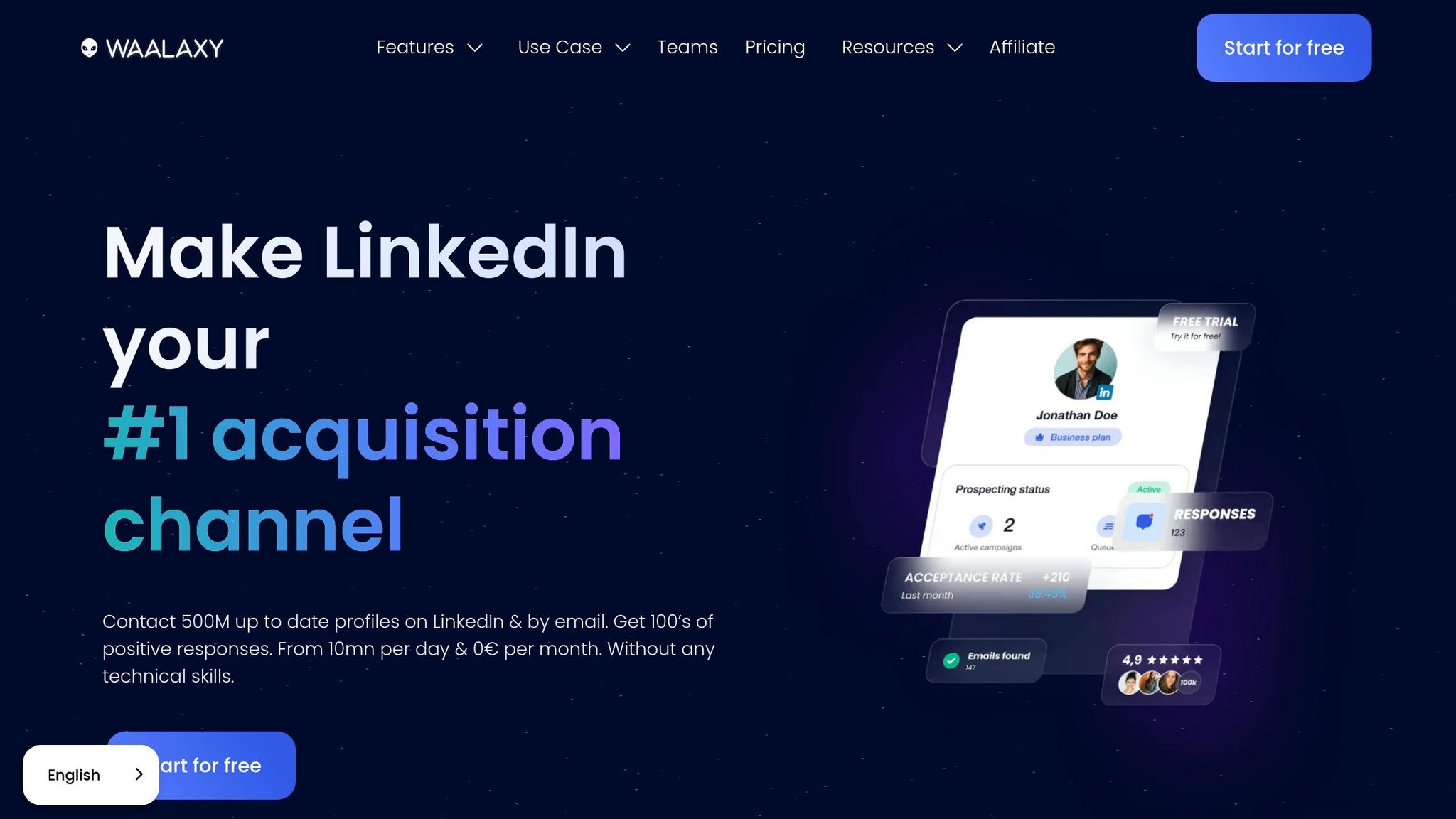
Waalaxy is a Chrome extension designed to automate LinkedIn outreach directly in your browser. While campaigns require your browser to remain open, it has already helped over 150,000 sales reps, founders, and recruiters generate more than 9.48 million replies. What sets Waalaxy apart is its multichannel approach, combining LinkedIn outreach with cold email sequences to engage prospects who may not be active on the platform.
The Waami AI Assistant personalizes messages by analyzing prospect profiles and performance data, while Smart Reply Detection ensures sequences stop automatically when a lead responds. This prevents awkward follow-ups to already-engaged prospects [26,27]. With over 99 pre-made campaign templates available, ranging from connection requests to multi-step follow-ups, users can launch their first campaign in less than 10 minutes. Let’s break down its pricing and features.
Pricing (USD/month)
| Plan | Price | LinkedIn Invites/Month | Email Outreach | Email Finder Credits | Support |
|---|---|---|---|---|---|
| Freemium | $0 | 80 | No | 25 | Help Center |
| Pro | $42 | 300 | No | 25 | 48h Email Support |
| Advanced | $108 | 800 | No | 25 | Live Chat |
| Business | $151 | 800 | Yes | 500 | Priority Live Chat |
If you opt for annual billing, you can save up to 50% on these plans [26,31]. Additionally, the Inbox Waalaxy add-on, priced at $22/month, offers advanced conversation management features like tagging and automated follow-up scheduling.
Automation Features
Waalaxy’s Auto-Import Capabilities make it easy to scrape leads from LinkedIn group members, event attendees, post reactions, and profile visitors. To protect your LinkedIn account, the platform enforces safety limits by mimicking human activity with daily and weekly quotas [26,27]. The Waalaxy Inbox serves as a mini-CRM, enabling users to tag leads, set reminders, and utilize saved replies to manage high volumes of conversations efficiently.
Integration Capabilities
Waalaxy integrates seamlessly with tools like HubSpot, Salesforce, and Pipedrive. It also connects with over 2,000 apps via Zapier and Make, allowing you to trigger actions in your sales workflow when prospects respond [25,26]. Its built-in email finder, powered by Dropcontact, retrieves professional email addresses directly from LinkedIn profiles while adhering to GDPR guidelines for multichannel campaigns.
Response Rate Optimization
"User-friendly tool achieving a 39% response rate." – Antony, Verified User on Capterra [25,28]
5. LinkedHelper
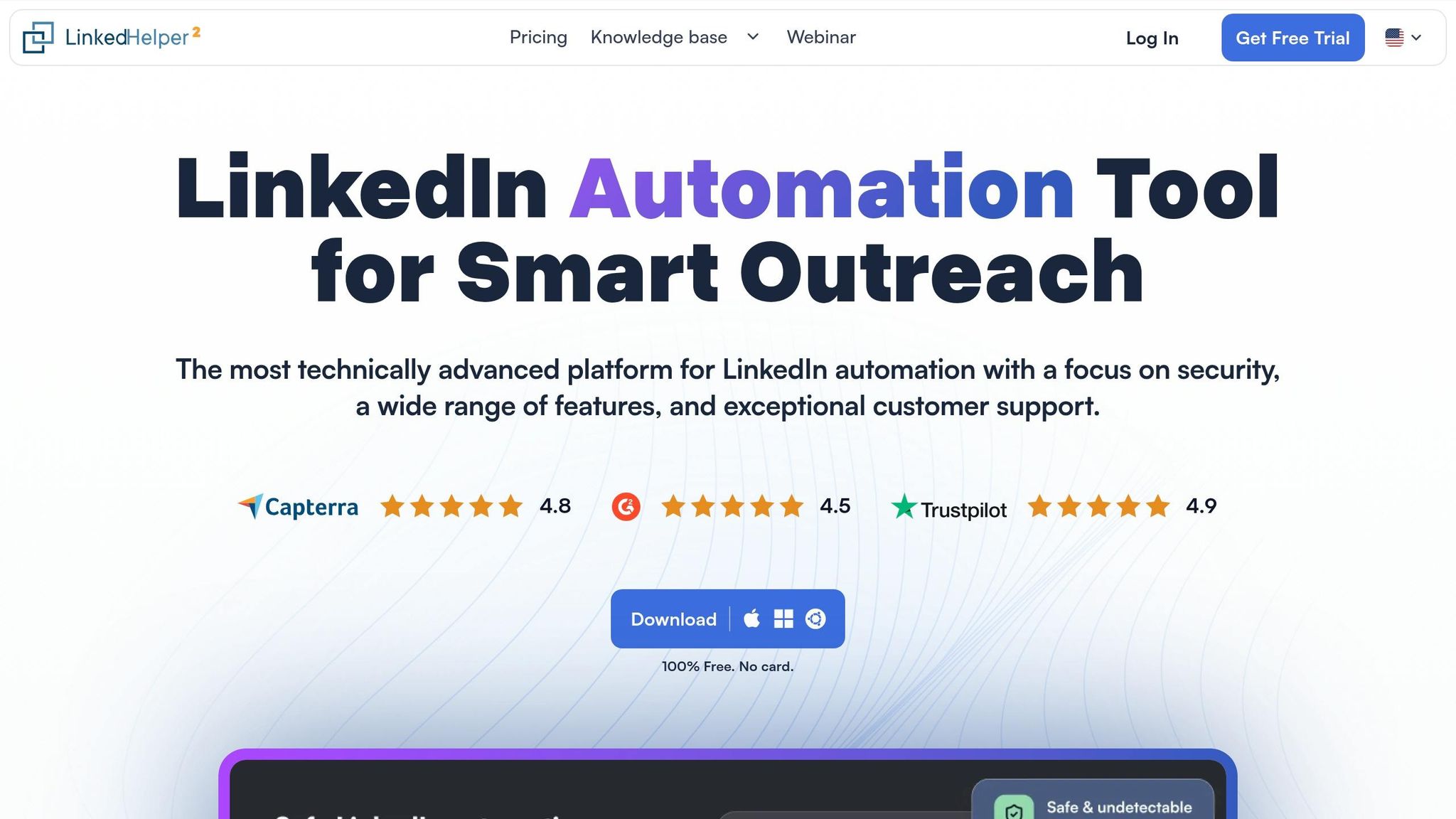
LinkedHelper is a desktop application designed to make LinkedIn outreach easier and more efficient. With over 300,000 users spanning 180 countries and 31 automation features, it simulates human actions to avoid detection.
The tool can save users 10 to 15 hours per week by automating tasks like profile visits, sending connection requests, and managing follow-ups. Its Smart Reply Detection feature ensures campaigns pause when a prospect responds, preventing awkward automated messages. Additionally, its Auto-Engagement Tools help warm up leads by automatically following profiles, liking posts, and endorsing skills before sending connection requests. This approach has been shown to increase connection acceptance rates to 15–25%. Below, we’ll explore its pricing, automation capabilities, integrations, and strategies for improving response rates.
"Linked Helper is the cheapest LinkedIn automation tool that still packs serious power." – Fahim Joharder, Founder, FahimAI
Pricing (USD/month)
| Plan | Monthly Price | Annual Price (Per Month) | Email Finder Credits | Daily Action Limits | CRM Integrations |
|---|---|---|---|---|---|
| Standard | $15 | $8.25 | 620/month | 20 per day (group messaging, post boosting) | Not included |
| Pro | $45 | $24.75 | 3,100/month | Unlimited | Included |
A 14-day free trial with access to all features is available. The Pro plan offers unlimited daily actions and integrates directly with CRMs like HubSpot, Pipedrive, Close, Salesforce, and Zoho CRM.
Automation Features
LinkedHelper gathers leads from LinkedIn search, Sales Navigator, Recruiter, groups, events, and post comments. Its Multi-Step Funnels allow users to create personalized workflows, including connection requests and follow-up messages, using smart delays, custom variables (like name and job title), and spintax to generate unique messages at scale. The Invitation Management feature also helps maintain account health by automatically withdrawing old pending invitations.
Since LinkedHelper is desktop-based, campaigns are executed locally on your machine, giving you more control over operations. While its interface might feel overwhelming for beginners, the platform’s 24/7 support team is often praised for being helpful.
Integration Capabilities
The Pro plan connects seamlessly with popular CRMs like HubSpot, Pipedrive, Close, Salesforce, Zoho, and HighLevel. It also supports webhooks, making it compatible with over 3,000 apps through platforms like Zapier, Make, and Automatic.ai. Its built-in email finder can identify up to 95% of emails for 2nd and 3rd-degree connections. Additionally, users can export lead data and messaging history to CSV files or sync directly to Google Sheets. For more personalized outreach, LinkedHelper integrates with tools like Uclic and Hyperise to attach dynamic images to LinkedIn messages. These features ensure your LinkedIn workflows remain connected and efficient.
Response Rate Optimization
LinkedHelper’s warm-up features help build trust and visibility by automatically visiting profiles and engaging with content before outreach. The "Boost post" feature allows you to tag leads under specific posts, sparking conversations and increasing profile views before sending connection requests. Using the "Like" feature for posts and articles can further improve conversion rates by approximately 25%. Combined with hyper-personalization tools and the ability to filter for "Open Profiles" to send free InMails to 2nd and 3rd-degree connections, LinkedHelper maximizes response rates while conserving InMail credits.
6. Sprout Social
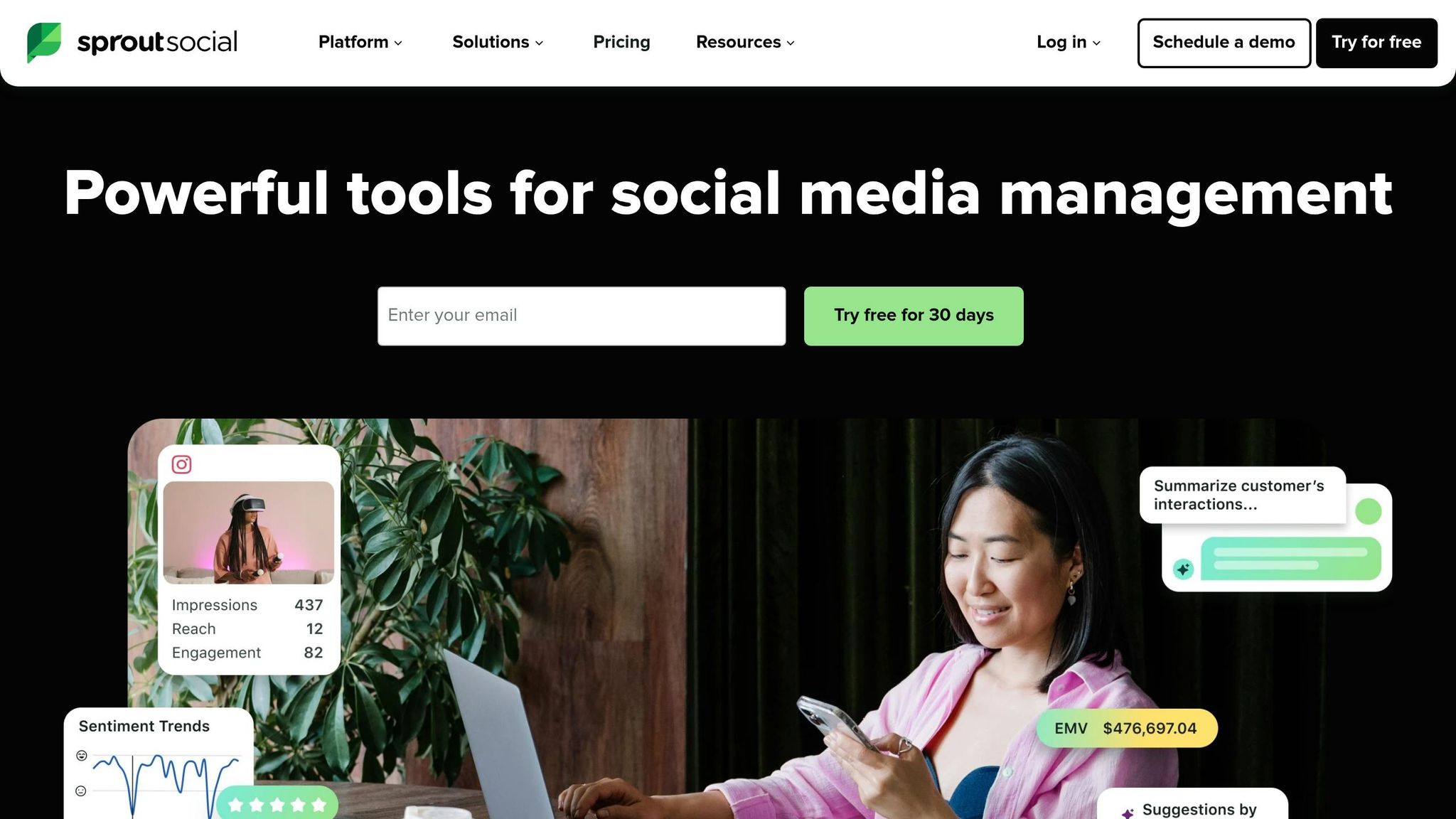
Let’s dive into Sprout Social, a tool that brings LinkedIn publishing, response management, and analytics together in one streamlined dashboard. Designed for professionals managing multiple LinkedIn Pages, it simplifies engagement efforts and keeps everything organized in one place.
One standout feature is its LinkedIn Contact View, which shows a user’s previous interactions with a Page. This makes it easier to craft responses that feel personal and thoughtful. Considering LinkedIn’s higher engagement rates – ranging from 10% to 25% compared to the 2% response rate of cold calling – this personalized approach can make a big difference. Sprout Social’s ability to combine publishing, comment management, and analytics makes it a great pick for teams juggling multiple Pages.
Pricing (USD/month)
Sprout Social offers a 30-day free trial, giving you a chance to explore its LinkedIn tools before committing. For detailed pricing, you’ll need to connect with their sales team.
Automation Features
Sprout Social’s automation tools are all about efficiency. It consolidates all LinkedIn comments into a single, unified queue, making it easier to manage responses. You can also draft, schedule, and queue posts across multiple Pages. Its automated targeting features let you filter posts by industry, company size, or job title, helping you reach the right audience. Plus, with built-in hashtag and performance analytics, you can fine-tune your messaging to keep improving. These features work together to save time and maximize engagement.
Response Rate Optimization
Sprout Social’s audience targeting ensures your messages land in front of the right people using tailored criteria. For instance, sales professionals with a high Social Selling Index score are 51% more likely to hit their quotas. And while LinkedIn-only campaigns typically get a 12% reply rate, combining LinkedIn with email can bump that number up to 42%. Features like Contact View and hashtag analytics further enhance personalization, making it easier to drive meaningful interactions.
7. LeadConnect
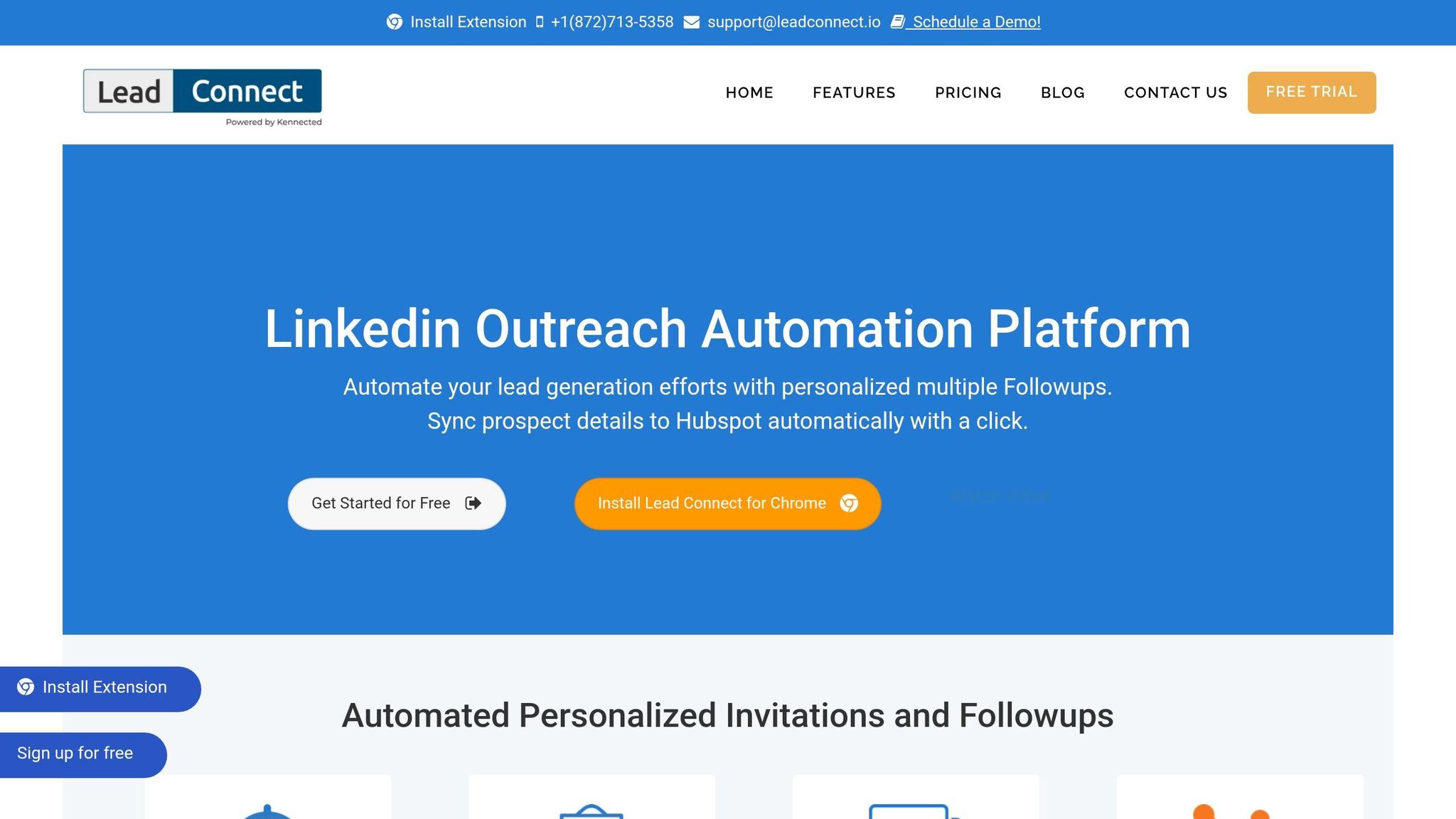
LeadConnect is a Chrome extension designed to streamline LinkedIn outreach. It automates tasks like sending personalized connection requests and follow-up messages, mimicking human interaction to avoid detection by LinkedIn. With placeholders for tailored invites, users on the Ultimate plan can send up to 100 new connection requests daily.
One standout feature is its multi-step follow-up system. You can craft sequences with up to six messages for prospects who connect but don’t respond. Plus, its reply detection automatically stops follow-ups once a response is received, helping your outreach feel natural and less automated. This blend of automation and personalization can boost reply rates by 22% to 38%.
Pricing (USD/month)
LeadConnect provides four pricing plans, including a free option:
- Free Forever: 2 invites and 6 message credits daily.
- Professional: $25.95/month ($22.95/month billed annually) with 30 invites and 90 message credits daily.
- Grow: $45.95/month ($40.95/month billed annually) with 60 invites and 180 message credits daily.
- Ultimate: $85.95/month ($77.95/month billed annually) with 100 invites and 300 message credits daily.
Automation Features
LeadConnect allows you to define your target audience via LinkedIn search, Sales Navigator, or by uploading a CSV file. It uses placeholders to create personalized connection requests and follow-ups, which stop automatically once a reply is received. The blacklist feature prevents multiple team members from contacting the same lead, ensuring a more coordinated outreach process.
Integration Capabilities
LeadConnect works seamlessly with HubSpot, enabling automatic syncing of prospect details once a connection is accepted. It also logs LinkedIn conversation history into your CRM with just one click. Additionally, it integrates with email discovery tools like Hunter.io, Findthatlead, and Anymailfinder, making it easy to find business emails directly from LinkedIn. For advanced CRM needs, users can upgrade to LeadCRM.
"This is saving me hours of time. I wish I had this years ago" – Kevin Hicks.
These integrations make LeadConnect a powerful tool for personalized and efficient outreach.
Response Rate Optimization
By using personalization tokens, LeadConnect achieves connection acceptance rates between 35% and 55%, compared to 18%–25% for generic messages. Its six-message follow-up system further increases reply rates by 22%–38%. Considering that strategic LinkedIn outreach typically sees engagement rates of 10%–25%, these features offer a noticeable improvement over traditional cold calling methods.
8. Dripify
Dripify is a cloud-based LinkedIn automation tool that operates even when your computer is off, making it more reliable than browser-based extensions. Its drag-and-drop builder lets you create multi-step outreach sequences for tasks like connection requests, messages, InMails, and profile visits.
With over 15 LinkedIn actions and 20+ personalization variables, Dripify’s AI-powered icebreaker feature helps your messages stand out, potentially tripling response rates. The platform also includes a Smart Inbox, where you can manage all LinkedIn conversations in one place – no need to switch tabs to respond to leads or add notes.
"The automation part hands down. You create a sequence and it’s working wonders for you, while you getting fed marketing leads from the side." – Arthur Isaksson, Account Manager, Tobii
Dripify includes safety features like randomized delays and activity limits to mimic human behavior. However, users have reported occasional LinkedIn account flags if automation settings are too aggressive. To minimize risks, it’s best to start with 10–15 connection requests per day and gradually increase over 2–3 weeks.
Pricing (USD/month)
Dripify offers four pricing tiers, with a 15% discount for annual billing:
| Plan | Monthly Price | Annual Price (per month) | Key Features |
|---|---|---|---|
| Basic | $59 | $39 | 1 drip campaign, 20 connection requests/day, standard analytics |
| Pro | $79 | $59 | Unlimited campaigns, 75 requests/day, Smart Inbox, A/B testing, Webhooks |
| Advanced | $99 | $79 | Everything in Pro, plus team management, lead tagging, advanced protection |
| Enterprise | Custom | Custom | Dedicated account manager and premium onboarding for large teams |
The Pro plan is the most popular, as it includes unlimited campaigns and a dedicated inbox – key features for handling high-volume outreach.
Automation Features
Dripify can connect you with up to 800 leads monthly and supports unlimited InMails. Its A/B testing feature, included in the Pro and Advanced plans, helps you refine your messaging by testing different scripts to find the most effective ones. The platform’s email finder has a 60% success rate, and its email validator ensures up to 99% deliverability.
"Phenomenal tool that saves time and does lead generation on LinkedIn instead of you. The cost is minimal in comparison to the level of business it can generate." – Christian Vermeulen, Head of Sales, HHS
Dripify also enriches B2B leads with updated LinkedIn data and over 30 attributes, making it easier to segment and target your audience.
Integration Capabilities
Dripify integrates seamlessly with tools like HubSpot and Salesforce through native connections and webhooks. It also connects with over 1,000 apps via Zapier. Lead data can be exported into CSV files for external campaigns, and the platform provides detailed account reports and team-wide analytics to support informed decision-making.
Response Rate Optimization
Dripify’s 20+ personalization variables and AI icebreakers help you craft messages that feel more human. Its Smart Inbox includes conversation filters to prioritize responses from high-value leads. Advanced features like Lead Duplication Security (available in the Advanced plan) prevent multiple team members from contacting the same prospect. To stay compliant with LinkedIn’s limits, keep connection requests within 100–150 per week for free accounts and 150–200 for Sales Navigator users.
9. MeetAlfred
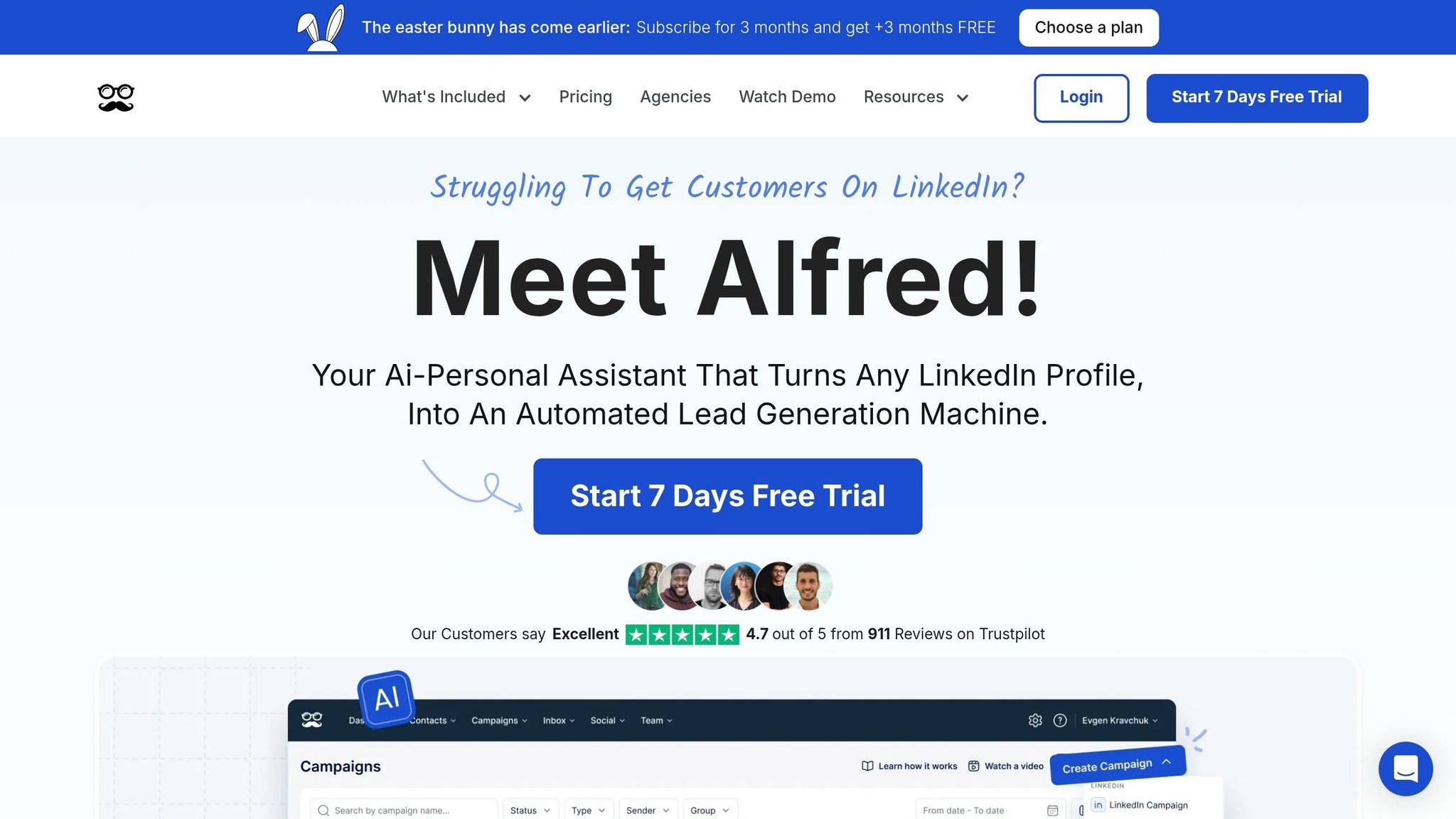
MeetAlfred is a cloud-based automation platform that works around the clock, combining LinkedIn, email, and X (formerly Twitter) outreach into a single workflow. Trusted by over 150,000 users across 92 countries, it saves users more than 10 hours of manual effort each week. The platform’s multi-channel approach ensures you can connect with prospects on the platform they prefer.
One standout feature is the Lead Finder tool, which allows users to search for prospects by job title, industry, and location. Depending on your LinkedIn plan, you can pull up to 1,000 profiles per search with Basic or Premium accounts, and up to 2,500 profiles with Sales Navigator. The tool also enriches these profiles with verified email addresses and offers specialized outreach options for LinkedIn Groups, Events, and even automates InMail for Premium users.
"We really like the Alfred CRM because it allows us to organize the candidates we have from LinkedIn and create targeted campaigns for each specific profile… the campaigns feel authentically human when you set up campaigns within the platform." – Beth, Brand Manager
The Smart Inbox consolidates messages from all outreach channels and pauses sequences automatically when a lead replies, giving you the chance to take over manually. However, users have mentioned occasional technical issues, slower customer support (3–4 day response times), and a strict no-refund policy. Reviews for MeetAlfred are mixed, with scores of 4.7/5 on Trustpilot (911 reviews), 3.3/5 on G2 (33 reviews), and 2.8/5 on Capterra (13 reviews).
Pricing (USD/month)
MeetAlfred offers three subscription tiers, with a 50% discount for annual billing:
| Plan | Monthly Price | Annual Price (per month) | Key Features |
|---|---|---|---|
| Basic | $59 | $29 | 3 active campaigns, LinkedIn automation, basic CRM, 1,000 Lead Finder credits |
| Pro | $99 | $49 | Unlimited campaigns, multi-channel (Email/X), Zapier/Webhooks, 5,000 Lead Finder credits |
| Team | $79 | $39 | All Pro features, team inbox, white label (5+ users), dedicated account manager (10+ users) |
A 7-day free trial is available, and no credit card is required to get started. If you’re using Sales Navigator or need multi-channel outreach, the Pro plan is the better choice, as the Basic plan limits you to three LinkedIn-only campaigns.
Automation Features
MeetAlfred simplifies outreach with automation tools designed to boost engagement. It handles tasks like connection requests, follow-ups, profile visits, follows, and InMails for Premium users. Its multi-channel strategy can increase reply rates by up to 10×. The Pro and Team plans also include content retargeting, allowing outreach to prospects who have interacted with your LinkedIn posts.
To personalize messages, MeetAlfred offers over 600 customizable templates and AI-driven tags (like name, company, and role). It mimics natural pacing and delays to reduce the chance of LinkedIn account restrictions, though overly aggressive settings have occasionally triggered account flags for some users.
Integration Capabilities
MeetAlfred integrates natively with LinkedIn, X, and email platforms like Gmail and Outlook. For CRM tools, it connects with HubSpot, Salesforce, and Pipedrive through Zapier and webhooks – features included in the Pro and Team plans. You can also import lead lists via CSV or export campaign data for external analysis. These integrations work seamlessly with the platform’s automation, helping to improve overall response rates.
Response Rate Optimization
The Smart Inbox centralizes all conversations, making follow-ups easier. However, shared inbox functionality is limited, as team members cannot reply on behalf of others – each user must log in individually.
"Meet Alfred has streamlined staying in touch with people. I love the automation for birthdays and work anniversaries. Using the tool has helped us to reach out to people in an authentic way that does not feel robotic." – Nadine Malherbe
To avoid LinkedIn restrictions, it’s best to start with conservative automation settings and gradually increase activity over 2–3 weeks.
10. Octopus CRM
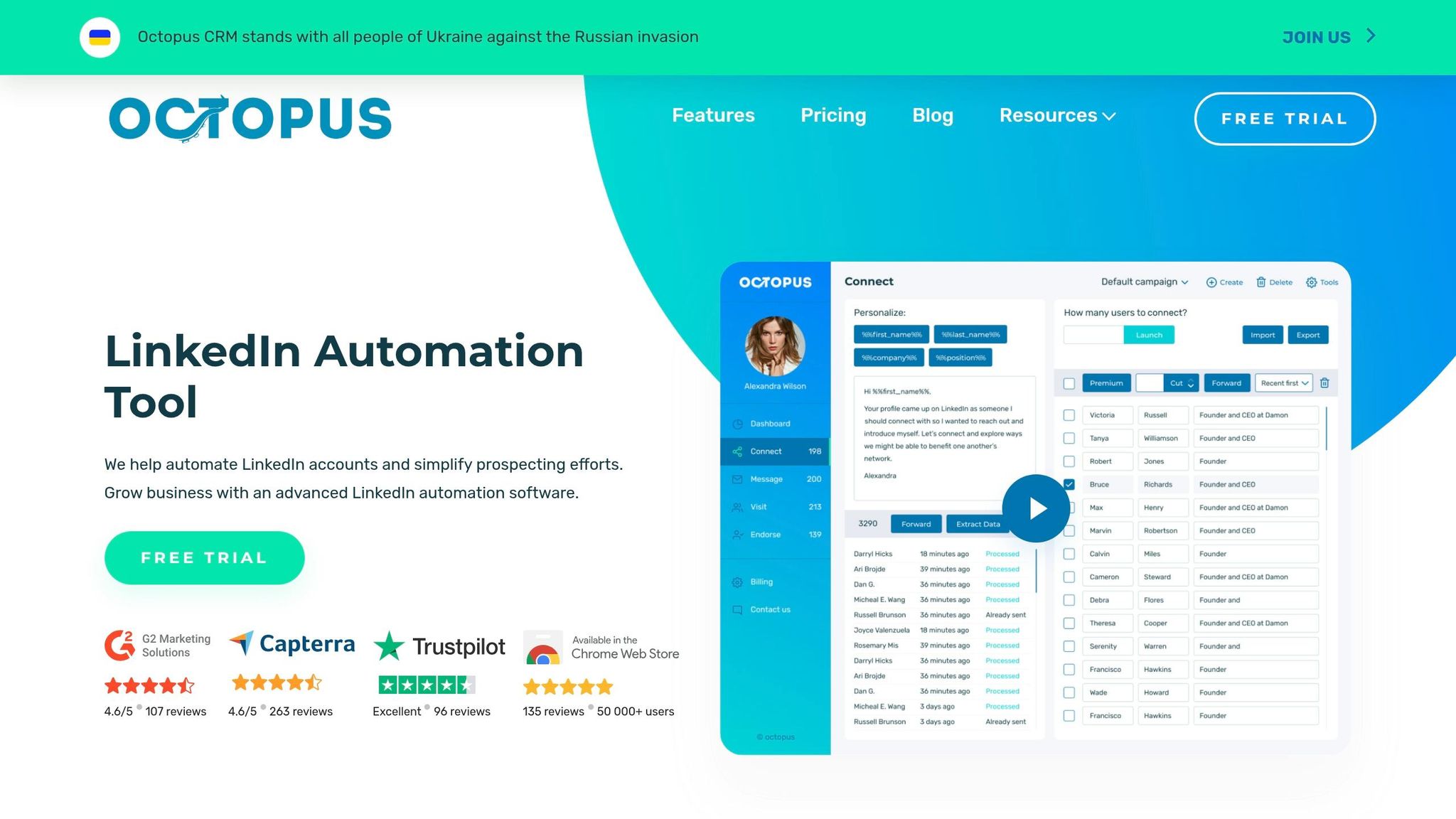
Octopus CRM is a budget-friendly Chrome extension used by over 10,000 professionals across various industries. Unlike cloud-based tools, it operates directly in your browser, which means you’ll need to keep Chrome open while it runs. This setup helps keep costs low while still delivering essential LinkedIn automation features.
One standout feature is its Lead Generation Funnels, which let you set up multi-step sequences. For example, you can automate a connection request, follow it up with a thank-you message, and continue with a series of personalized follow-ups. The platform also supports bulk messaging with dynamic placeholders for customization, and it boosts visibility by automating profile visits and skill endorsements.
"Octopus will give me close to 400 opportunities a month to speak to business professionals consistently and really automate my outreach!" – Justin Carbaugh
To keep your LinkedIn account safe, Octopus CRM mimics human-like behavior with random delays and alerts for excessive activity. Experts suggest capping daily actions at 250 to avoid account issues. It’s compatible with all LinkedIn account types – Free, Premium, Sales Navigator, and Recruiter Lite – and has earned a 4.4/5 rating on G2 and 4.6/5 on Capterra.
Its pricing structure reflects its cost-efficient design, offering flexible plans to suit different needs.
Pricing (USD/month)
Octopus CRM has four subscription tiers, with discounts for annual billing:
| Plan | Monthly Price | Annual Price (per month) | Key Features |
|---|---|---|---|
| Starter | $9.99 | $6.99 | Personal CRM, auto-invite (personalized) |
| Pro | $14.99 | $9.99 | Bulk messaging, auto-view, auto-endorse |
| Advanced | $21.99 | $14.99 | Funnel building, import/export data |
| Unlimited | $39.99 | $24.99 | Zapier/HubSpot integration, connect by email |
Every plan includes a 7-day free trial without requiring a credit card. The Unlimited plan stands out with its "Connect by Email" feature, which bypasses LinkedIn’s weekly invitation cap of around 100 connections.
Automation Features
Octopus CRM simplifies LinkedIn outreach by automating common tasks like connection requests, bulk messaging, follow-ups, profile visits, and skill endorsements. Its funnel builder lets you automatically add new connections to follow-up campaigns. You can also schedule messages for specific times, though the browser must remain open during execution. Additionally, A/B testing tools allow you to experiment with different message templates to see which performs best. For safety, start with lower sending limits and gradually increase them to avoid LinkedIn’s filters.
Integration Capabilities
The platform integrates seamlessly with HubSpot CRM and connects to numerous other apps through Zapier, including Zoho, Asana, Google Sheets, and Google Docs [64, 68]. It also supports CSV imports for bulk profile uploads and CSV exports for analyzing lead data. These integrations make it easier to personalize outreach and improve response rates.
Response Rate Optimization
Octopus CRM’s analytics dashboard tracks key metrics like connection acceptance rates, response rates, and your Social Selling Index (SSI). To boost engagement, keep messages concise, friendly, and well-structured. Avoid overly aggressive sales language and include a clear call to action. Filtering your audience by industry, company size, or seniority level can also improve relevance. While Octopus CRM currently supports LinkedIn exclusively, research suggests that multichannel outreach can generate up to 3.5× more responses than single-channel strategies.
"Its comprehensive features effectively replicate the benefits of a dedicated assistant." – Audrey Bryant
Strengths and Weaknesses
This section dives into the key advantages and trade-offs of each platform, helping you identify the right tool to save time and boost LinkedIn response rates.
Cloud-based tools operate independently of your browser, using dedicated IPs to enhance reliability and safety – key factors in maintaining strong response rates. In contrast, browser extensions require Chrome to stay open but are more budget-friendly, with prices starting as low as $9.99/month compared to premium cloud-based options, which can cost around $99/month.
Advanced AI features are a game-changer. Tools that tailor outreach messages based on a prospect’s recent activities or profile updates can deliver reply rates three to five times higher than generic templates. For example, Cesar.chat offers saved snippets and CRM syncing, enabling scalable personalization without compromising quality. Meanwhile, platforms like Waalaxy and MeetAlfred increase response rates by automatically following up via email if a LinkedIn connection request goes unanswered.
Multi-channel strategies significantly impact performance. Combining LinkedIn outreach with email or other communication channels can increase reply rates by up to 10x. On LinkedIn alone, the average reply rate is 10–15%, with rates above 20% considered strong and 30–40% exceptional. Tools that track buying signals – such as hiring surges – outperform generic, high-volume outreach methods.
Safety features are critical, especially given LinkedIn’s crackdown on bot-driven activity, which led to over 15 million account restrictions in 2025. High-quality tools incorporate randomized delays, "warm-up" periods for new accounts, and automated sequence stops when a prospect replies, all of which help ensure compliance and avoid penalties.
When it comes to pricing, the best choice depends on your specific needs. Solo users on a tight budget can make do with tools starting at $9.99/month, while agencies managing multiple accounts may need solutions priced around $79/month per sender. For sales teams, Cesar.chat’s Business plan at $32/month strikes a balance between affordability and robust features, making it a practical option without the hefty costs of enterprise-level tools.
Conclusion
Finding the right LinkedIn messaging tool boils down to choosing one that aligns with your specific needs – and Cesar.chat stands out for its blend of efficiency and personalization. Whether you’re part of a sales team, a recruiter, a founder, or running an agency, Cesar.chat’s Business plan offers a practical solution at just $32/month. With features like CRM syncing, saved message snippets, and smart follow-up scheduling, it simplifies LinkedIn messaging for a wide range of professional workflows.
Founders and solopreneurs looking for cost-effective tools will appreciate the Business plan’s balance of affordability and powerful features, enabling scalable and personalized outreach. Agencies managing multiple clients can rely on saved snippets and multi-inbox functionality to keep campaigns organized and efficient. For recruiters, Cesar.chat’s ability to streamline conversations, customize follow-ups, and integrate with CRMs can lead to better results and smoother workflows.
It’s crucial to prioritize safety when using any messaging tool. LinkedIn removed over 15 million fake or bot-driven accounts in 2025, highlighting the importance of choosing tools with robust safety features. To avoid being flagged by LinkedIn’s anti-spam algorithms, start with modest daily limits – around 15 to 20 connection requests – and gradually increase over two to three weeks.
Personalized outreach continues to outperform generic, high-volume strategies. With decision-makers spending an average of 17 hours per week on LinkedIn and 80% of B2B social media leads coming from the platform, Cesar.chat’s features – like AI-powered conversation handling and seamless CRM integration – can help you make the most of your LinkedIn efforts.
Kick off your LinkedIn strategy with Cesar.chat by setting conservative outreach limits and see how it transforms your engagement and productivity.
FAQs
How do I pick the right LinkedIn messaging app for my role?
Choosing the right LinkedIn messaging app depends on your outreach goals, target audience, and the features you need. Look for tools that offer personalization, automation, and follow-up capabilities to streamline your efforts.
If you’re managing high-volume outreach campaigns, automation can save time and help you stay organized. On the other hand, if your focus is on building personalized connections, opt for apps with advanced customization options and tools to track responses effectively.
Make sure the app integrates seamlessly with your workflow and supports you in achieving the response rates necessary for your strategy to succeed.
How can I boost replies without risking a LinkedIn restriction?
To get more replies on LinkedIn without risking your account, choose automation tools that prioritize personalization and safety. The best tools offer features like account warming, tailored messages, and scheduled follow-ups. They also include safeguards, such as limiting daily actions and mimicking natural human behavior, to keep your account secure. On top of that, stick to a natural messaging rhythm and steer clear of spammy practices to avoid raising any red flags.
What integrations matter most for LinkedIn outreach workflows?
For LinkedIn outreach, the most effective integrations are those that work effortlessly with CRMs such as Salesforce, HubSpot, and Pipedrive. These connections streamline data syncing and minimize the need for manual updates, saving time and reducing errors.
Another essential tool is Zapier. This automation platform allows you to create custom workflows without needing any coding skills. With Zapier, you can automate follow-ups, monitor engagement, and keep your outreach organized – all of which make LinkedIn prospecting smoother and more productive.