A LinkedIn follow-up message is the gentle prompt you send when someone has not replied, or it is the summary given after a call which requires a next step. Wait three to five business days following your first message, keep it to two or three sentences, and provide the other person with something to respond to—such as a new point, one question, or a clear way to say no.
The message “Just checking in” provides people with nothing to respond to. No one reads it and then thinks, at last.
When to send a LinkedIn follow-up message
Since there is no rulebook available on this subject, treat the figures listed below as describing habits.
If there is no reply to your first message, wait three to five business days since doing so sooner would seem impatient and by two weeks they will have forgotten who you are. When you make a call, send the recap that same day or as early as the next morning. Following a demo or a proposal, wait about a week. And in the case of a lead that has gone quiet, try again in three or four weeks provided that you have something new to say.
The particular day of the week is of little importance; a pertinent message sent on a Wednesday is better than a general one dispatched at the ‘ideal’ time.
LinkedIn follow-up message templates
The following six templates are given to you. Make sure you modify them before forwarding them. A template that has been copied and pasted sounds like something that has been copied and pasted.
You sent a message and got no reply
The second follow-up, with a new angle
After a call or meeting
After a demo or proposal
Re-engaging a stalled lead
A recruiter following up with a candidate
How to write a follow-up message that gets a reply
Begin with something original. There has to be a reason for a follow-up, and ‘just checking in’ doesn’t provide one. A fact, a question, or a little favour—that they could easily agree to—would be sufficient.
If you ask one question, then if you ask two you’ll receive an answer to either one.
Keep it short so that it can be read on a phone without having to scroll. People open LinkedIn while doing other things.
There’s also the counterintuitive point that it should be easy to say no. It’s much simpler to respond to a message that says, ‘If this isn’t relevant, let me know and I’ll stop,’ than one which requires a yes. A polite no is a good outcome since it brings the matter to a close and eliminates the need to keep wondering.
Make sure to refer to what you sent earlier so that people don’t have to scroll up to find out who you are.
Plain text appears more natural when using a direct message, and if you need bold or italics in a post then the LinkedIn text formatter can provide that.
How to keep track of LinkedIn follow-ups
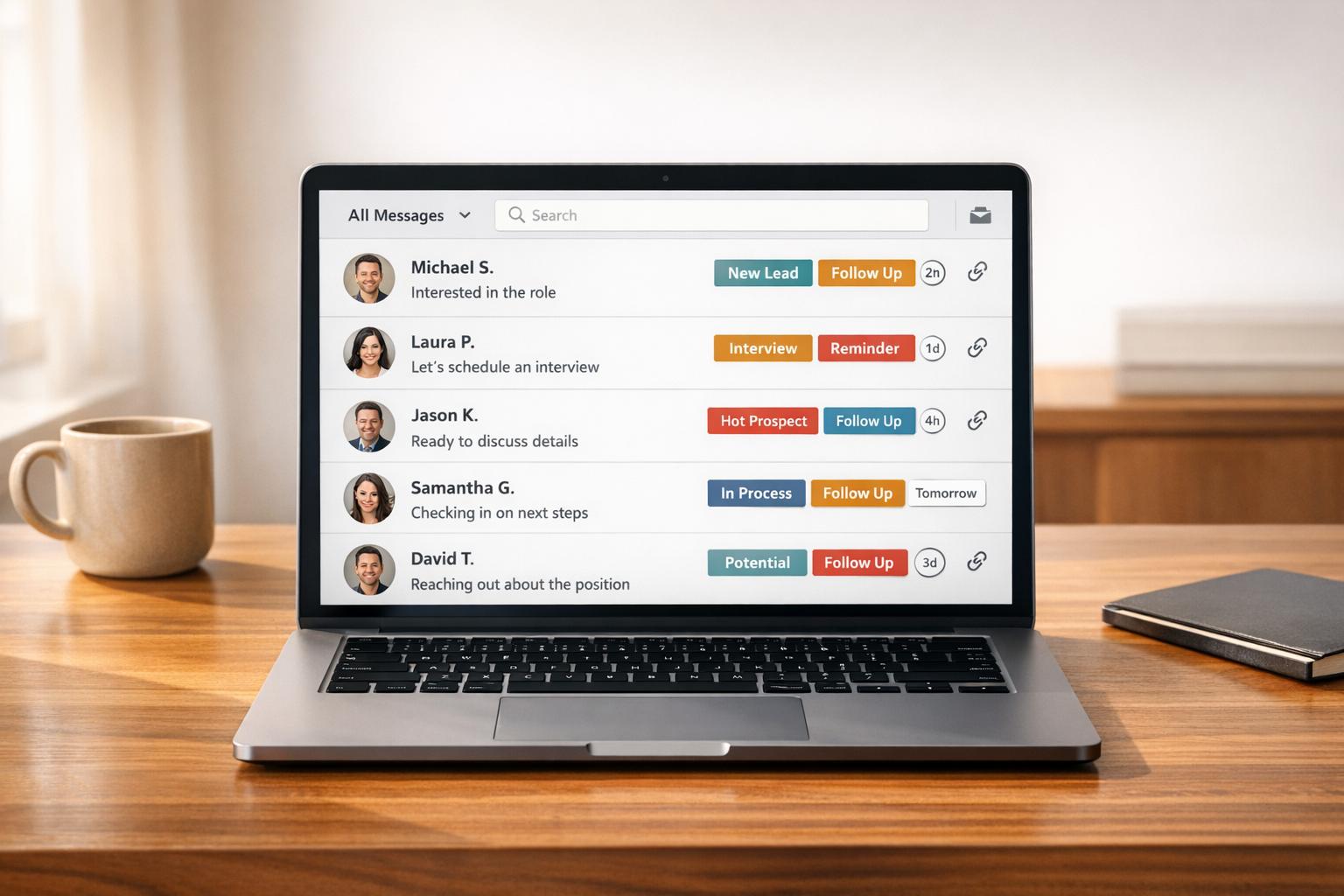
The easy part about it is writing the message, but it’s remembering to send it that breaks down. Since LinkedIn doesn’t have a ‘remind me to mention this conversation on Thursday’ option, people end up using spreadsheets, sticky notes, or simply going through their inbox and hoping.
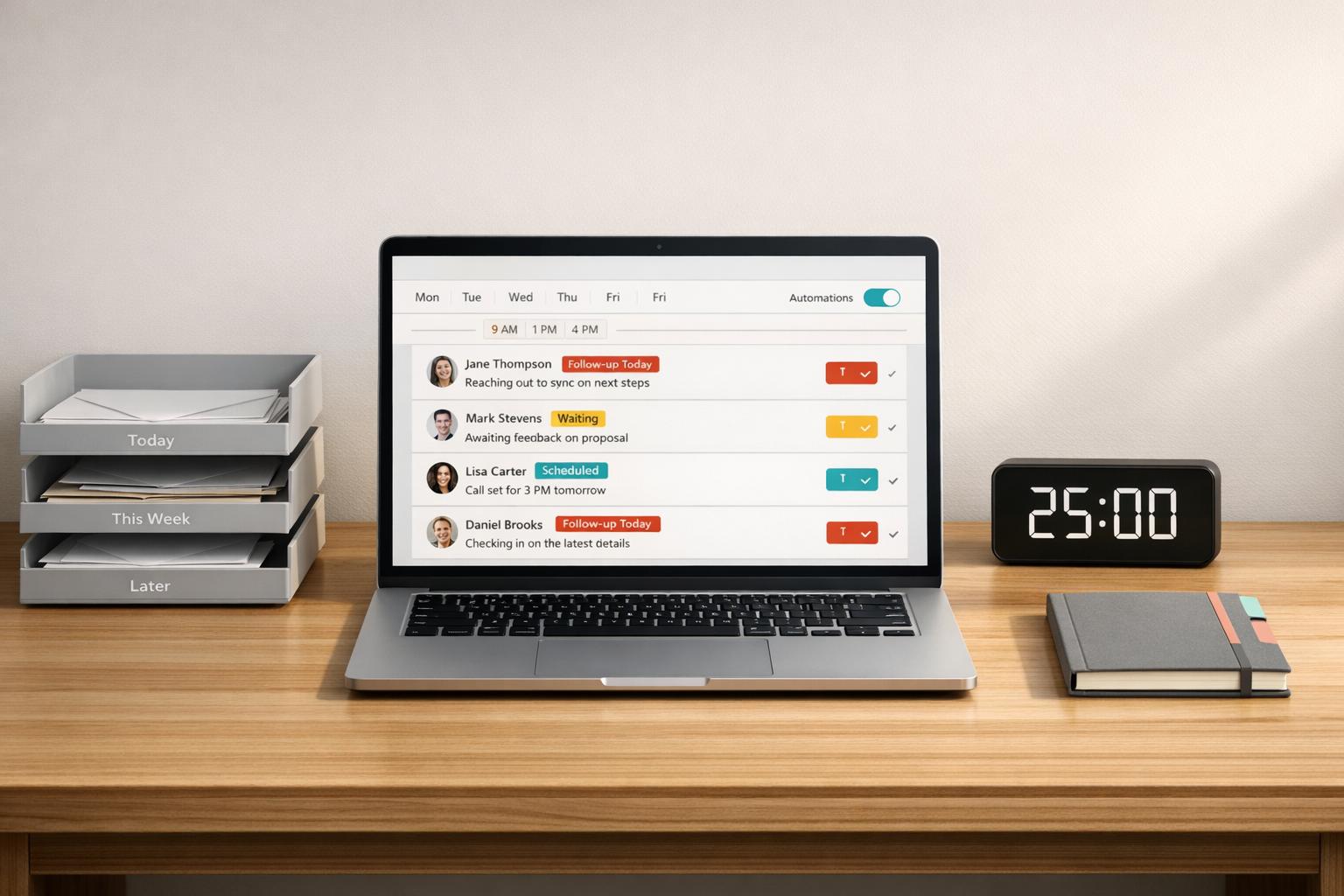
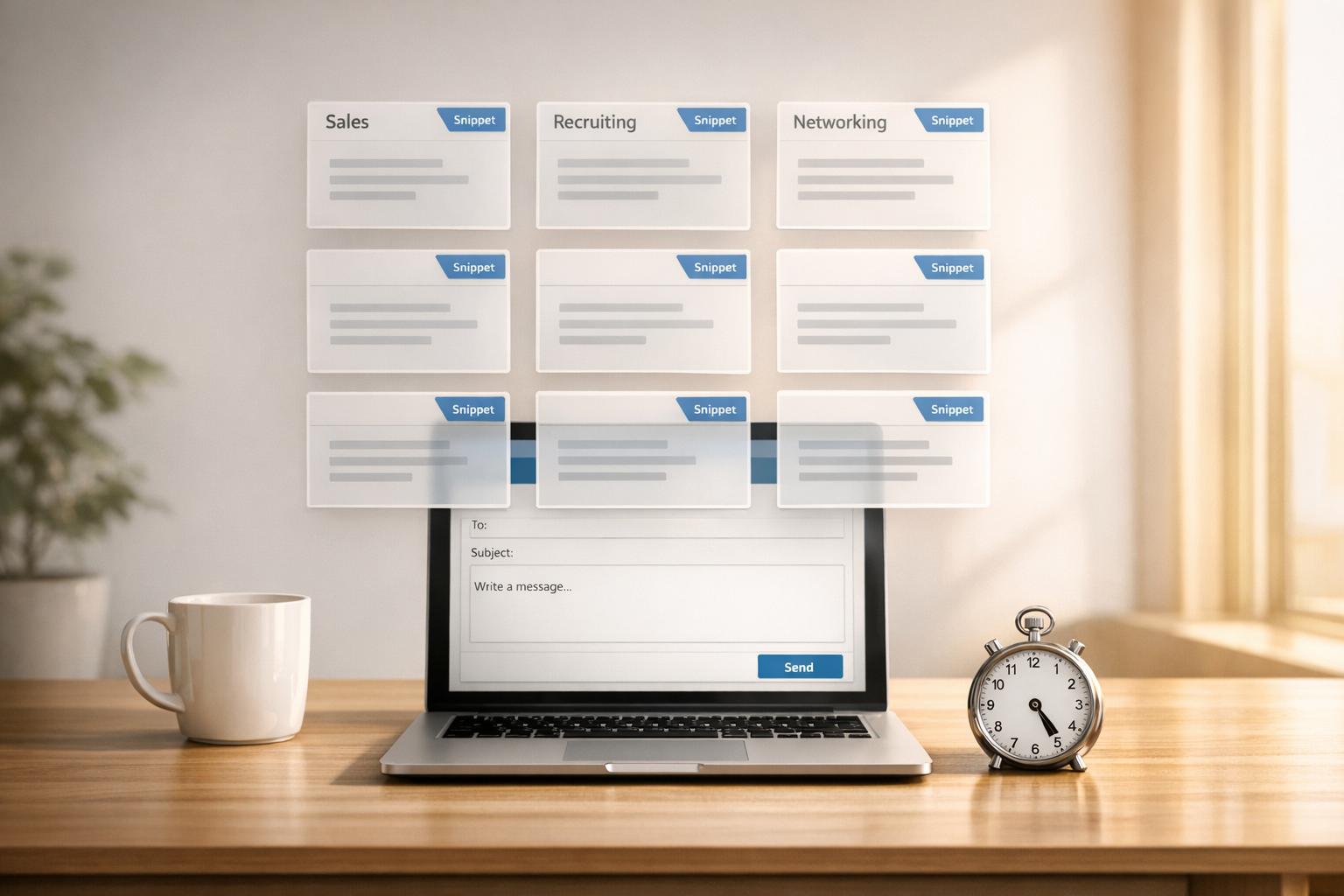
We created Cesar.chat to deal with that issue. You can label conversations and divide them into separate inboxes such as “Warm leads”, “Demos booked”, and “Later”. You can snooze a thread until any date or time you choose, and it will reappear at the top of your inbox when that time comes. You can save your most useful replies as snippets and then edit them before sending.
It is not a tool for automation since it doesn’t carry out any tasks for you; you have to write each follow-up yourself, though you will no longer lose threads.
If you’re using HubSpot, Cesar can also sync conversations, labels, and notes there. For more information, see the HubSpot LinkedIn integration page.
Common follow-up mistakes
The typical ones include sending just “checking in” with no real purpose, keeping up the pressure every day until the other person starts to feel as though they’re being pursued, copying and pasting the same message twice, and writing three paragraphs instead of just two sentences. The other mistake is not knowing when to stop; after having made two or three attempts with no reply, you should stop and either return a few weeks later with a new message or abandon the situation altogether.
FAQ
How long should I wait before sending a follow-up message on LinkedIn?
A common timeframe after sending the first message is a few business days; following a meeting, you should send your recap that day or the next morning.
How many times should I send a follow-up message on LinkedIn?
A reasonable upper limit for a person who hasn’t answered would be two or three attempts; after that, you should stop or wait a few weeks before coming back with a new answer.
Is it acceptable to send a follow-up message if the other person hasn’t replied?
Certainly. People who are busy tend to miss messages and as a result LinkedIn inboxes become crowded; it’s perfectly normal to send one polite follow-up.
How can I carry on the conversation on LinkedIn without appearing to be annoying?
Each time add something new, keep it brief, ask one question, and provide the person with an easy way to say no.