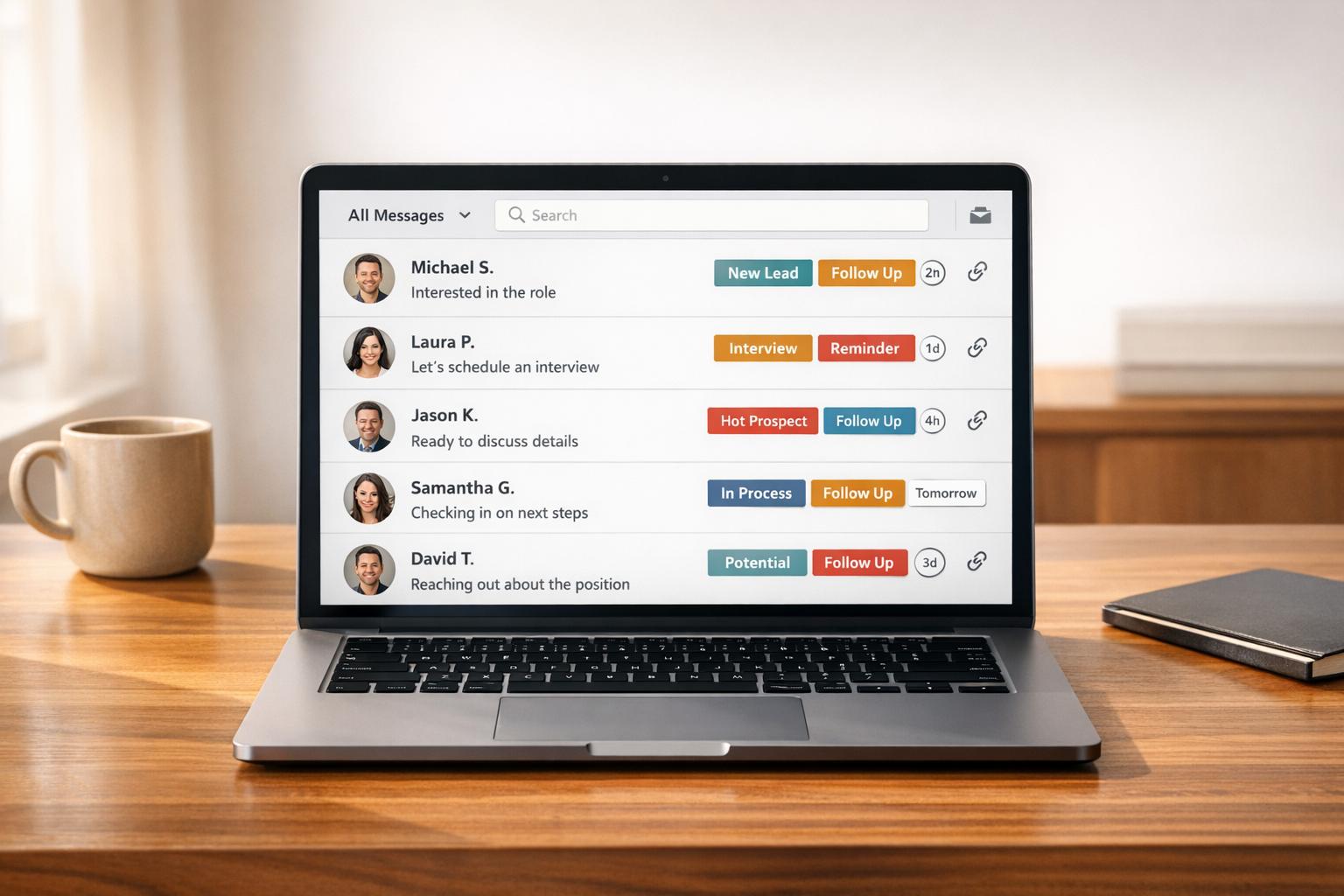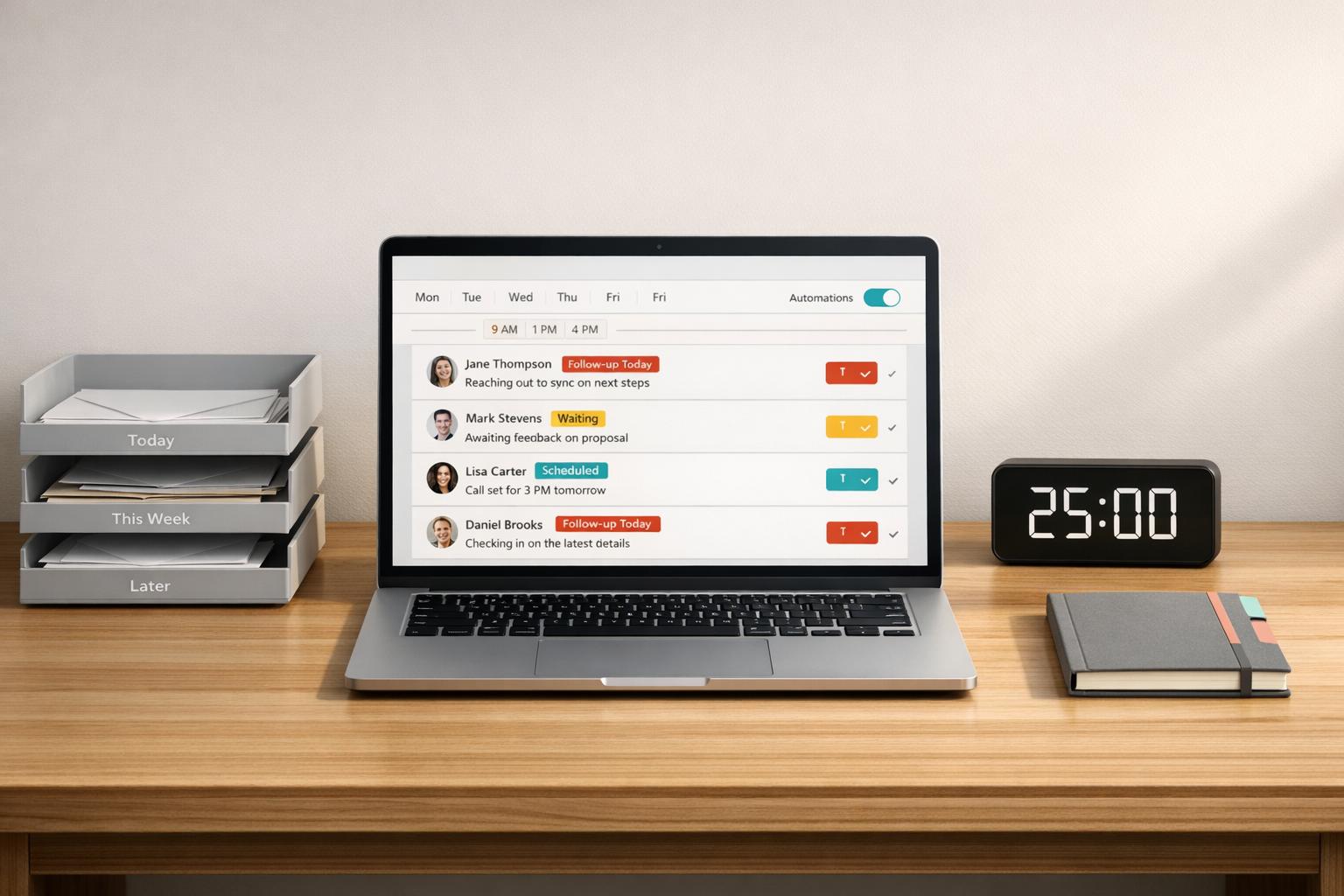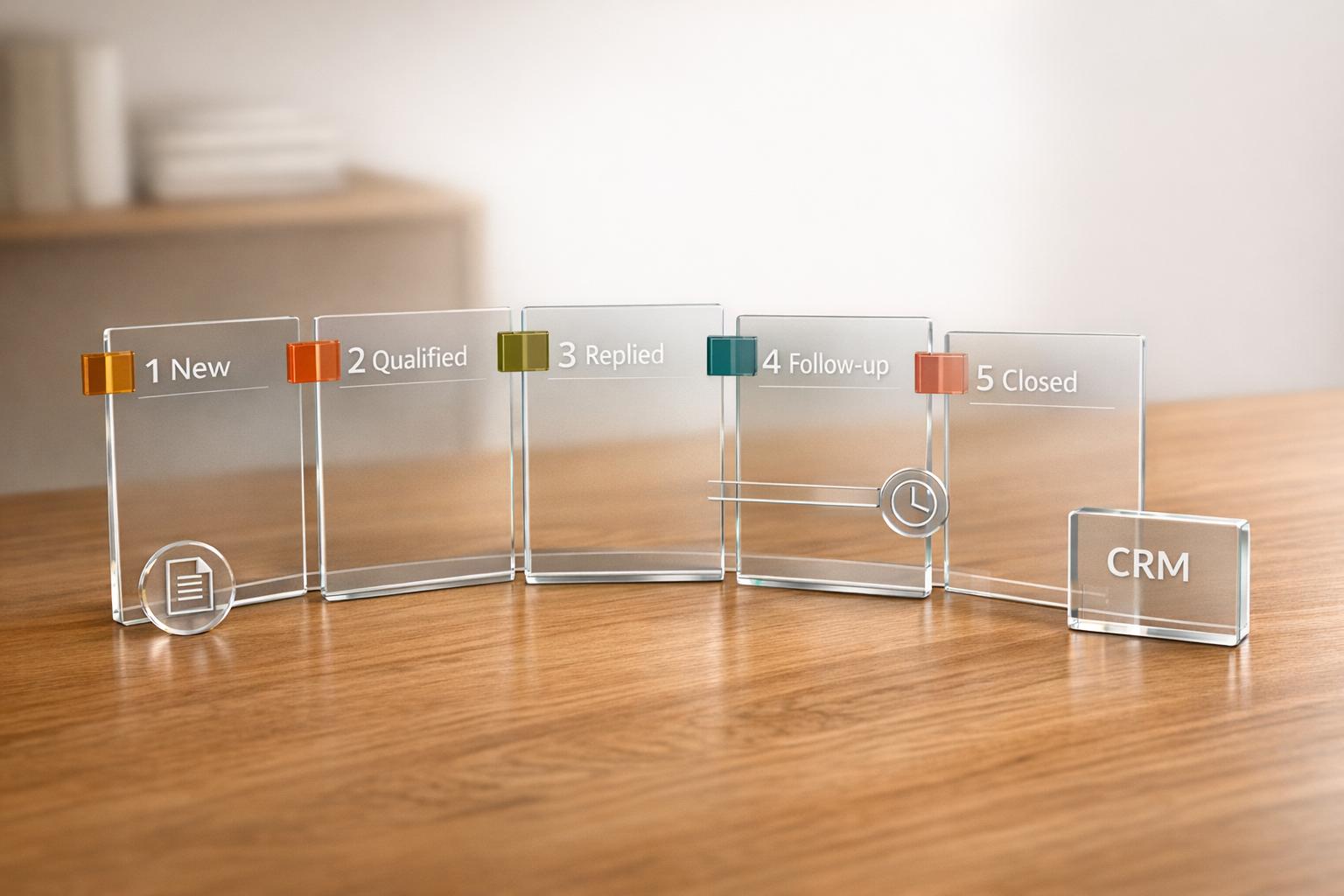
Your LinkedIn inbox can either help you close more deals or cost you valuable opportunities. The key lies in how you manage it. Most sales professionals lose track of leads because their inboxes are cluttered with irrelevant messages, making it easy for important conversations to slip through the cracks.
Here’s how you can turn your LinkedIn inbox into a tool that drives results:
- Organize leads with labels and CRM sync: Categorize messages by deal stage and sync updates automatically to save time.
- Automate follow-ups: Use snooze features and reminders to stay on track without missing touchpoints.
- Respond faster with message templates: Save and reuse snippets to streamline communication without sacrificing personalization.
These strategies don’t just save time – they help you keep your pipeline moving and close deals more effectively.
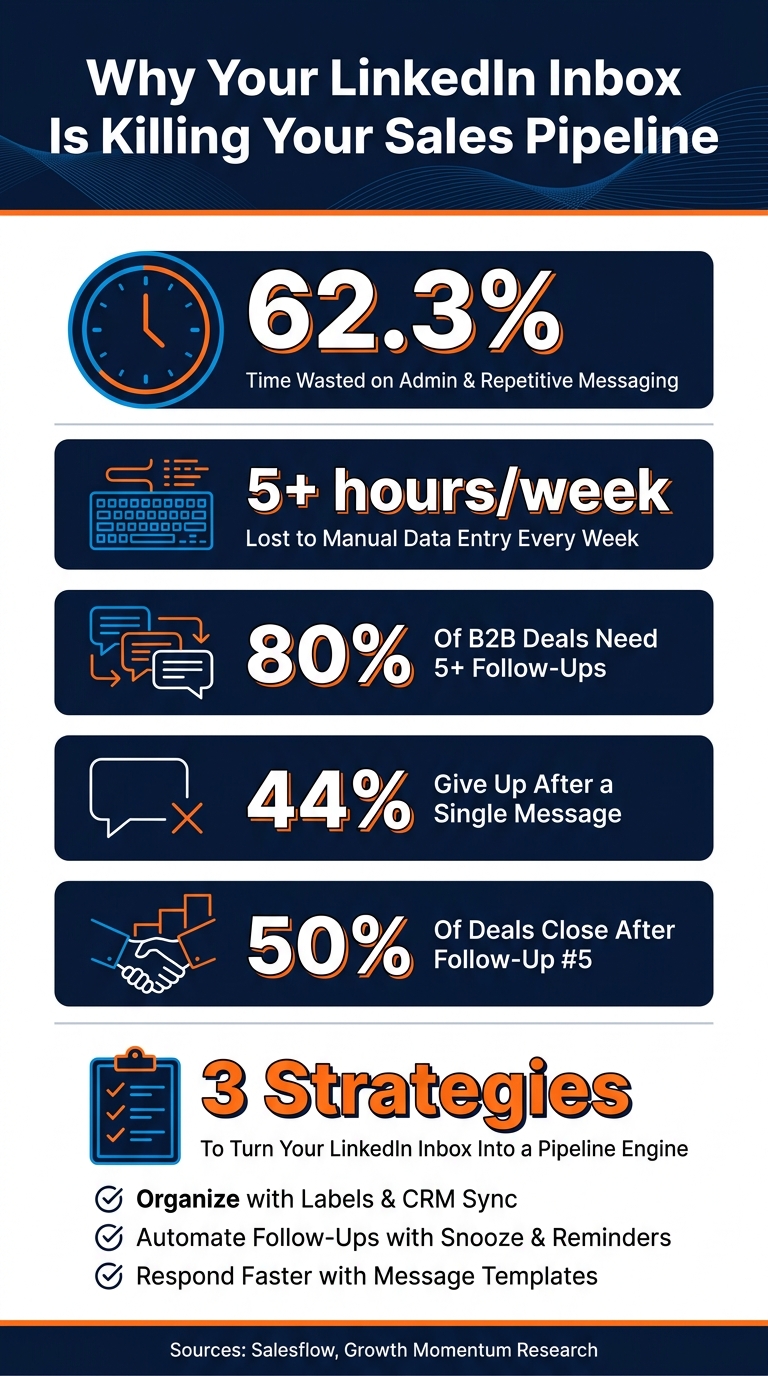
LinkedIn Inbox Sales Stats: Why Most Reps Lose Deals
The LinkedIn Inbox Secret Nobody Talks About
sbb-itb-3e8f5dc
1. Organize Your Pipeline Inside the LinkedIn Inbox
LinkedIn inboxes can quickly become a chaotic mix of messages – warm leads, cold outreach, recruiter inquiries, and connection requests all jumbled together. With no clear system in place, it’s tough to figure out who needs your attention today and who can wait until later.
The solution? Start using labels. Categorize conversations based on their stage – like Qualified Lead, Meeting Scheduled, or Proposal Sent. This way, you can instantly see where each contact stands in your pipeline. It’s not just about staying organized; it’s about identifying where leads might be stalling so you can take action before they go cold.
A split inbox adds another layer of clarity by separating high-priority threads. This keeps your most important opportunities front and center. Tools like Cesar.chat make this process seamless, allowing you to filter and prioritize messages directly within LinkedIn – no need to jump between apps.
But the true game-changer is CRM sync. Think about how much time you spend manually entering data into your CRM – on average, over 5 hours per week. That’s valuable time better spent on selling. With live syncing to platforms like HubSpot or Salesforce, your inbox works smarter. Deal stages update automatically, notes transfer effortlessly, and nothing slips through the cracks.
"A staggering 62.3% of their [sales representatives] time is spent outside of closing deals." – Salesflow
This approach doesn’t just clean up your inbox – it transforms it into an actionable pipeline you can actively manage. Up next, discover how to automate follow-ups without ever leaving your inbox.
2. Build a Follow-Up System Without Leaving Your Inbox
Most deals don’t fall apart because prospects aren’t interested – they fall apart because follow-ups never happen. Research shows that 80% of B2B sales require at least five touchpoints to close. Yet, a surprising 44% of salespeople stop after just one follow-up message. This lack of persistence creates a weak spot in the sales pipeline.
The key isn’t working harder; it’s creating a system that keeps follow-ups on your radar. Here’s how you can do this right from your LinkedIn inbox.
"The LinkedIn inbox creates more hidden pipeline loss than most teams expect." – David Turewicz, Founder, Growth Momentum
A simple but effective habit is to snooze conversations. If a prospect tells you to "reach back out in two weeks", use the snooze feature to bring that conversation back at the right time – no need for sticky notes or separate reminders. Tools like Cesar.chat integrate this functionality directly into LinkedIn, so the thread resurfaces when it’s time to act. This way, you stay on top of follow-ups without losing track of context.
Combine snoozing with thread-specific reminders to create a fully automated follow-up system. When a reminder pops up, you shouldn’t have to dig through weeks of messages to figure out where things left off. Use internal notes and labels to streamline your process. For example, tag conversations with details like the lead source, the last topic discussed, or the prospect’s main objection. This lets you personalize follow-ups quickly, even during busy periods.
"Persistence pays off in sales. Develop a systematic follow-up process to maintain momentum with prospects at every stage of the pipeline." – Salesflow
Another tip: wait 3 to 4 days before nudging prospects who haven’t responded. And when you follow up, don’t just ask if they’ve had a chance to think things over. Offer something valuable instead – a relevant insight, resource, or data point tied to their business. This keeps the conversation alive without making you seem pushy.
3. Send Better Responses Faster With Messaging Workflows
Sales reps often lose valuable time rewriting the same messages over and over, even though maintaining quality is critical. Did you know that 62.3% of a sales rep’s time is spent on non-selling tasks like drafting repetitive emails, updating records, and managing conversation threads? Messaging workflows are designed to save time by handling these repetitive tasks – without losing the personal touch that drives responses.
A good starting point is using saved snippets. Instead of typing out the same introduction, objection-handling message, or meeting request repeatedly, you can save these as reusable templates. With just a few clicks, you can pull up a snippet, personalize it by adding the prospect’s name, role, or a pain point you’ve identified, and send it off. Tools like Cesar.chat make it simple to grow your library of snippets as your pipeline expands. These snippets act as a foundation, allowing you to customize while saving time.
"The AI draft gives us a starting point when we need to respond quickly. This reduces friction and keeps every thread actionable even when volume spikes." – David Turewicz, Founder, Growth Momentum
Keyboard shortcuts take efficiency to the next level. Instead of hunting through menus or tabs to find templates or manage threads, you can assign specific actions to keys. For example, you might use < and > to navigate threads or a single key to save a lead. This keeps your hands on the keyboard and eliminates unnecessary steps during conversations. With Cesar.chat, these shortcuts are built right into the inbox – no need to rely on external browser tools. Together, snippets and shortcuts help you respond faster while staying focused on your sales goals.
The final piece of the puzzle is CRM sync. Once a conversation progresses beyond the qualification stage, syncing the data automatically with your CRM ensures that follow-ups are seamlessly integrated into your pipeline. Cesar.chat’s live CRM sync ensures your team stays on the same page, with all the context they need to turn quick responses into closed deals.
Conclusion
Your LinkedIn inbox can be a powerful sales tool, but without proper organization, it’s easy for promising leads to get lost in the shuffle. A cluttered inbox doesn’t just create chaos – it can actively undermine your sales funnel and cost you valuable opportunities. That’s why adopting a more intentional approach is so important.
The strategies outlined here work together to tackle this challenge. Using labels and prioritized views ensures that your most critical conversations rise to the top. Implementing a structured follow-up system helps you stay persistent without being overbearing – especially when you consider that 50% of sales happen after the fifth follow-up, yet most sales professionals stop after just two attempts. On top of that, tools like message snippets, shortcuts, and CRM integration enable you to respond faster while still keeping your interactions personal and engaging. Together, these tactics can save sales professionals over 5 hours each week, a game-changer for high-volume teams in the U.S.
At the heart of it all is a simple mindset shift: treat every message as a task with a clear next step. Whether it’s labeling, snoozing, archiving, or responding immediately, this level of discipline separates top-performing salespeople from those who struggle to keep up.
Your inbox isn’t just a place for conversations – it’s the engine that drives your pipeline. Use it wisely, and you’ll find it can be a key driver of sales momentum.
FAQs
What labels should I use for LinkedIn leads?
Organize your LinkedIn leads by using labels such as Hot Leads, Follow Up Later, or other clear categories. These labels make it easier to prioritize your outreach, monitor progress, and keep your pipeline organized for smoother management.
How often should I follow up on LinkedIn messages?
The best follow-up strategy typically stretches over 2–3 weeks. During this period, focus on engaging with your prospects’ content – this helps set the stage for a more natural connection. Why? Because warm follow-ups often lead to response rates of 15–25%, compared to the much lower 2–5% for cold, immediate pitches.
A common and effective method is to send four concise, value-focused messages over 14 days. These messages should aim to build rapport and provide value, rather than directly asking for something. This approach helps nurture the relationship and encourages genuine replies.
How do I sync LinkedIn messages to my CRM?
To streamline your LinkedIn messaging and CRM integration, follow these simple steps:
- Install the Cesar.chat Chrome Extension: Begin by downloading the Cesar.chat Chrome extension and setting up your account.
- Authorize LinkedIn Access: Grant the necessary permissions to sync your LinkedIn messages seamlessly.
- Connect Your CRM: Link your preferred CRM, such as HubSpot or Salesforce, and adjust the sync settings to match your workflow.
- Test the Connection: Run a quick test to ensure that messages and notes are syncing properly between LinkedIn and your CRM.
This setup ensures your sales data stays organized and current, saving you time and effort.