Category: LinkedIn
This hub collects Cesar.chat guides on LinkedIn messaging — how to organize DMs, prioritize replies, run follow-ups, and keep conversations tied to your CRM. It is written for recruiters, SDRs, and founders who live in LinkedIn all day and need the inbox to behave more like a pipeline than a dump of unread threads.
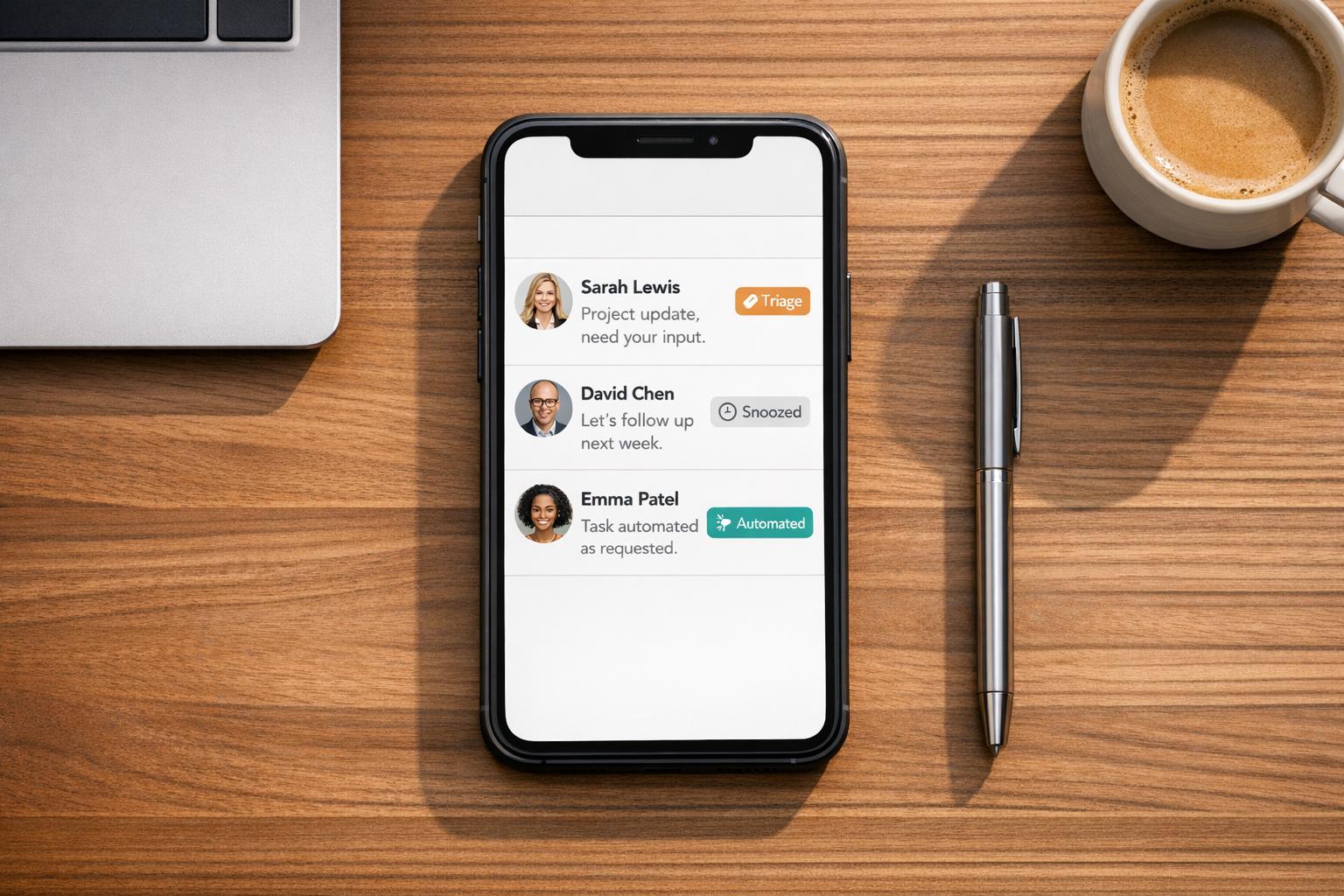
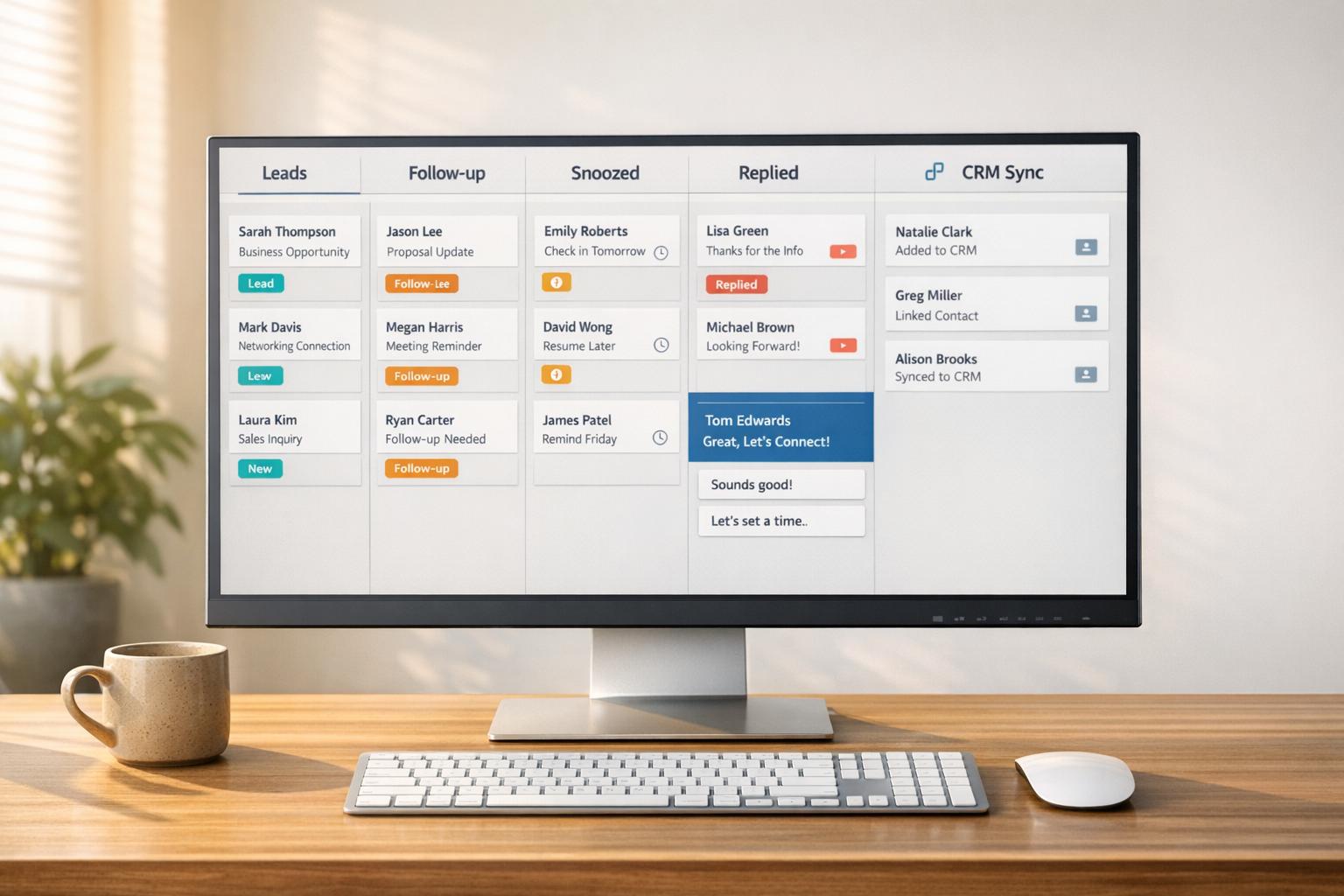
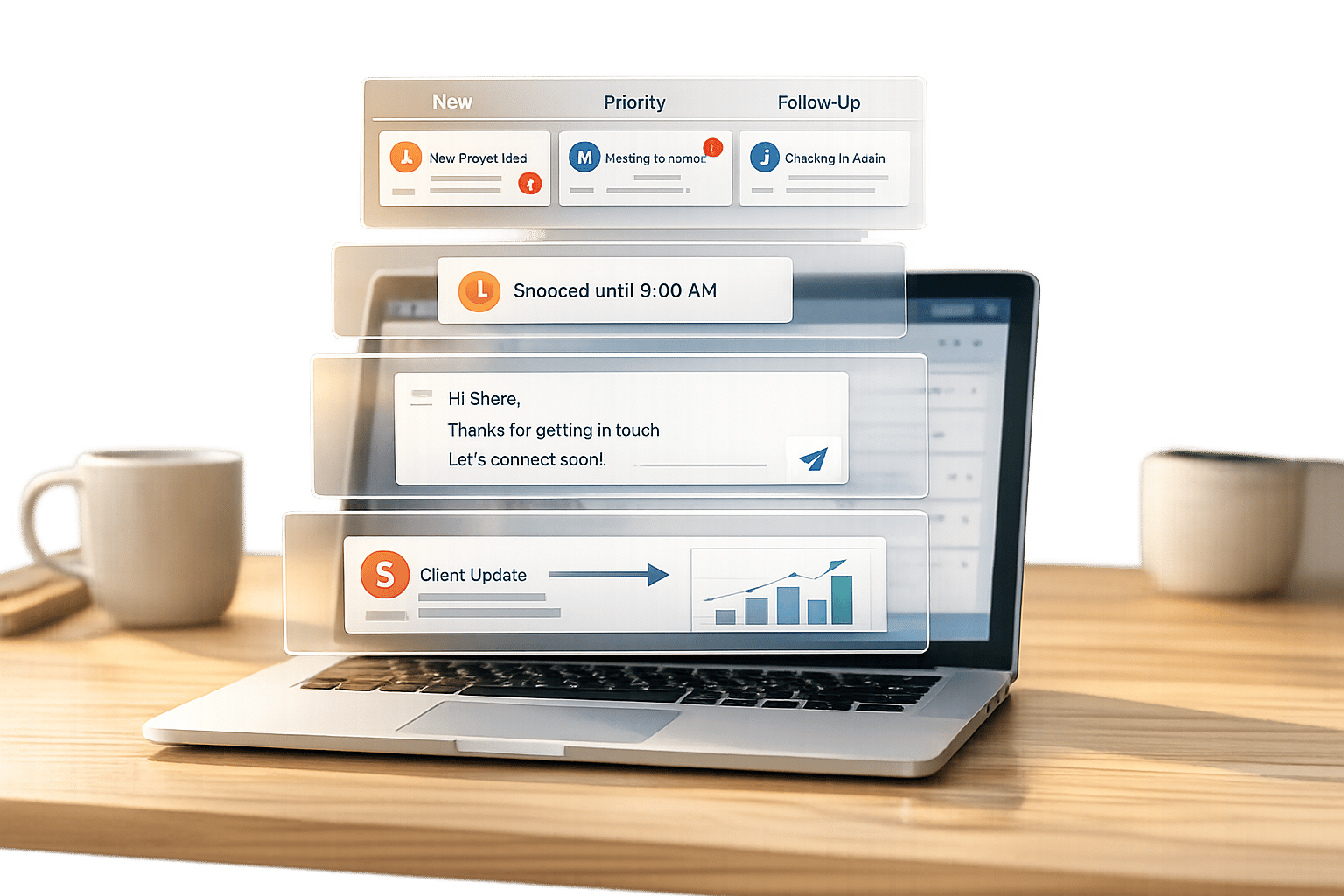
Start with inbox workflow: triage with labels and split views, snooze threads you cannot answer yet, and use snippets so the fifth reply of the day still sounds personal. Then layer on response tracking and reminder habits so warm leads do not disappear under newer messages. When your team already runs HubSpot, Sheets, or another CRM, pair those habits with a sync path so notes and labels are not trapped inside LinkedIn alone.
Articles here compare native LinkedIn tools with enhanced inbox options, walk through CRM logging without brittle browser hacks, and share checklists for high-volume days (50–200+ DMs). Use the posts below as a reading path — pick an inbox problem first, then open the matching guide — or browse the full Cesar.chat blog if you want every integration and productivity deep dive in one place.
-

How to Follow Up LinkedIn Messages Without Being Annoying
Use timing, personalization, and value in a 3-touch LinkedIn follow-up (≤75 words) to boost replies without being pushy.

-
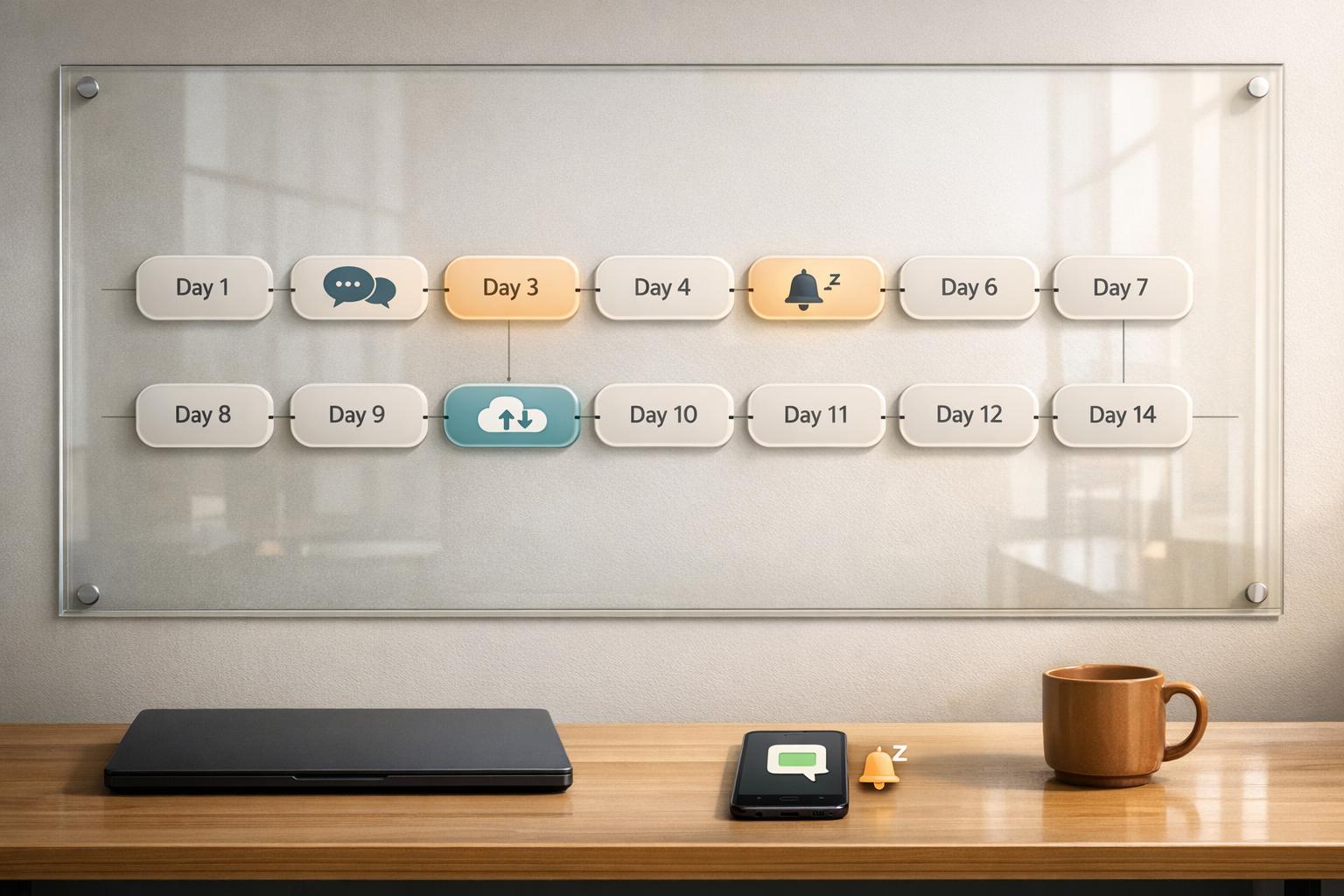
How to Build a LinkedIn Follow-Up System That Never Lets a Conversation Die
14-day follow-up schedule, personalized snippets, snooze reminders and CRM sync to keep LinkedIn conversations moving.
-
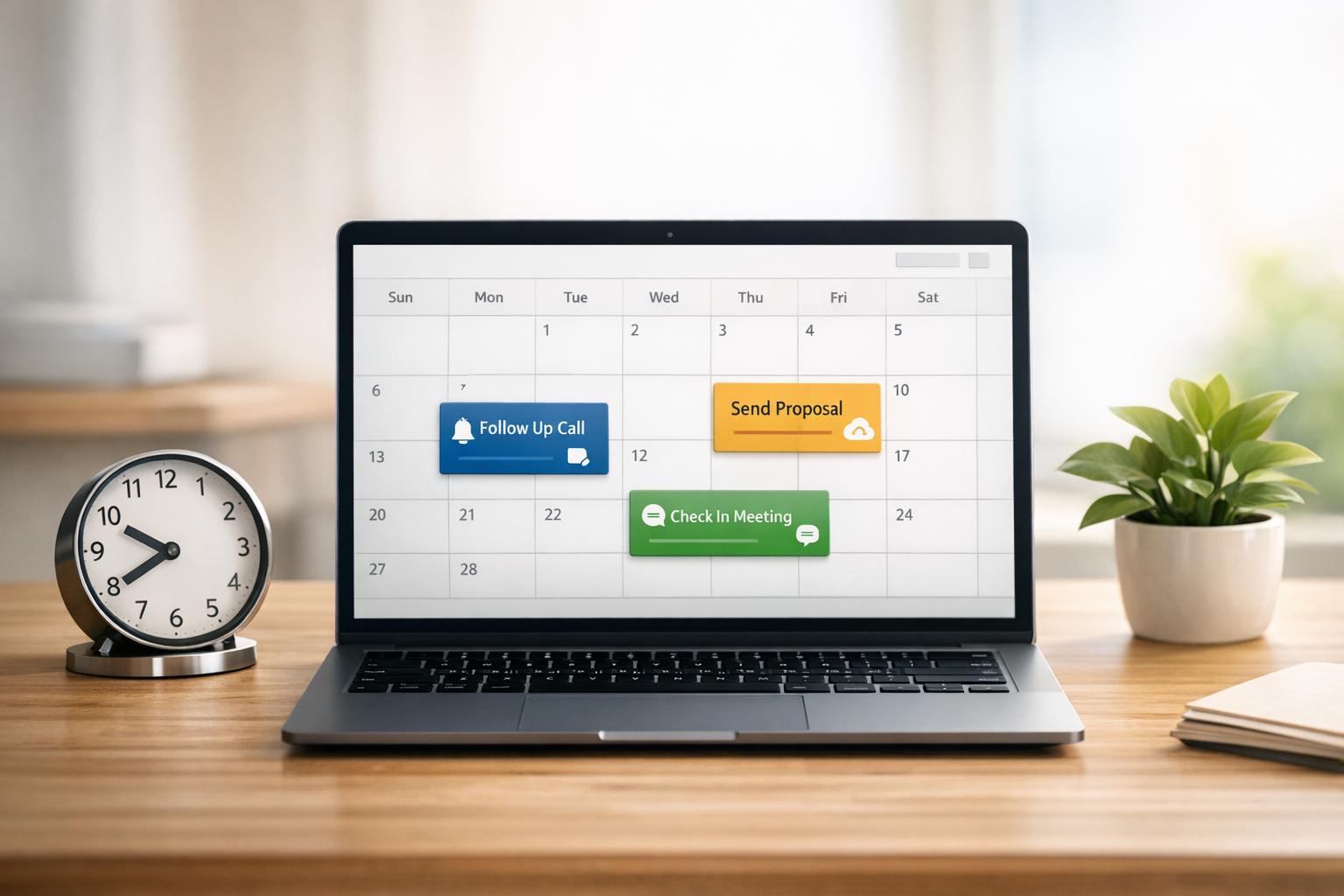
How to Set Follow-Up Reminders on LinkedIn
Turn LinkedIn into a reliable follow-up system with calendar tricks, LinkedIn features, or Cesar.chat’s snooze and CRM sync.
-
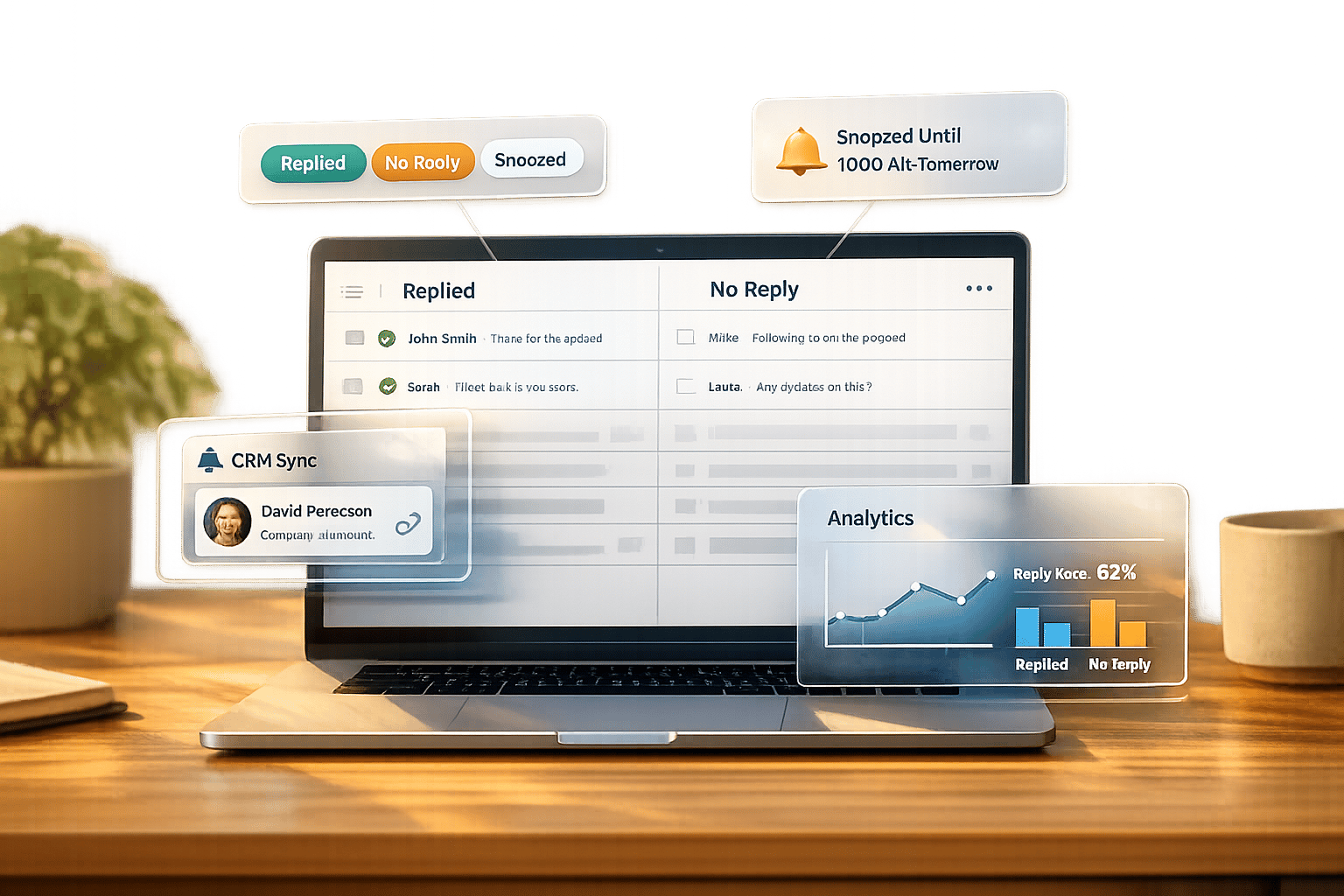
LinkedIn Response Tracking: Who Replied & Who Didn’t
Track who replied on LinkedIn using native filters or Cesar.chat: split inboxes, snooze threads, CRM sync, and response analytics.
-
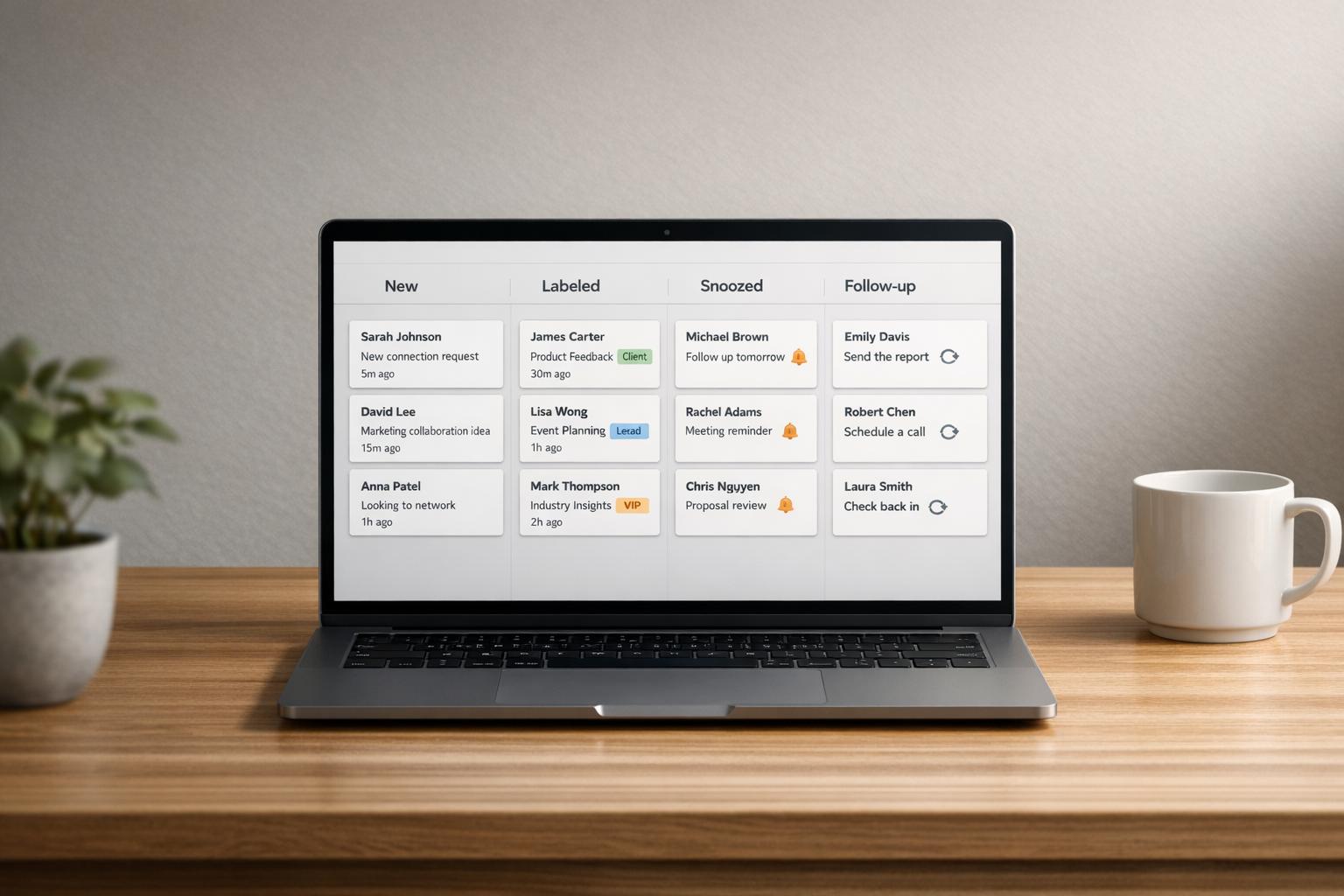
How to Organize LinkedIn Inbox Like a CRM
Treat your LinkedIn inbox like a CRM: label conversations, set snooze reminders, and sync messages to your CRM for faster…
-
How to Manage LinkedIn Inbox: 7 Time-Saving Strategies
Tame your LinkedIn inbox with seven practical tactics: Inbox Zero, split inboxes, shortcuts, snippets, snooze, filters, and CRM sync.
-
How to Manage LinkedIn Messages Like a Pro: 3 Methods That Actually Work
Triage, snooze, and automate LinkedIn messages with labels, reminders, and personalized templates to save time and increase replies.
-
5 Ways to Categorize LinkedIn Conversations
Organize LinkedIn messages with labels, filters, tags, sender groups, and split inboxes to respond faster and stop missed leads.
-
Ultimate Guide to LinkedIn Split Inbox Strategies
Use split inboxes to organize LinkedIn DMs with labels, snooze, snippets and CRM sync—respond faster, cut missed leads, and save…
-
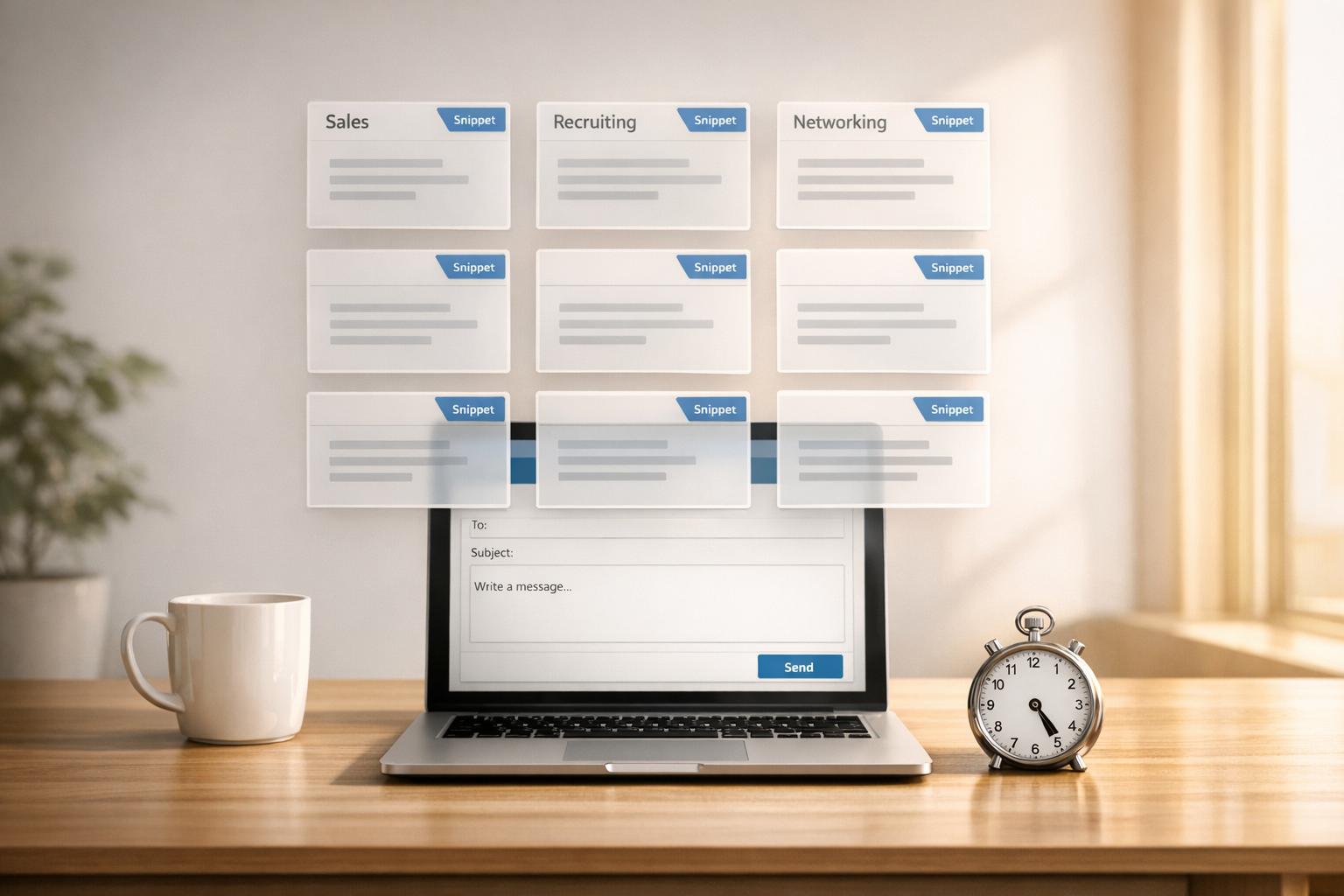
LinkedIn Message Templates: Save Time with Snippets
Save hours and boost LinkedIn reply rates with reusable message templates and fast personalization for sales, recruiting, and networking.
-
How to Never Miss a LinkedIn Lead Again
Organize LinkedIn messages with split inboxes, snooze threads, saved snippets, CRM sync and analytics to respond faster and capture more…
-
Recruiter Inbox Management: Complete Checklist
Organize your LinkedIn inbox with a practical checklist—prioritize, label, automate, use snippets and CRM sync to respond faster and save…