Category: All Posts
Full archive of Cesar.chat articles on LinkedIn DMs, labels, follow-ups, shared inboxes, and CRM integrations.
-
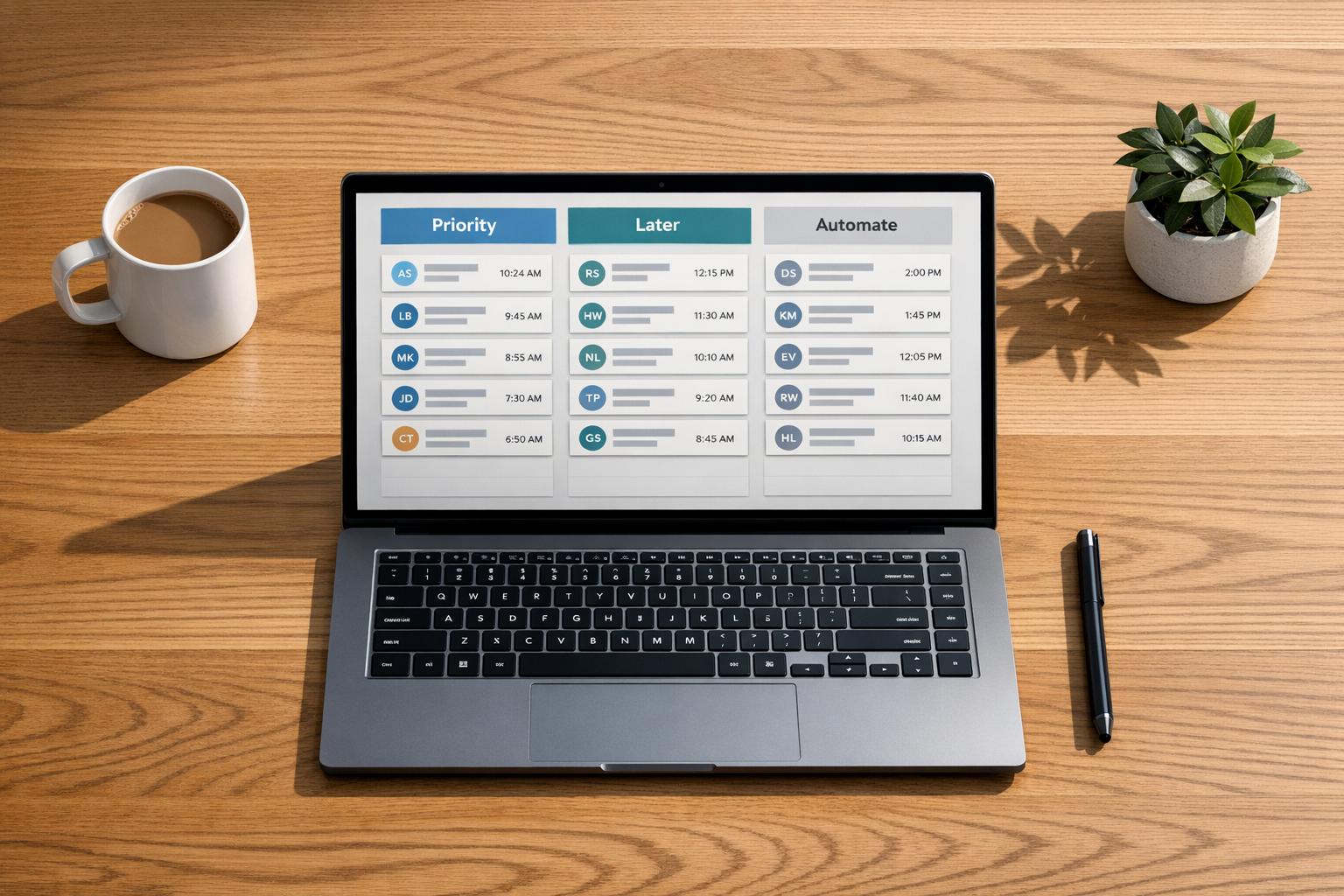
Getting 50+ LinkedIn Messages? How to Manage Inbox
Manage 50+ LinkedIn messages without burnout by batching, prioritizing, and automating your inbox to save hours weekly.

-
LinkedIn Inbox Management Best Practices (200+ DMs users)
Organize 200+ daily LinkedIn messages with filters, batching, templates, snooze, and CRM sync to maintain inbox zero.
-
How to Fix Missed Messages and Lost Replies
Stop losing leads—organize your LinkedIn inbox with filters, Inbox Zero, snooze reminders, and CRM sync to catch every reply.
-
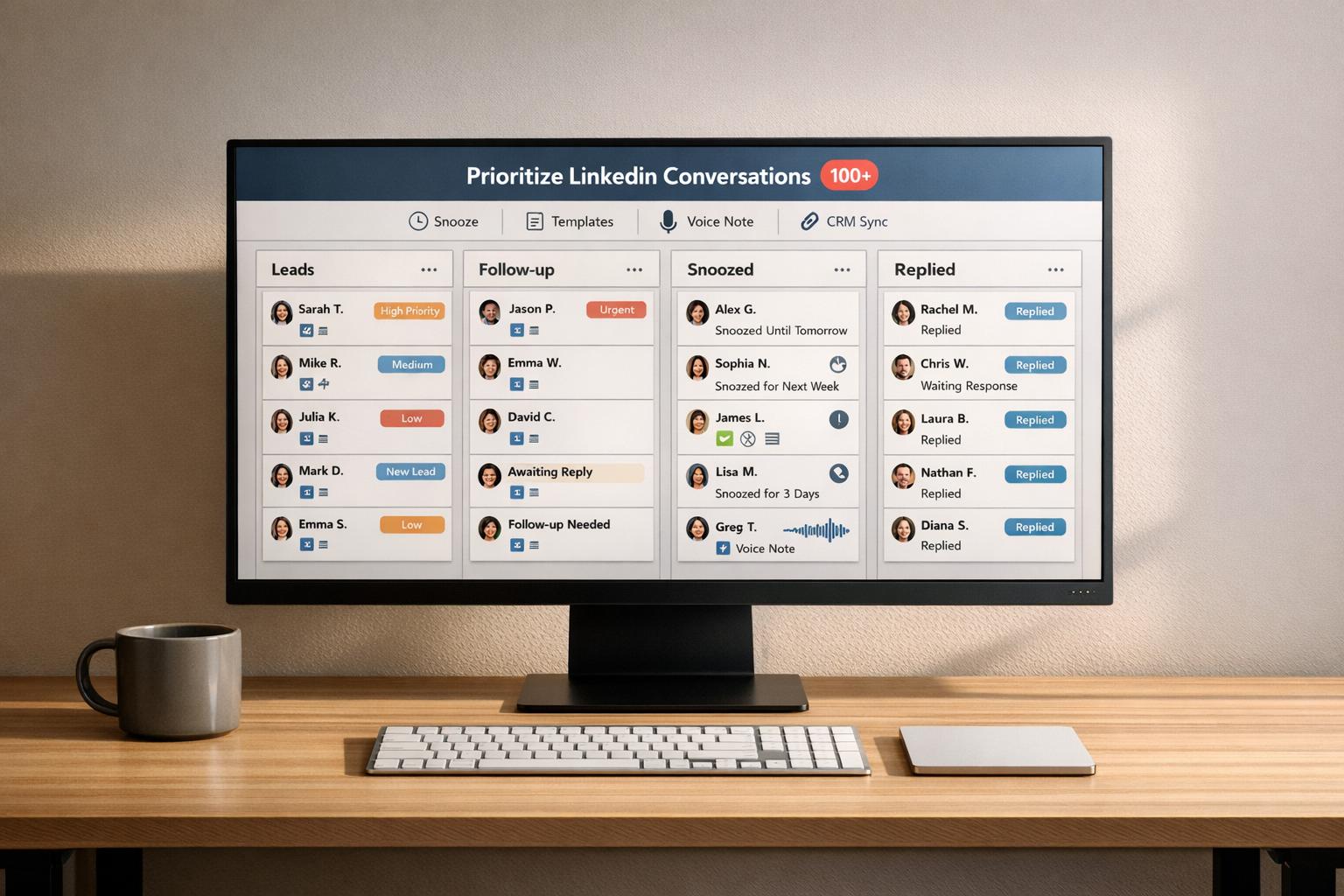
How to Prioritize LinkedIn Conversations (100+ DMs)
Organize and respond to 100+ LinkedIn messages using split inboxes, snooze, templates, voice notes, and CRM sync to prioritize leads.
-
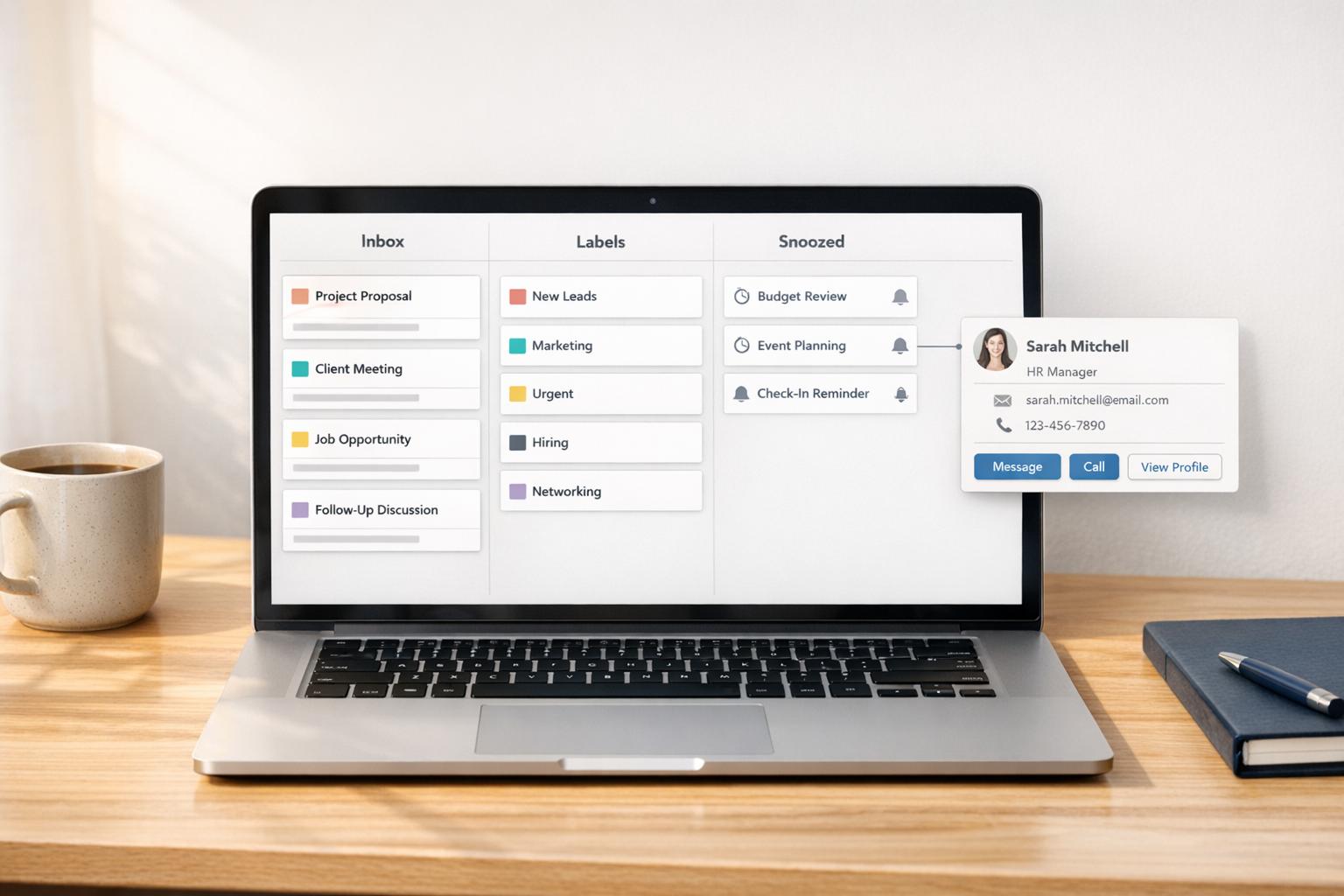
LinkedIn Conversation Labels: Setup Guide
Step-by-step Cesar.chat setup to create, apply, and sync LinkedIn conversation labels for an organized inbox.
-
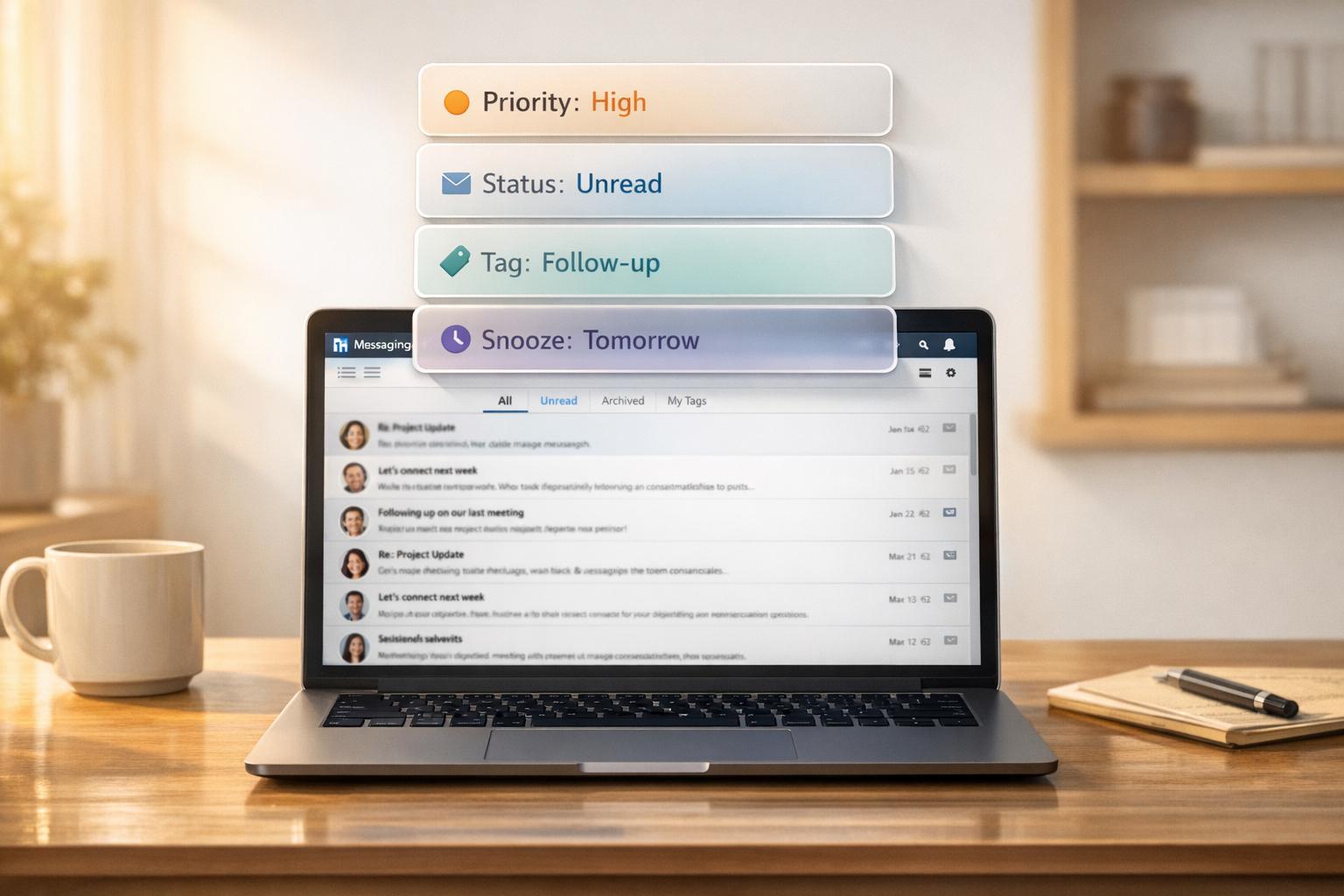
How to Filter LinkedIn Messages by Priority and Status
Organize LinkedIn inbox with native filters and advanced tools: split inboxes, tags, snooze, and CRM sync for better prioritization.
-
No Message Folders on LinkedIn? What to Use Instead
Organize LinkedIn messages without folders using split inboxes, labels, snooze, reminders, and CRM sync.
-
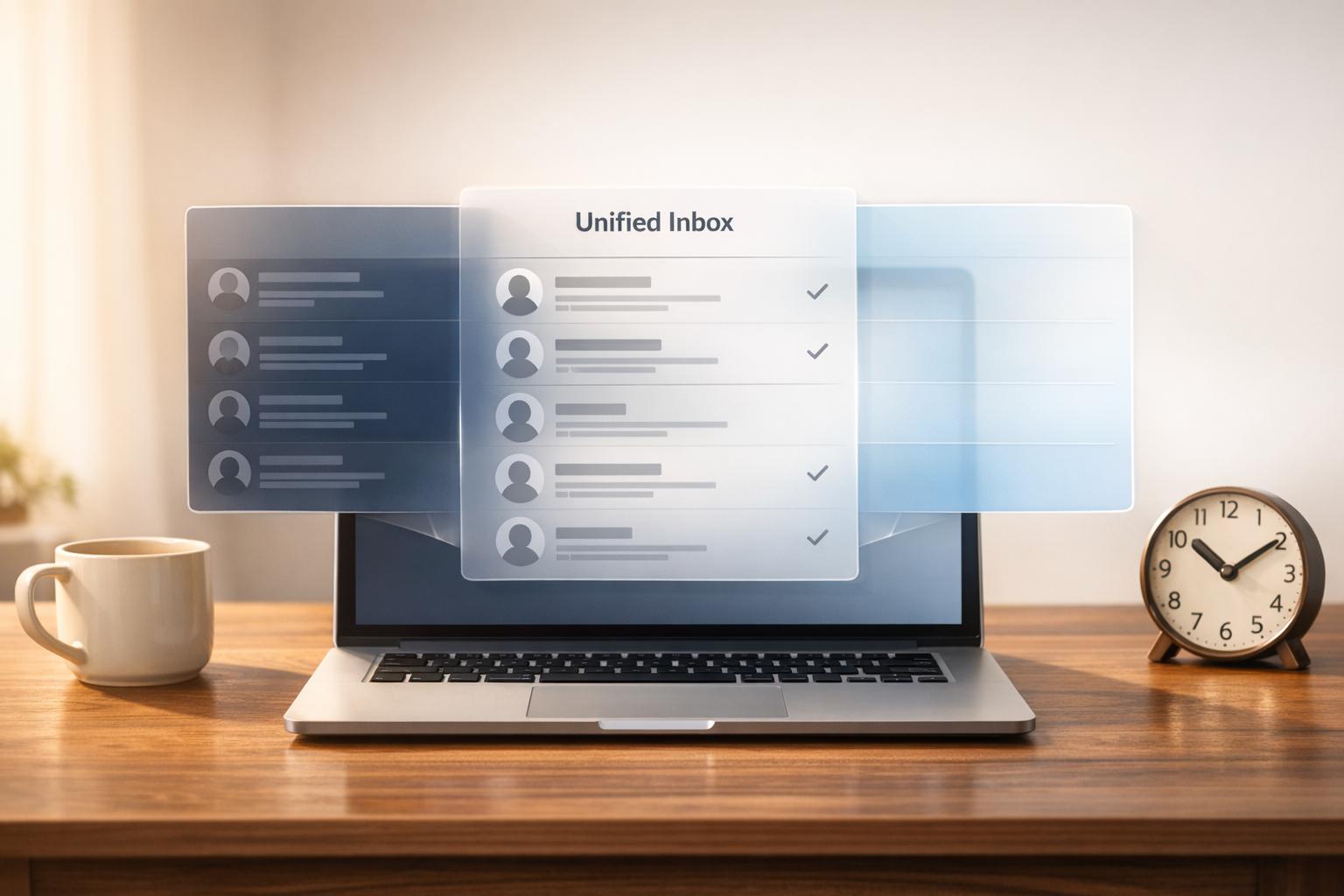
How to Combine Sales Navigator Inbox with Regular LinkedIn Inbox
Unify LinkedIn and Sales Navigator messages to stop switching tabs, reduce missed follow-ups, and save hours.
-
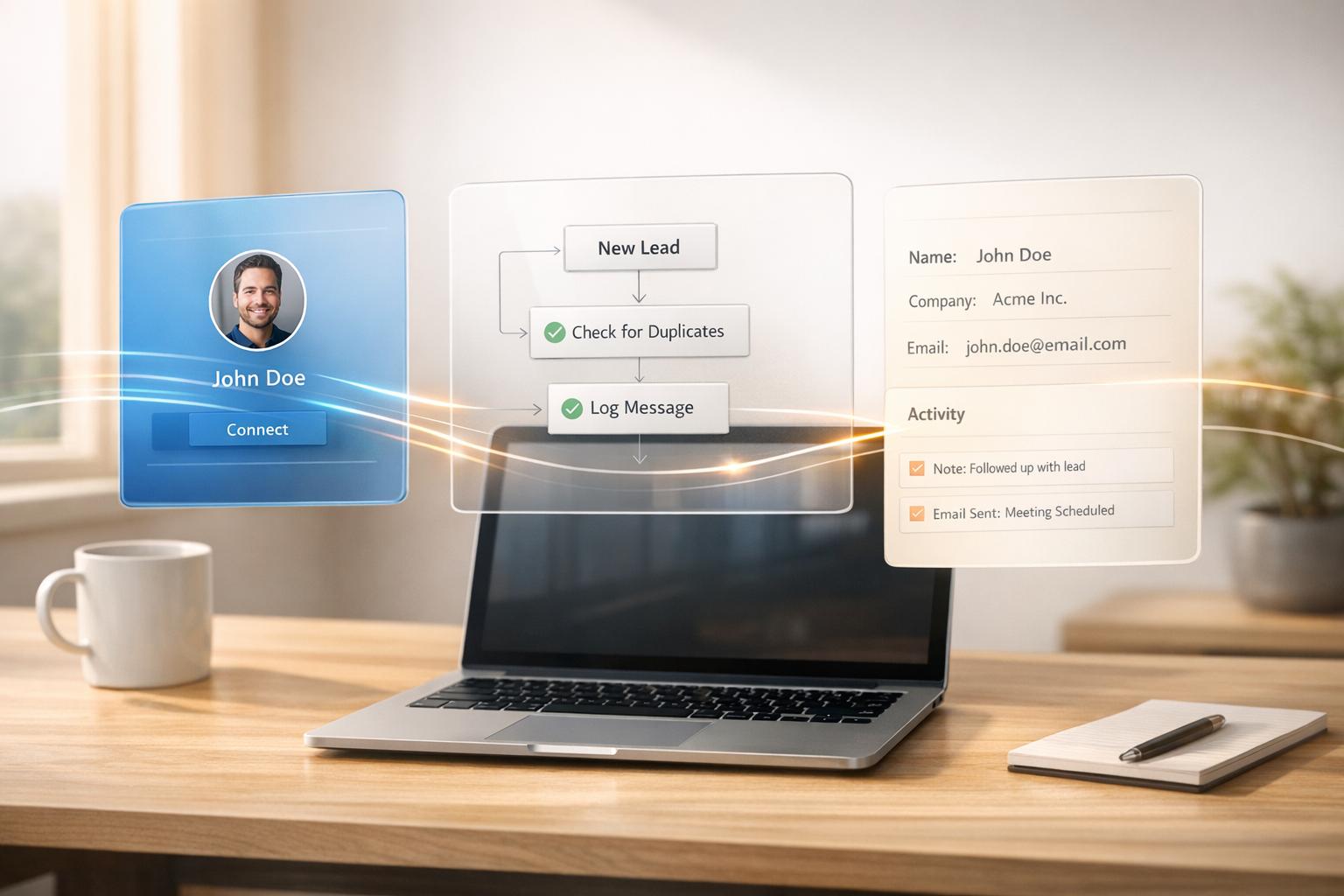
How to Create a LinkedIn-to-CRM Workflow Without Code
Automate LinkedIn leads into your CRM without code—save hours, avoid duplicates, and log every message in real time.
-
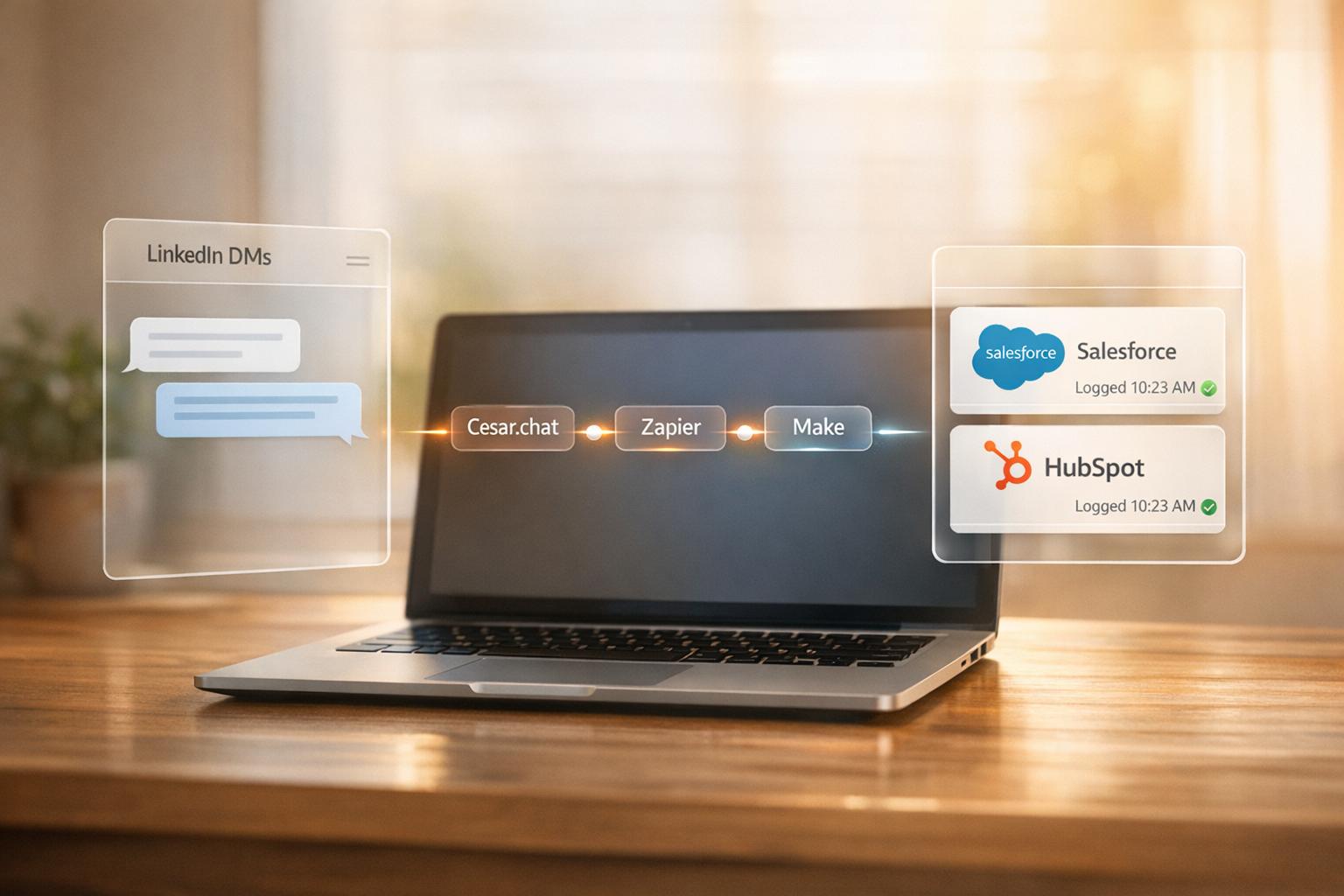
How to Automatically Log LinkedIn DMs into Salesforce or HubSpot
Sync LinkedIn DMs into Salesforce or HubSpot with Cesar.chat and Zapier/Make for real-time CRM logging and less manual entry.
-
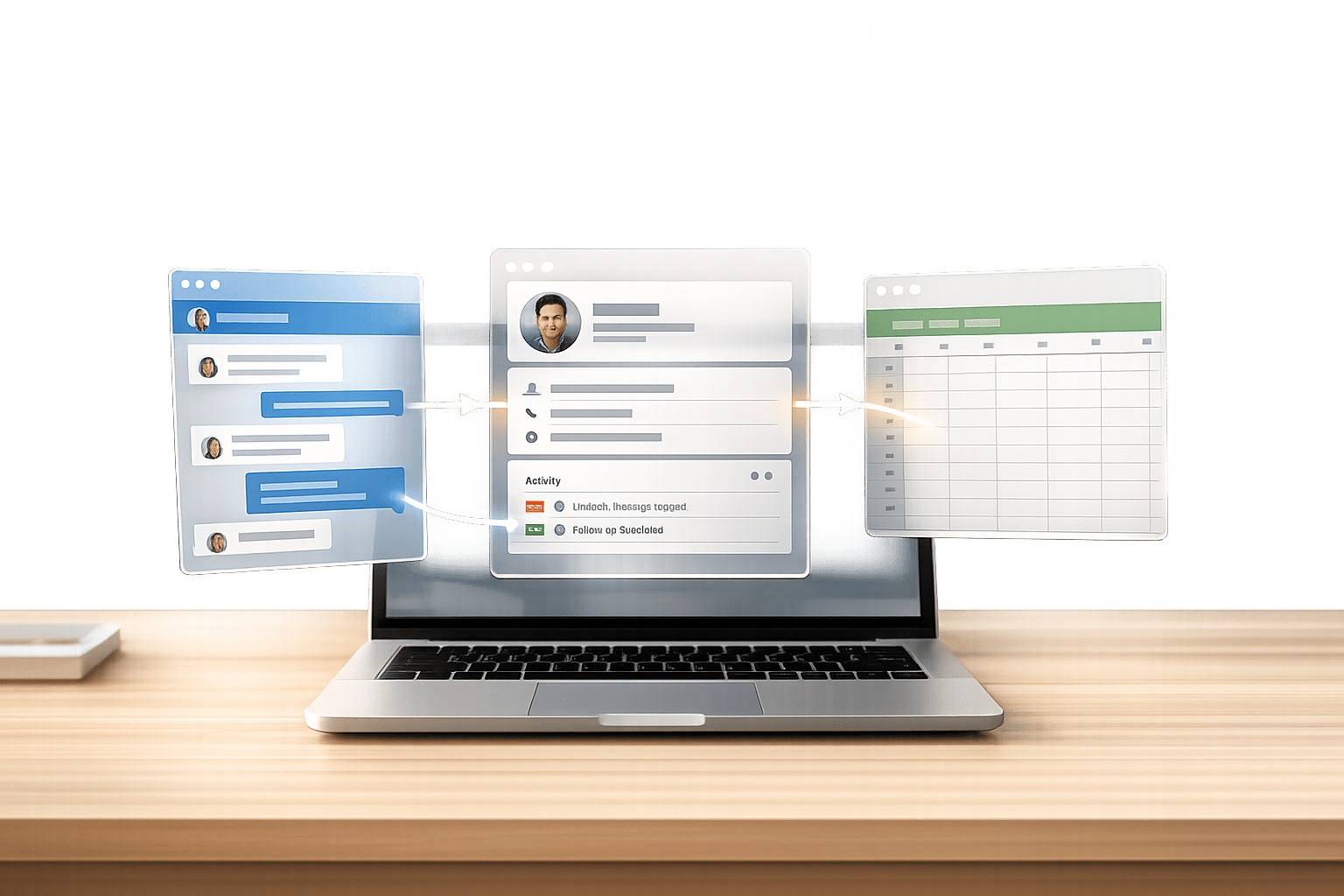
How to Sync LinkedIn DMs with Your CRM (Step-by-Step)
Step-by-step setup to sync LinkedIn DMs with HubSpot or Google Sheets via a native desktop app, plus troubleshooting and pricing.
-
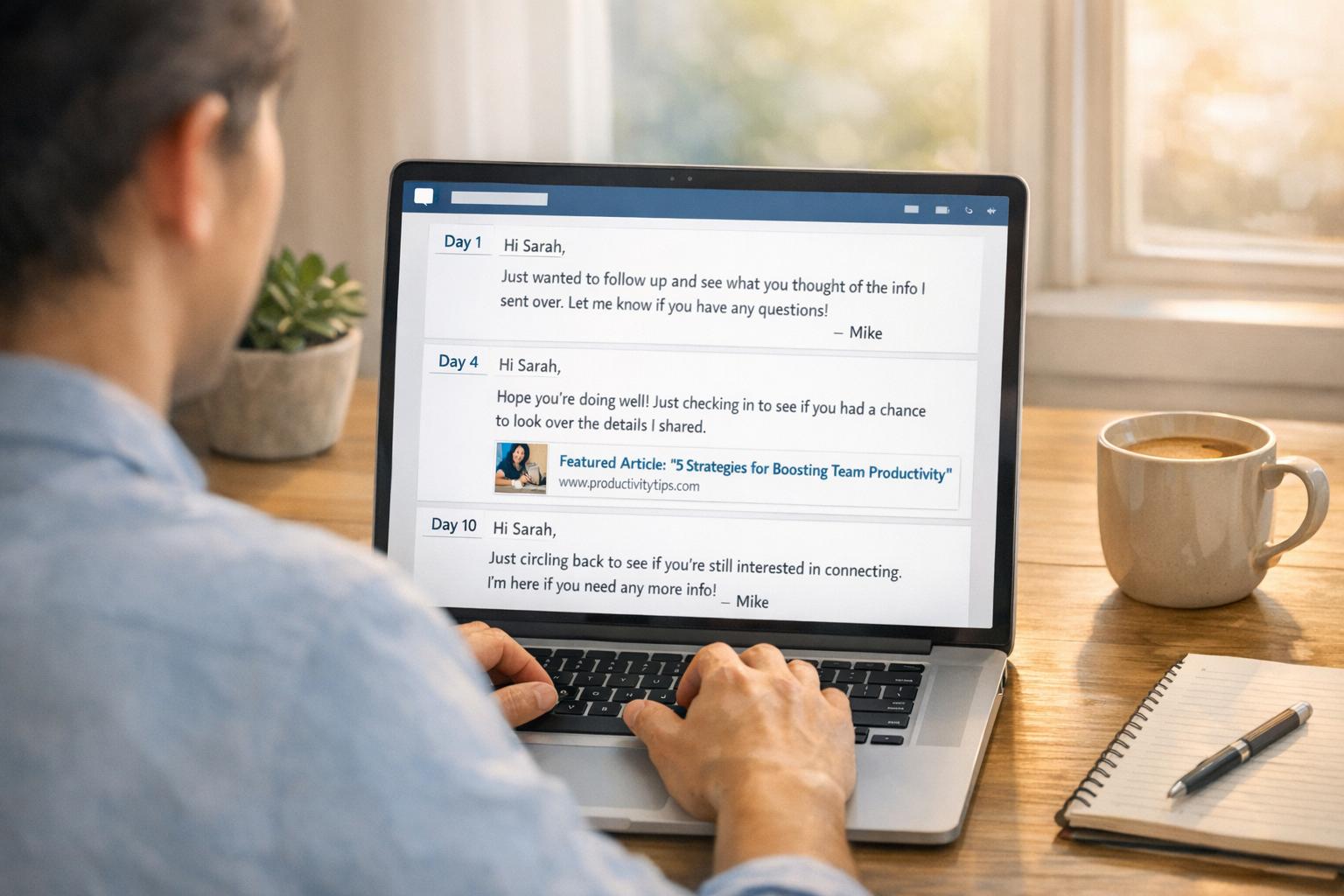
How to Follow Up LinkedIn Messages Without Being Annoying
Use timing, personalization, and value in a 3-touch LinkedIn follow-up (≤75 words) to boost replies without being pushy.